
Personal account
ARCA MONITOR / USER GUIDE
Notification preferences
Choose the notification categories and channels available to your account.
Open My Account → Notifications. Review each category separately:
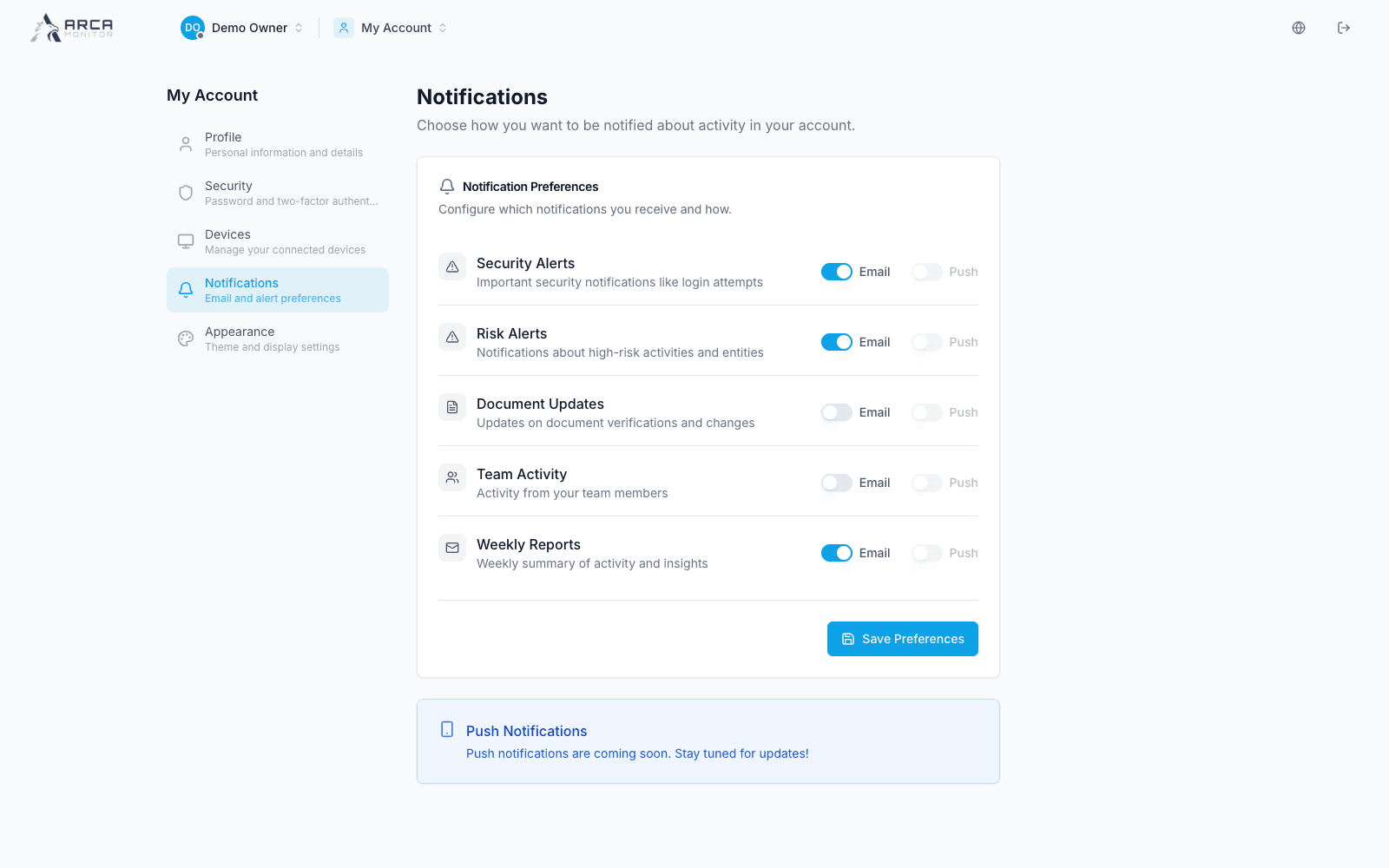
| Category | What the interface describes |
|---|---|
| Security Alerts | Login attempts and account-security activity. |
| Risk Alerts | High-risk activity and entities. |
| Document Updates | Verification and document changes. |
| Team Activity | Activity involving your team. |
| Weekly Reports | Periodic activity summaries. |
Choose the enabled channel controls, then select Save Preferences and confirm the result. The reviewed interface marks push notifications as coming soon. Do not assume that displaying a Push column means browser push delivery is available.
These are personal notification preferences. They do not replace workspace alert routing, case assignment, TAG channel membership, or webhook subscriptions. Changing a preference also does not resolve an operational alert.