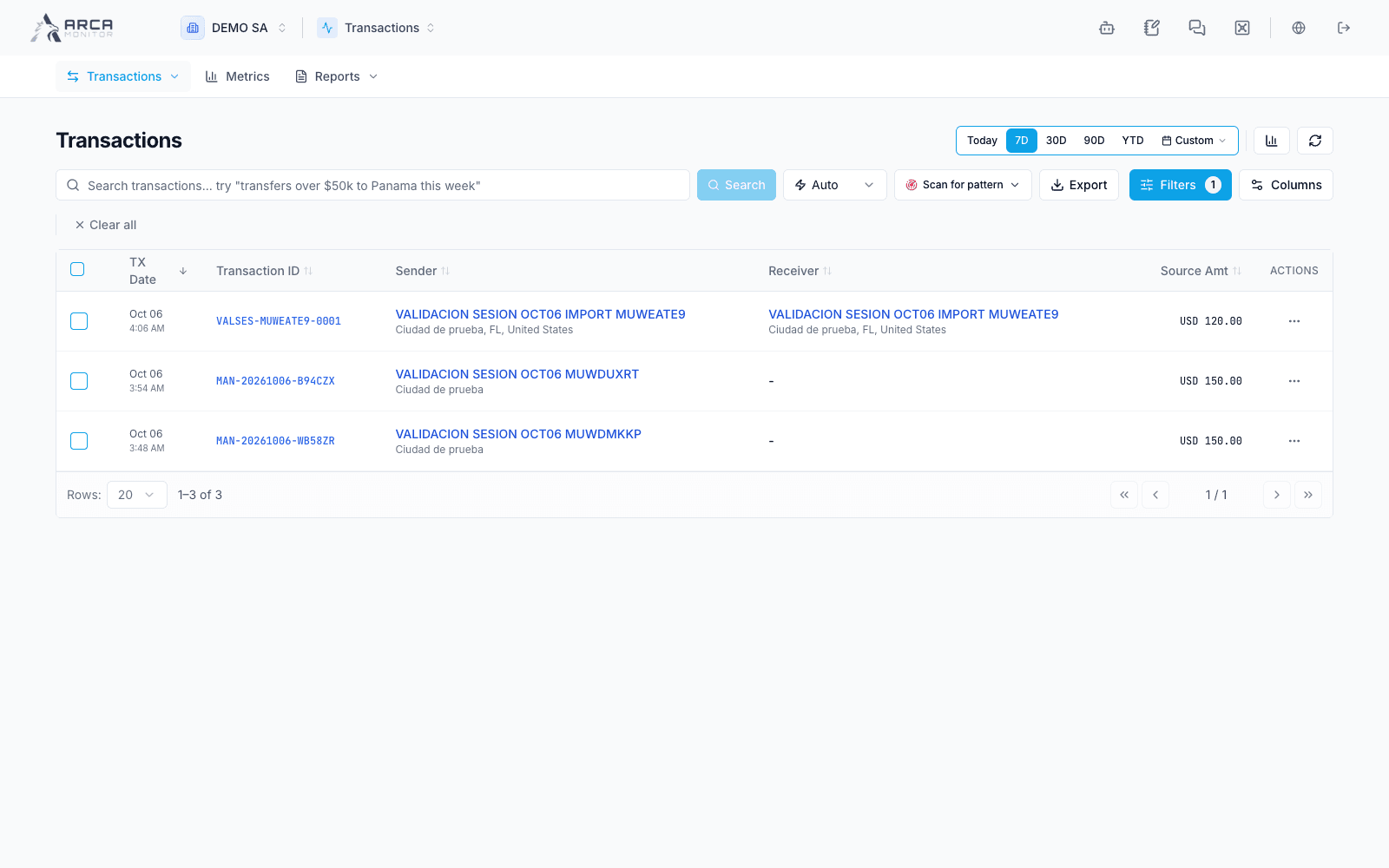
Transactions
Find, review and follow transaction records and their processing.
Transactions brings together the operation register, participant information, risk analysis, import history and period-based metrics. Select your workspace (DEMO SA in these examples) in the workspace selector and Transactions in the application selector.
Choose a working path
| Task | Navigation | Guide |
|---|---|---|
| Find an operation | Transactions → View all | Search and filters |
| Import a dataset | Transactions → Import | Import transactions |
| Follow an import | Transactions → History | Import history |
| Check processing | Transactions → Pipeline | Pipeline and analysis status |
| Examine one operation | Open its reference | Review a transaction |
| Assign work or request review | Record → Actions / assignment panel | Actions and follow-up |
| Enter an individual record | Authorized manual-registration form | Register a transaction |
| Analyze or export | Metrics / Reports / table export | Metrics and exports |
Product, transaction-type and corridor settings are administered in Governance → Operational settings. Use Transactions → Pipeline to inspect processing health and Transactions → History to review import outcomes.
Follow the record through review
A received record, a completed analysis, a recorded review action and an external payment outcome answer different questions. The detail example contains a pending analysis: its displayed zero score must not be interpreted as completed clearance.
Screens and controls
Transaction register with fictional operations