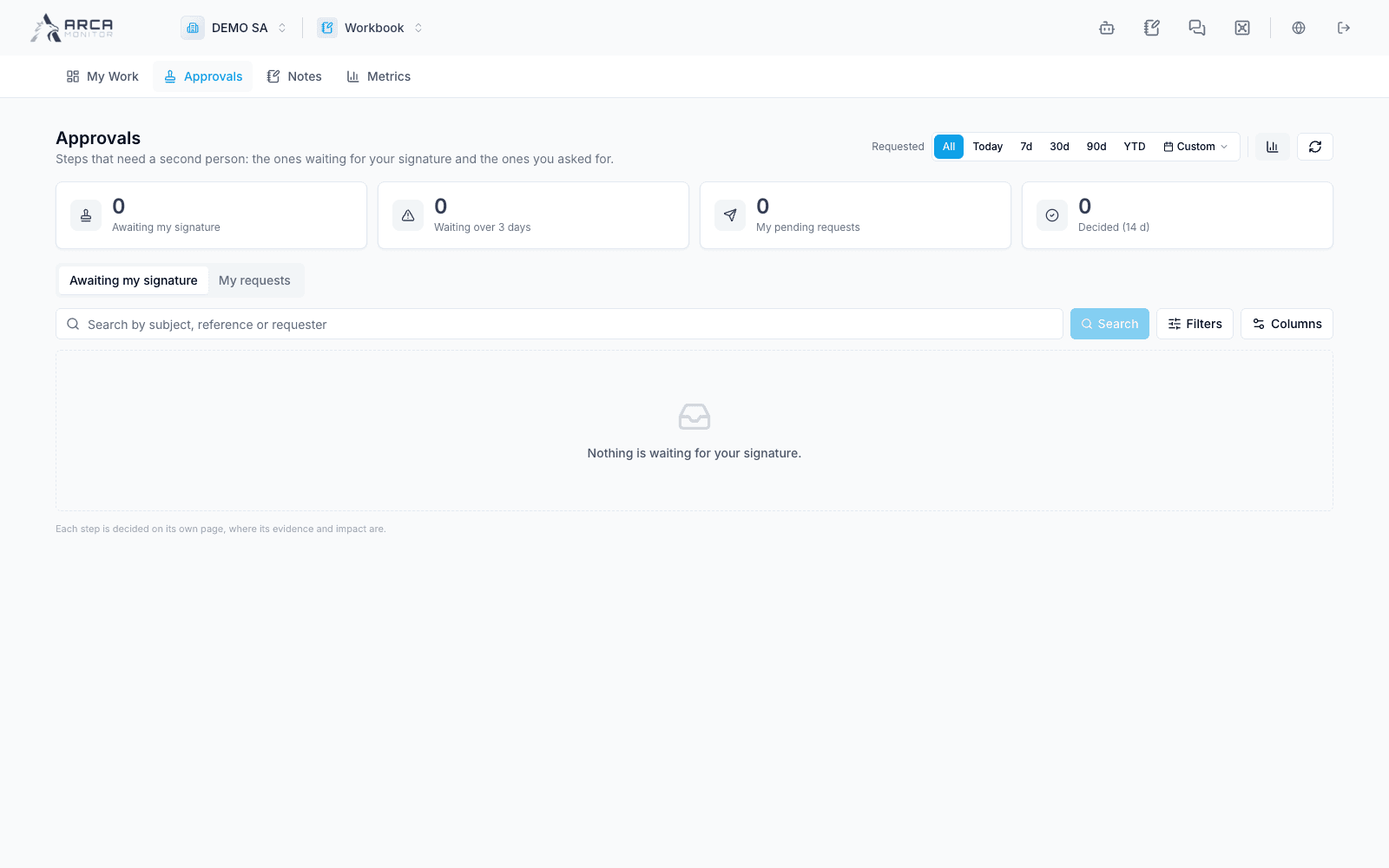
Work the approvals inbox
Find waiting signatures and decide from the original evidence.
Choose the correct inbox
Open Approvals. Awaiting my signature shows requests you can review; My requests follows proposals you submitted. The header badge counts waiting steps, not every open case or alert.
Search and stage the available filters, then apply them. Review type, subject, requester/decider, requested time, and current status. Requester filtering belongs to the waiting-signature inbox; outcome filtering is relevant to your requests.
Supported steps span profile changes, duplicate/homonym work, risk overrides, evidence and screening decisions, alert reviews/measures, exceptions, case reviews, SAR/EDD approvals, policies, and deliverable extensions. What you see depends on actual pending records and authority.
Review in context
- Open the row or its source link.
- Read the proposal and evidence in the owning application.
- Check whether you can decide independently and whether the proposal is still current.
- Approve, reject, or request the offered rework through that application’s controls, supplying the required reason.
- Return to Workbook and refresh; confirm the request outcome and the underlying record’s applied state.
The inbox itself does not provide a universal bulk approval. A row’s presence is not a substitute for evidence or a guarantee that you can approve your own proposal. If the source refuses a stale or unauthorized decision, resolve that requirement there.
When a request disappears from the awaiting inbox, check My requests where relevant and the source audit record before assuming it was approved.