Vault
ARCA MONITOR / USER GUIDE
Folders
Organize the documents visible to your account.
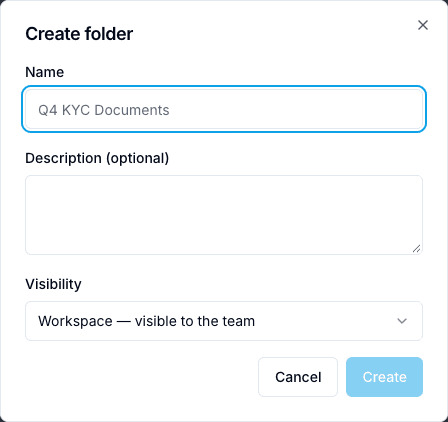
Open All Folders to see the folders you can access. Read each folder’s workspace/personal context, count and size, then open it and check the breadcrumb. New folder opens a named-folder dialog in the current location. Choose the destination first, enter a meaningful name and verify the resulting breadcrumb after creation. Identically named folders can be different objects; use their location rather than their name alone.
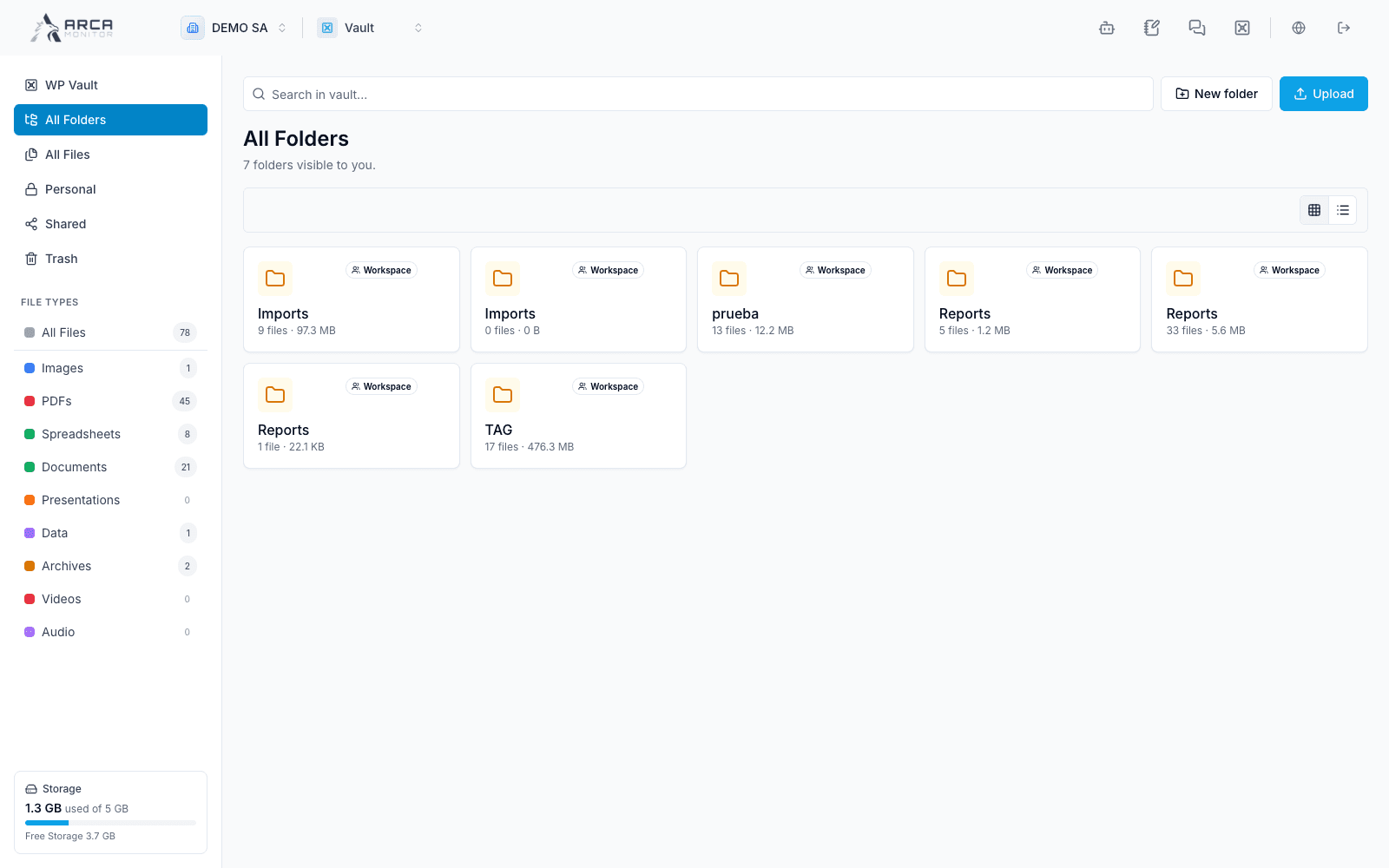
Screens and controls
Folder name, description and visibility