Build the evidence record
Link source records and retain documents in the correct case.
Establish scope in Summary
Confirm the primary subject, case type, description, priority, and responsible analyst. Review context already linked by the creation workflow. If a subject is missing or incorrect, use the available profile-linking controls and verify the identity before adding supporting records.
Add and review evidence
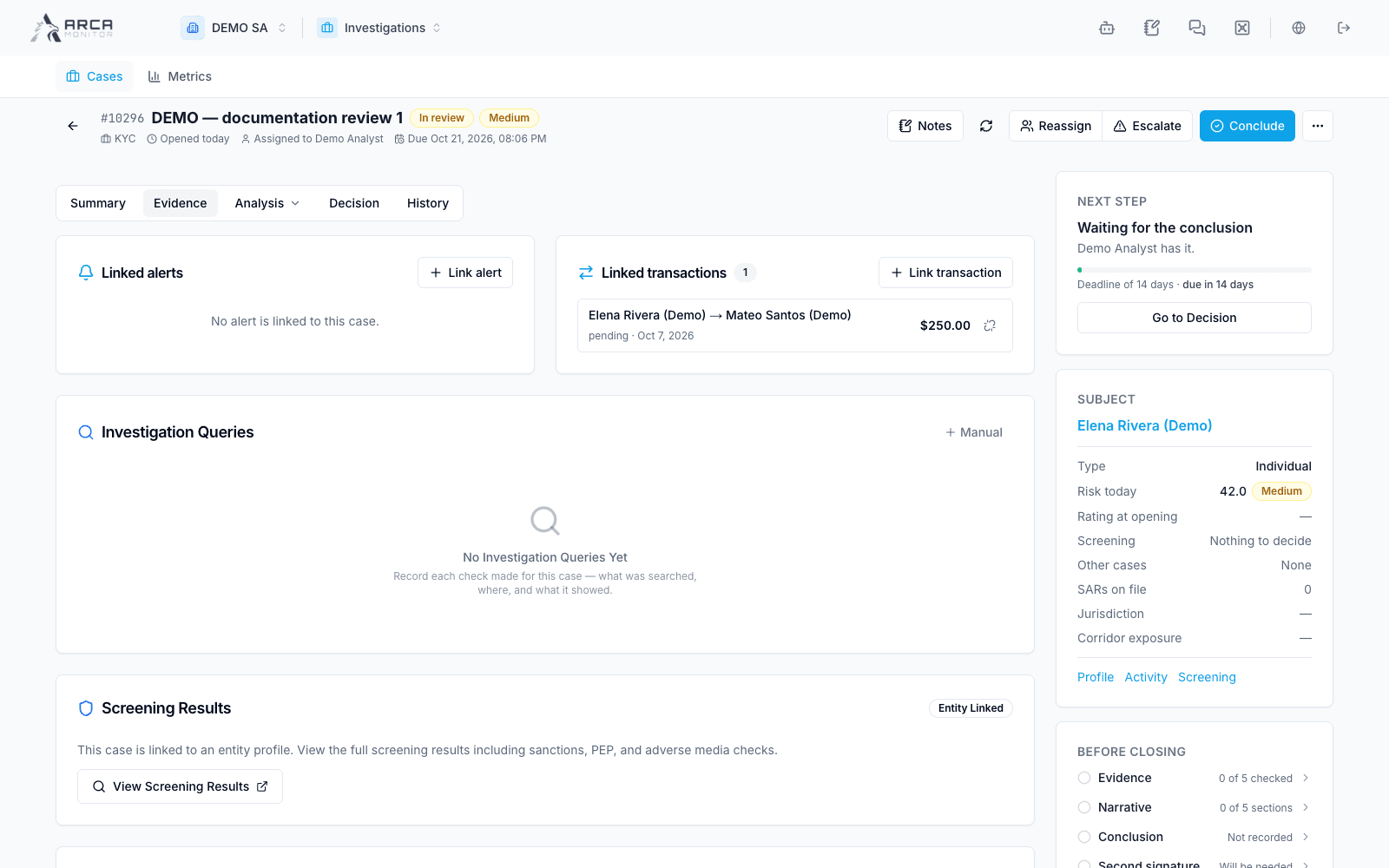
- Open Evidence and inspect the linked alerts and transactions.
- Use the appropriate link control, search for the intended record, and confirm its identifier, subject, and relevance before adding it.
- Open a linked record to read the original evidence; do not infer all details from a title or badge.
- Inspect attachments and Vault-linked documents. Use preview/open/download where available, and check version, source, and document content.
- Record your analysis in the case narrative or the associated Notes panel, keeping conclusions distinguishable from original records.
Linking an existing transaction to a case associates evidence; it does not register a new payment or change its execution status. Linking a document does not establish that its contents have been verified.
Record checks and complete the checklist
In Investigation Queries, select Manual to record a check you have actually performed. Choose its type, identify the system/source, describe what you searched, summarize the result, and indicate flagged findings when applicable. Save and confirm that the entry appears. This records your work; it does not execute an external search for you.
Complete Evidence Checklist items only after reviewing their supporting evidence. Add explanatory notes where needed and verify that each change saves. Use custom items for additional required work. If a save fails, retry before relying on the completion count for a closure decision.
Correct a relationship
Use Unlink only on the wrong association and read the confirmation identifying that item. Verify that it disappears from the case’s linked list. This operation removes the association; use the source app for any permitted correction to the underlying record.
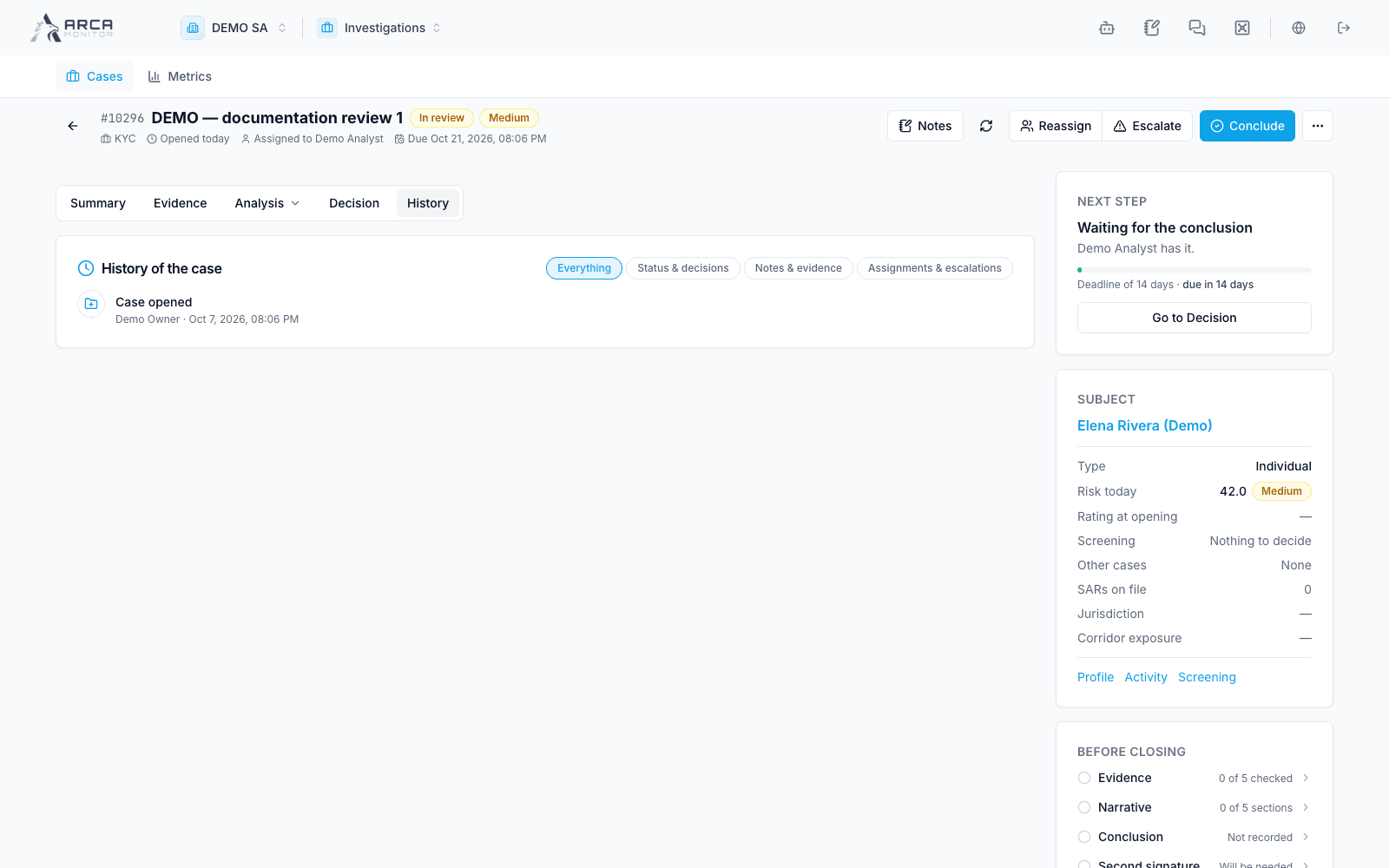
If a link cannot be opened, check workspace context, permissions, and record availability. Preserve the reference and ask the appropriate owner to restore access; an inaccessible record is not equivalent to no evidence. Read History to review the case’s recorded changes.