Create a profile
Use the registration wizard for the kind of entity you are adding.
Before creating a profile, search for the identity. An existing person or organization may already hold another business role. A second record is not a shortcut for adding context to the first.
Choose the entity
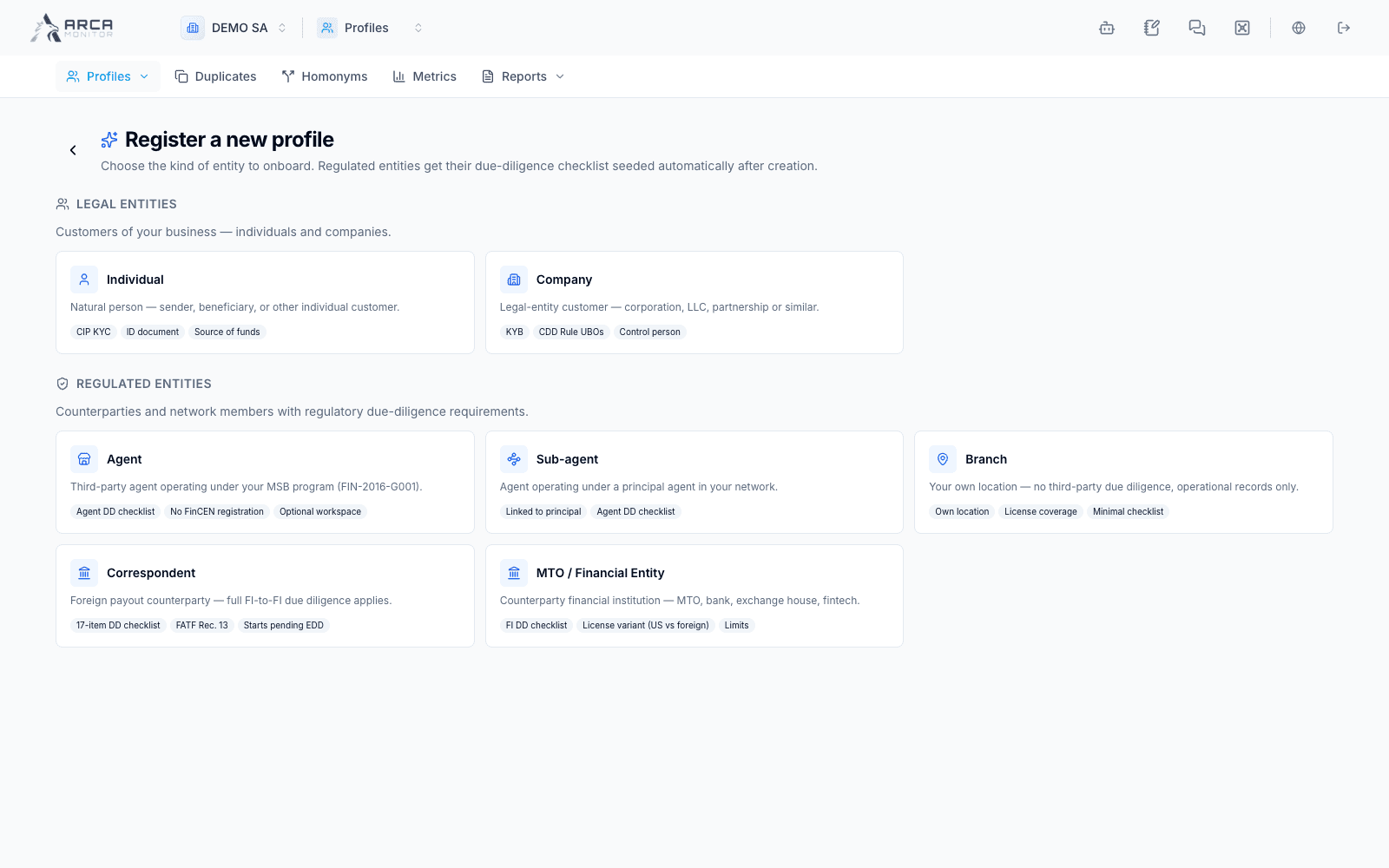
Select New Profile from the Profiles list. The registration hub separates people and companies from regulated or operational entities.
| Registration option | Intended record |
|---|---|
| Individual | A person. |
| Company | A company, including its ownership/control information. |
| Agent / Sub-agent | An agent relationship with the applicable operational details. |
| Branch | A branch or location linked through the requested parent context. |
| Correspondent | A correspondent with its due diligence requirements. |
| MTO / Financial Entity | A money transfer operator or other supported financial counterparty. |
Choose the option matching the source documentation. Required fields, parent relationships, and post-registration steps differ by entity.
Complete the wizard
Enter the source information
Work through the displayed steps and fields marked as required. Enter identity, contact, business, and operational information where applicable. Use the specified date and code formats. The wizard disables progression when the current required fields are incomplete.
Complete ownership and control where requested
For a company, provide the beneficial-owner and control-person information requested by the form. Review each person’s identity and ownership details. Follow the validation shown by your installation and your organization’s approved requirements; the form is not a substitute for determining the applicable obligations.
Review and submit
Read the review step and return to earlier steps to correct errors. Submit once and wait for the result. Server validation can reject a value even when the local step appeared complete. Correct the stated issue before trying again.
Verify the resulting record
Use the resulting profile link and confirm name, entity type, roles, and identifiers. Some regulated-entity registrations open a due diligence checklist after creation. Upload and review its evidence through the offered controls, or continue to the profile for follow-up.
Resolve partial outcomes
Creation and initialization of a due diligence checklist are separate operations. If creation succeeds but checklist loading fails, follow the created profile instead of registering the entity again. Read any creation notices and confirm what actually exists before retrying.
A created profile is not automatically KYC-approved, screened, or operationally active. Continue with KYC and documents and Pre-registration where relevant.
Screens and controls
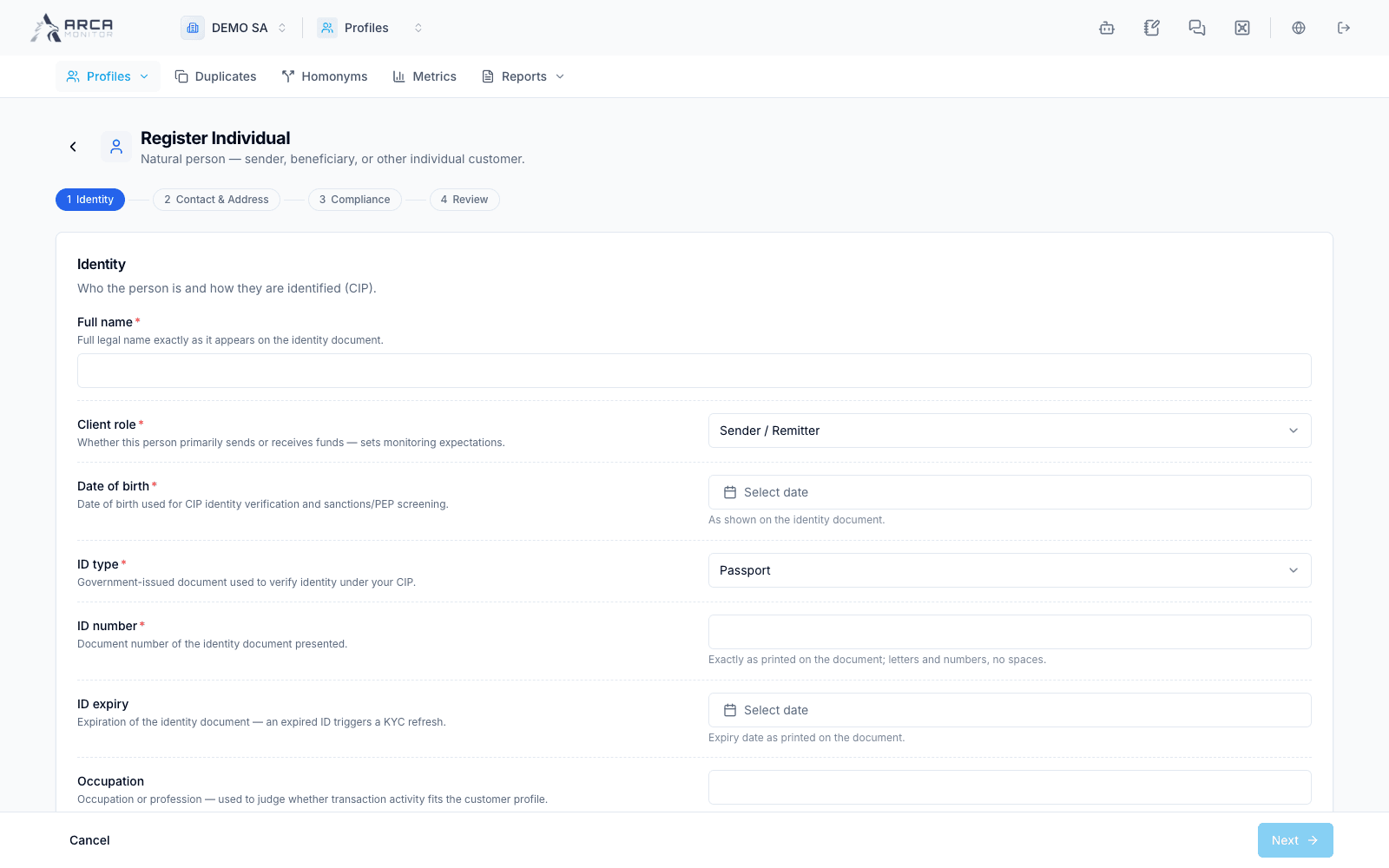
Individual: legal identity and birth details
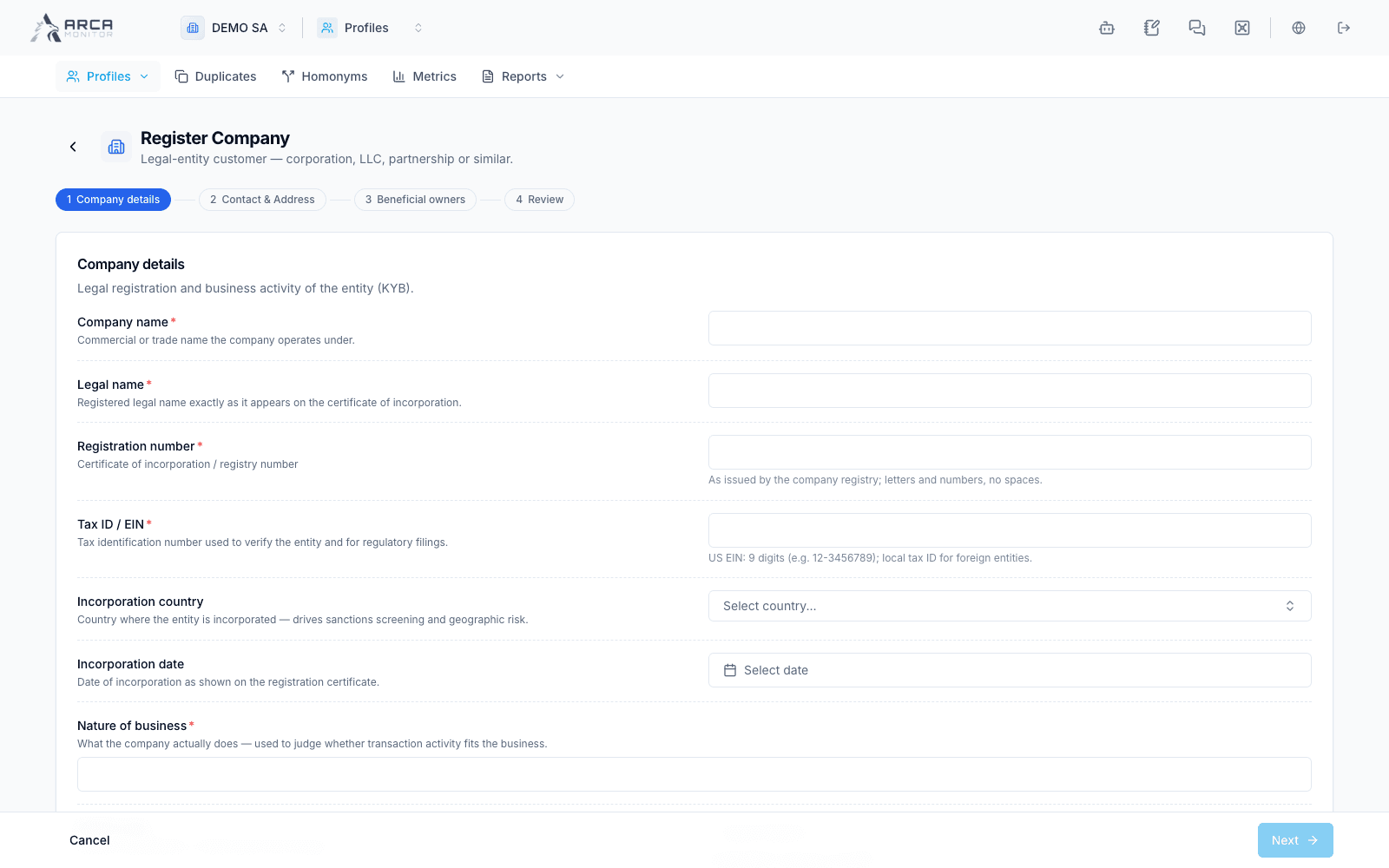
Company: legal registration, tax ID and business activity
Agent: entity identification and business relationship
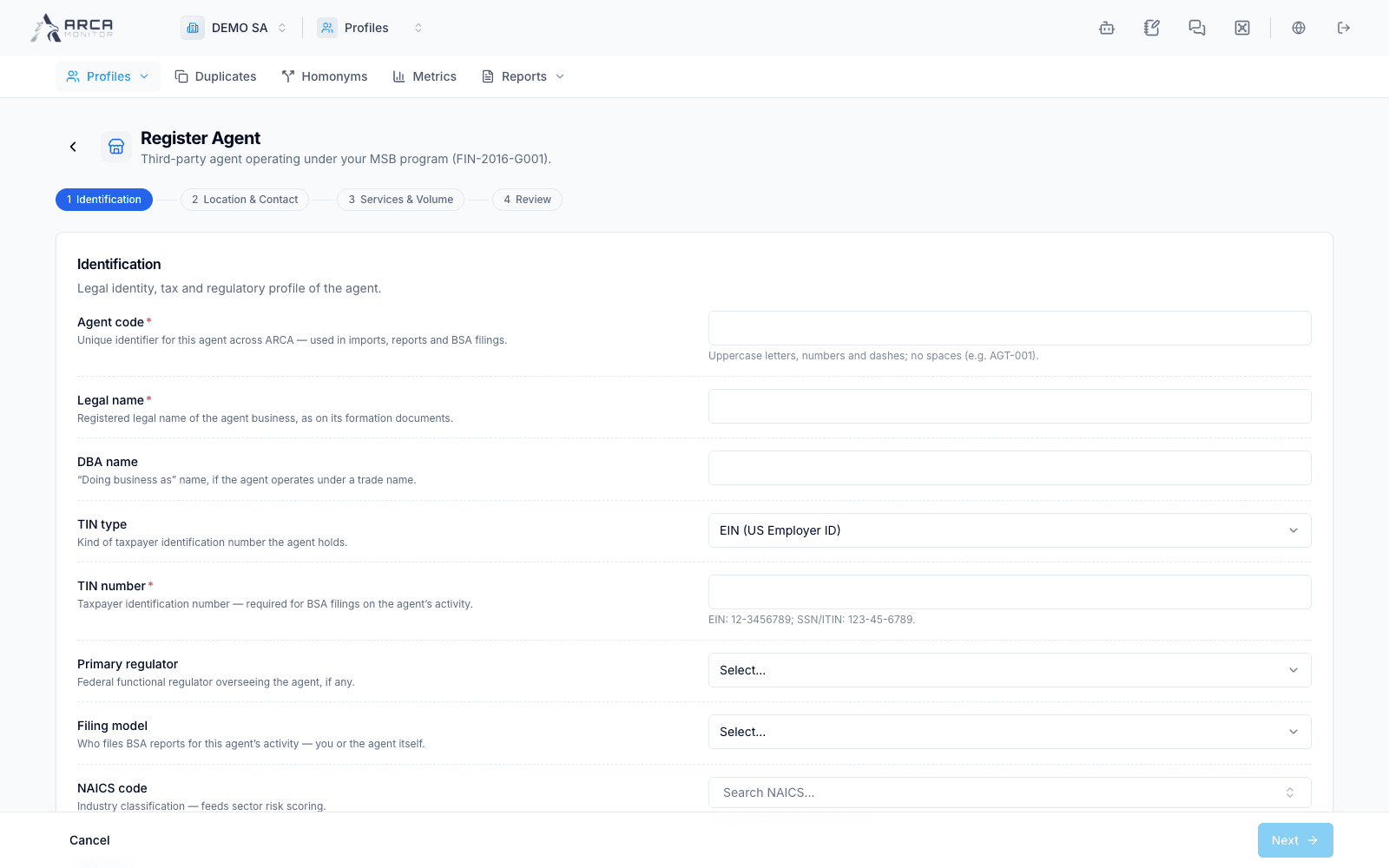
Sub-agent: identification and parent relationship
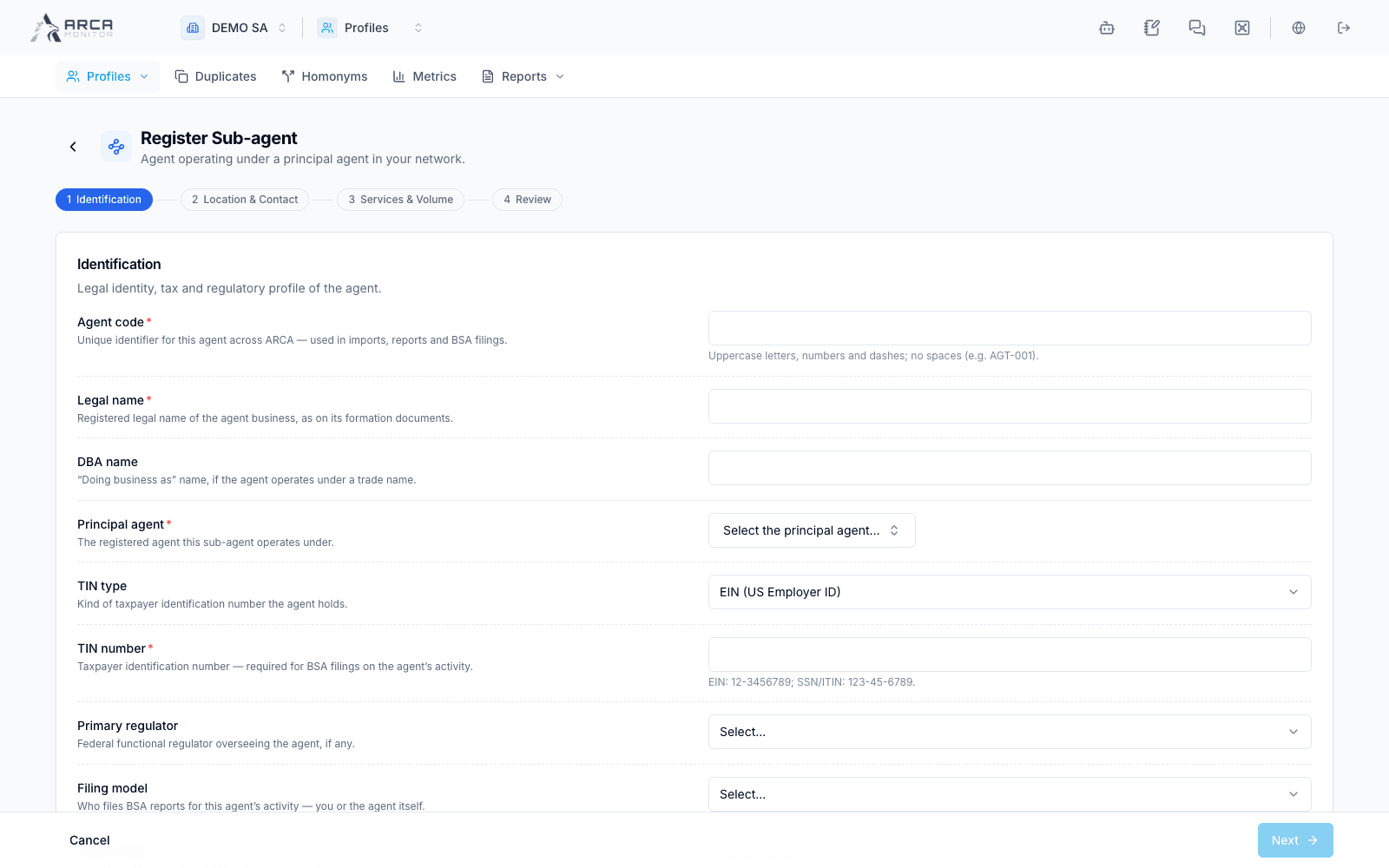
Branch: location and parent organization
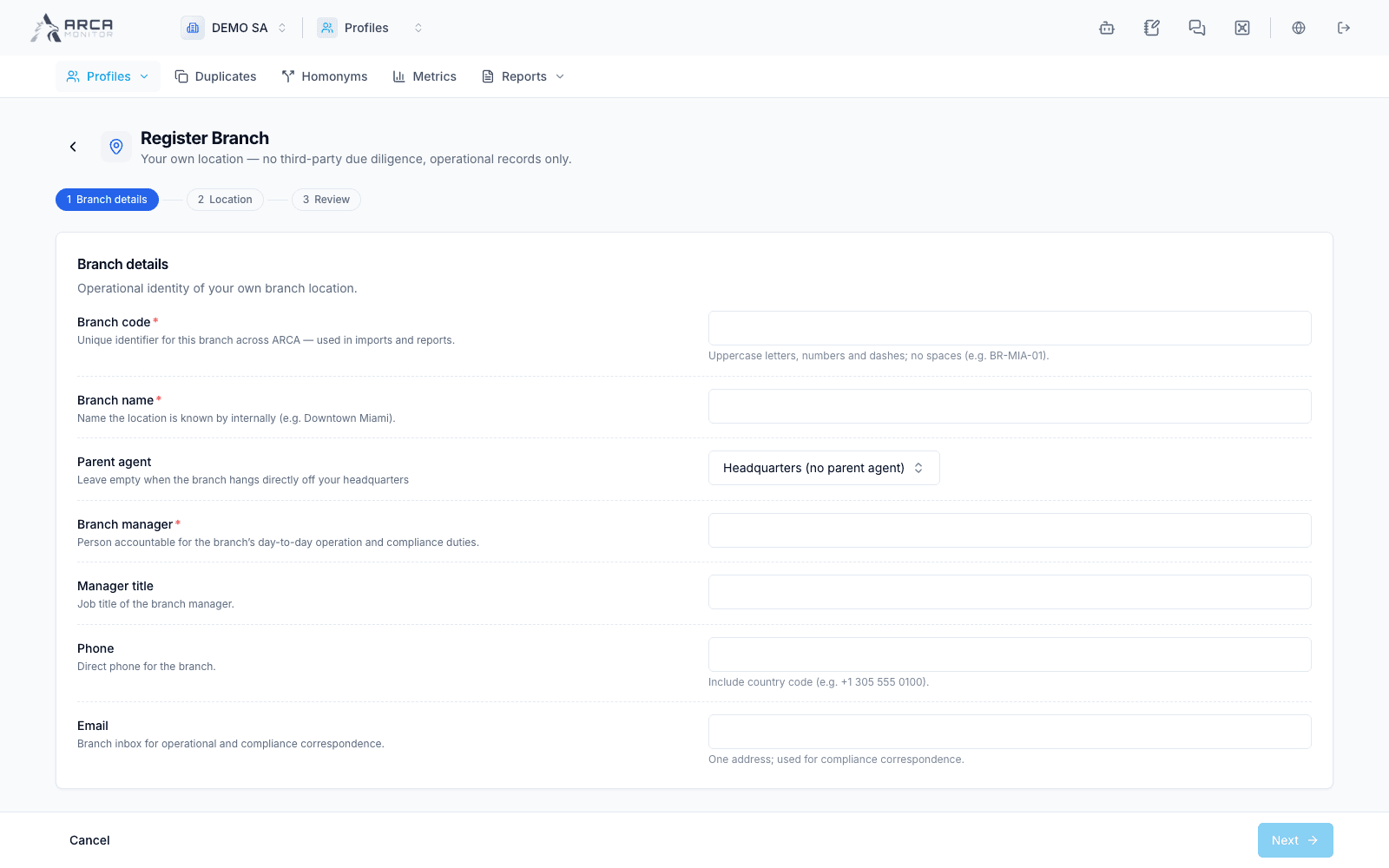
Correspondent: entity and due diligence context
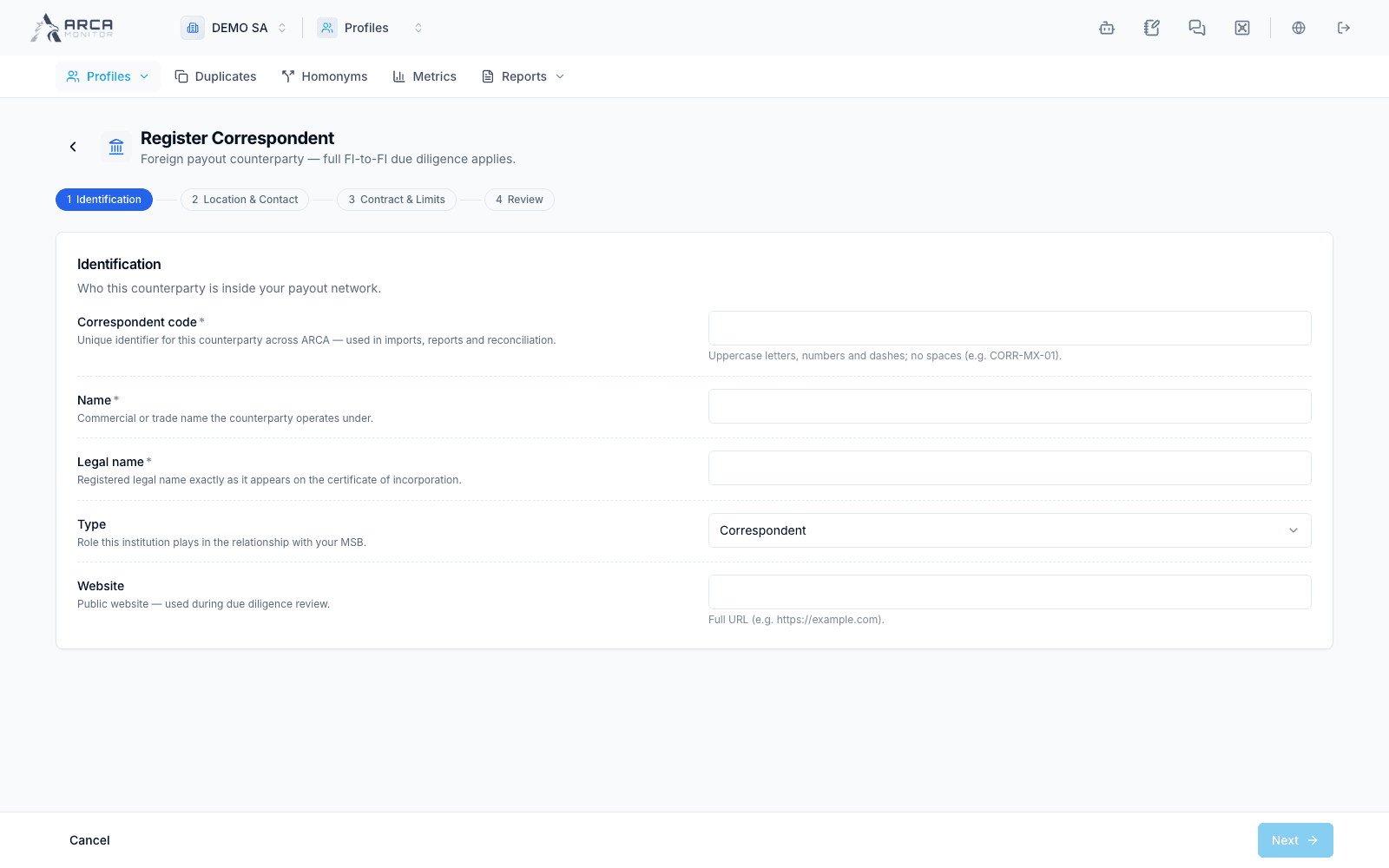
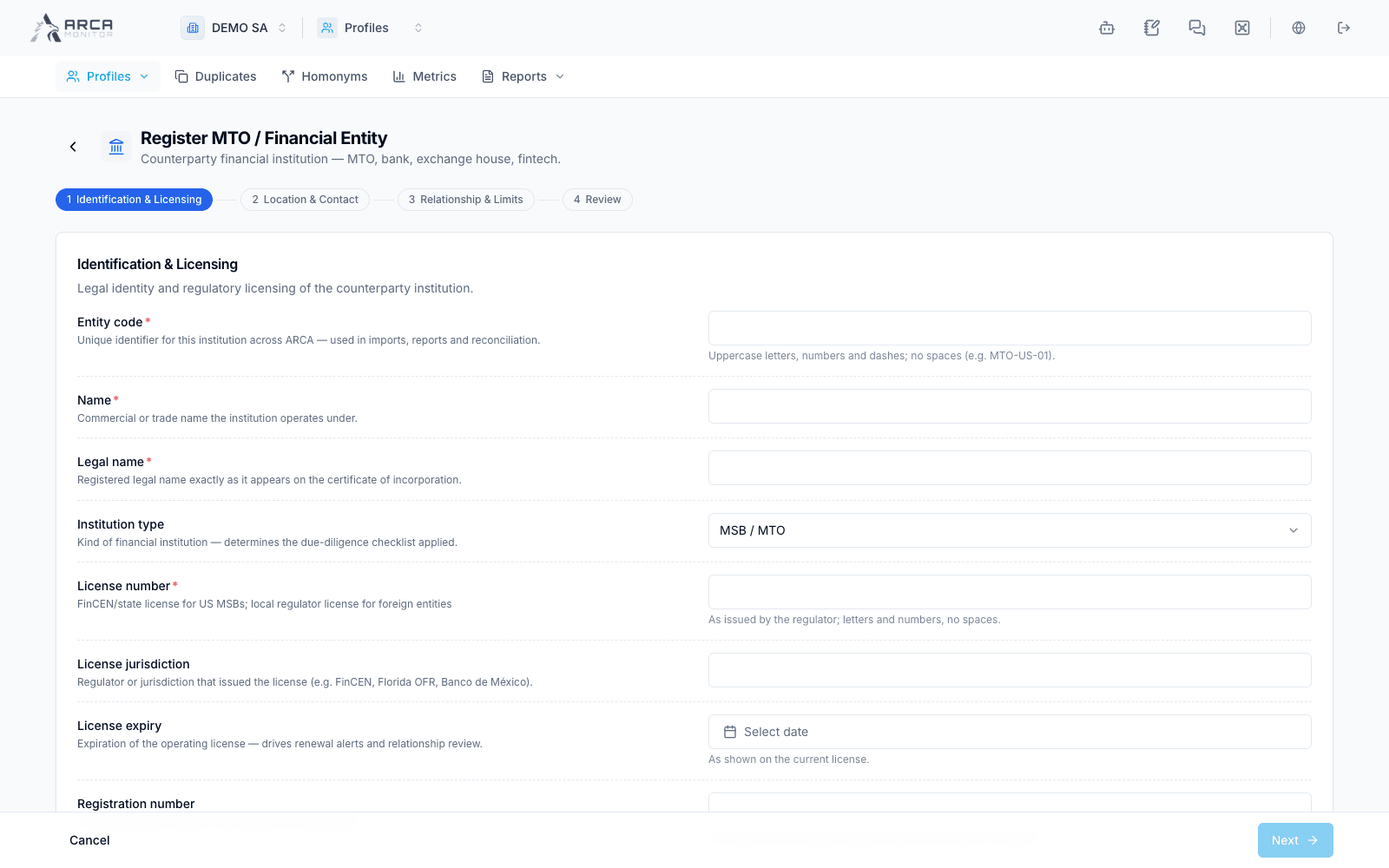
Financial entity: regulated counterparty information