Vault
ARCA MONITOR / USER GUIDE
Files and upload
Check destination, upload limits and resulting files.
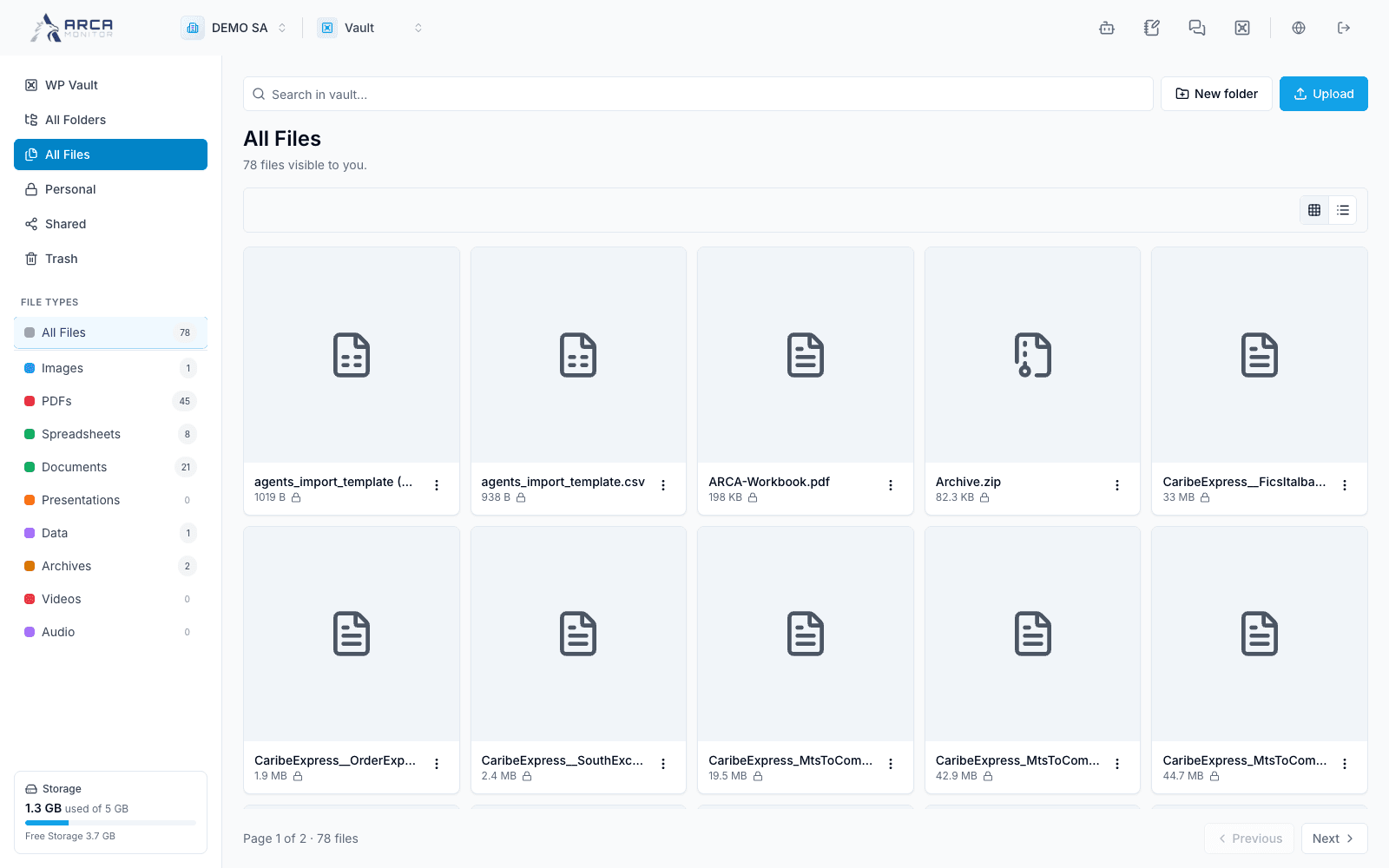
Open All Files or a specific folder, then use the file-type filters when useful. Inspect the filename and size before previewing or downloading. Confirm that the content belongs to the intended record before using it as evidence.
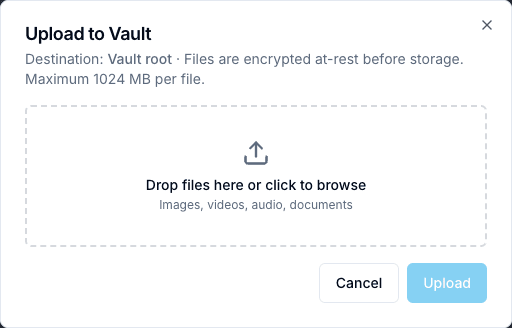
For upload, choose the destination and Upload. The dialog states the destination and the current maximum of 1024 MB per file. Select or drop files, review the pending selection and submit once. Wait for the resulting entries and inspect any error. Uploading a document does not verify its contents, complete KYC or attach it to every related case automatically.
Screens and controls
Upload destination and file limit