Exceptions and second signatures
Propose, simulate, review, and retire exact false-positive rules.
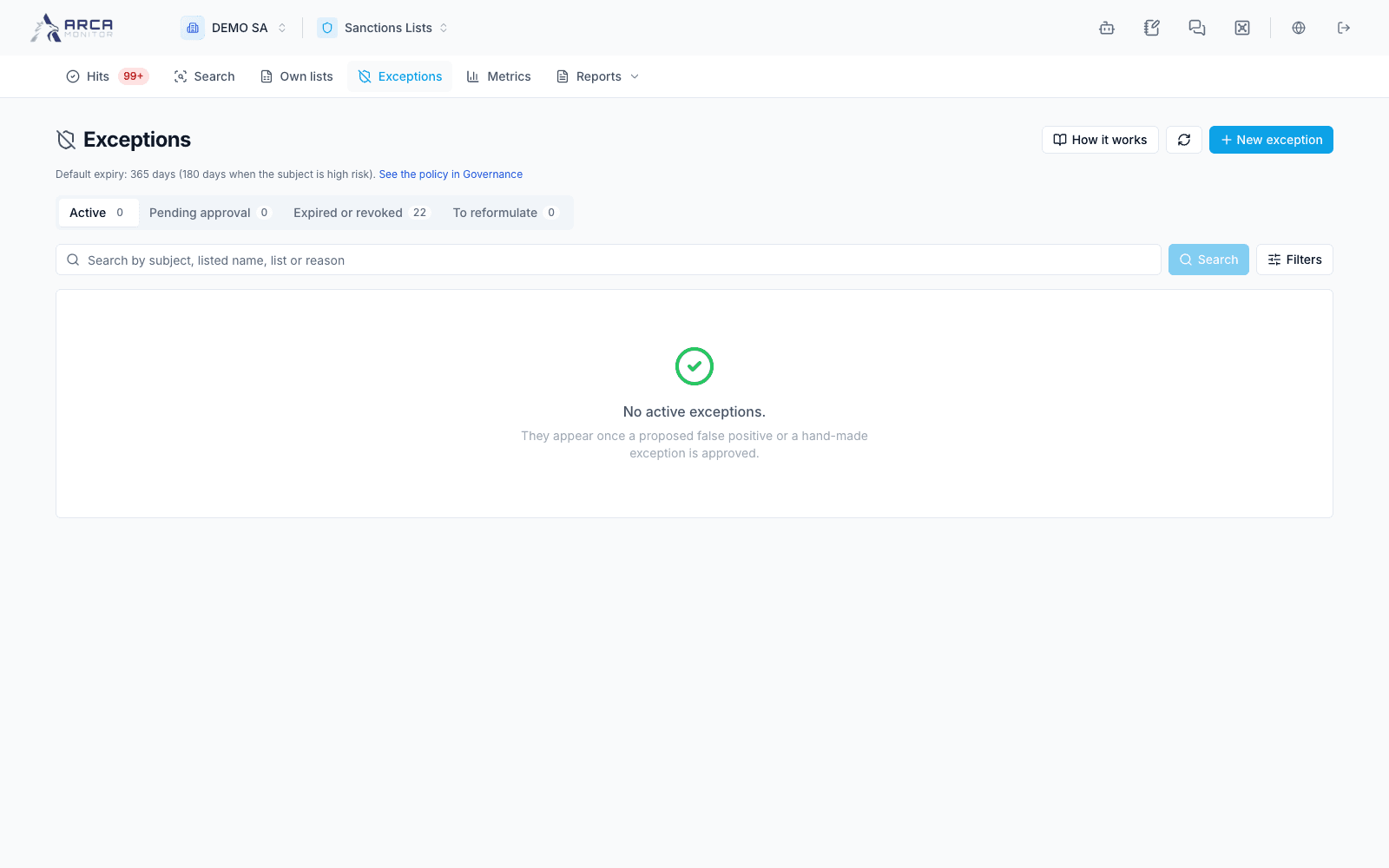
Open Exceptions. An exception is an exact rule intended to prevent a previously analyzed false match from recurring. It has a scope, lifecycle, and expiry; it is not a general clearance for a customer.
Choose an exact scope
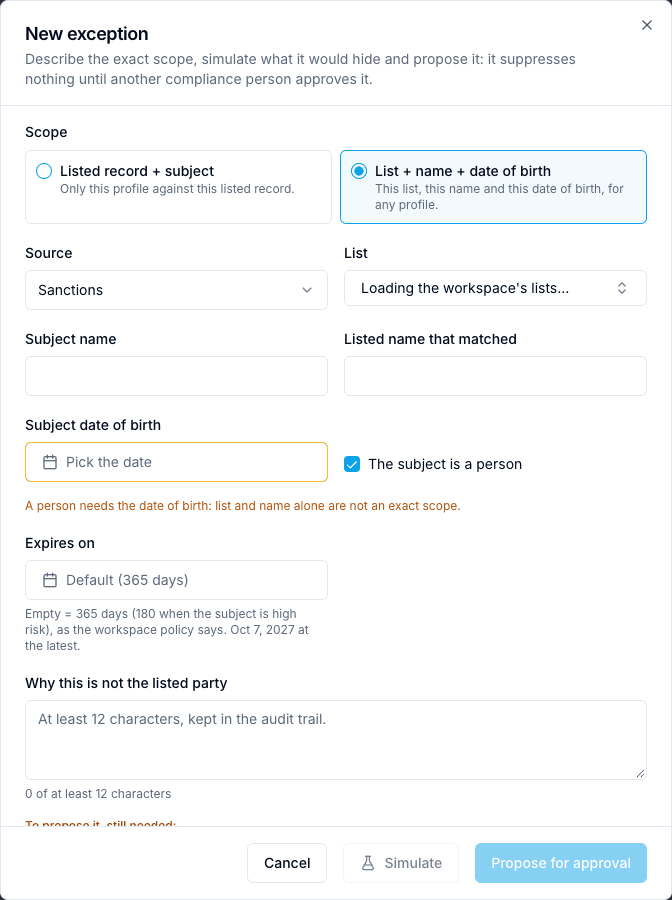
A rule can target one profile against one listed record, or an exact scenario defined by list, subject name, birth date, and listed name. Review the source and identifiers carefully. Do not broaden a rule merely to eliminate an inconvenient queue.
The engine applies sanctions and PEP exceptions. Adverse-media rules can be recorded but do not currently suppress media results. Ordinary own-list hits are outside this false-positive suppression path.
Propose and simulate
- A false-positive decision on a linked match can create a rule proposal. Open the rule offered by the result message and check its status first.
- For a manual proposal, choose New exception, select scope and source, and identify the exact subject/record or scenario.
- Enter the reason and expiry allowed by workspace policy. Follow the displayed minimum rationale and any shorter high-risk expiry.
- Submit and use Simulate to inspect affected open and historical hits and the sample. If the simulation is capped, its count is limited to the stated candidate set.
- Follow the proposal under Pending approval and obtain an eligible independent review.
A normal pending proposal suppresses nothing. A false-positive decision already approved through the required second signature may produce an active exception directly; inspect the returned status instead of proposing a duplicate.
Review, expiry, and reformulation
An authorized reviewer checks the evidence, simulation, scope, and expiry before approving or rejecting with a comment. The proposer cannot approve their own rule. Use the allowed rejection action to withdraw a pending proposal when appropriate.
Follow Active, Pending approval, Expired or revoked, and To reformulate. The closed group also retains rejected or invalidated rules. Revoke ends an eligible rule early with a reason; do not expect an undo action.
Material changes to subject/listed information can invalidate an exception. Once it ends, future screening can return the match again. Policy changes apply to new rules rather than silently extending previously approved expiries.
Legacy entries under To reformulate no longer suppress by their old broad scope. Propose an exact replacement for independent approval, or dismiss the legacy entry with a reason. Neither action proves that the underlying subject has been cleared.
Screens and controls
Exact scope, expiry and reason before proposing an exception