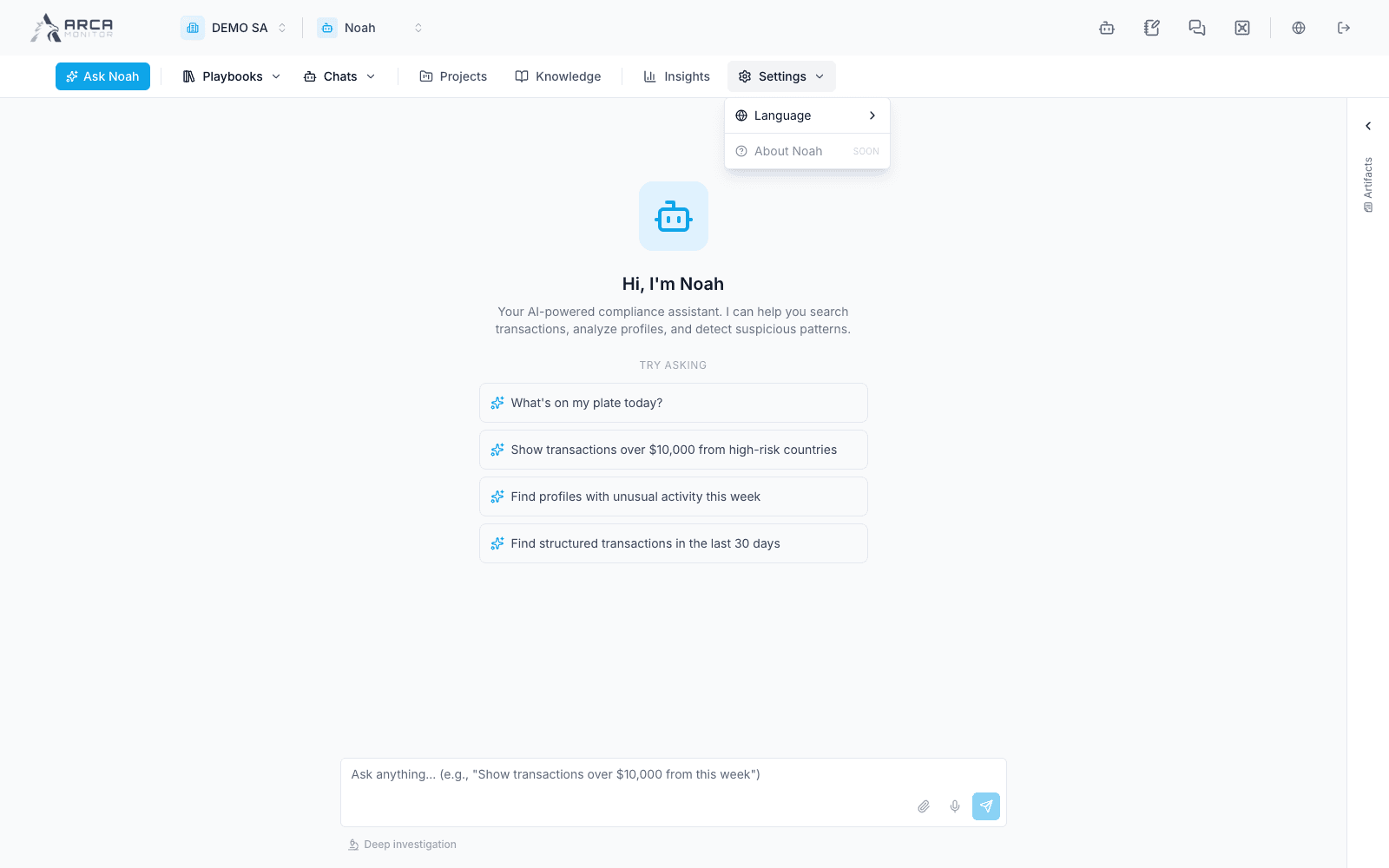
Chats, history, and language
Resume the correct session, export a conversation, and select Noah’s language.
Start or resume
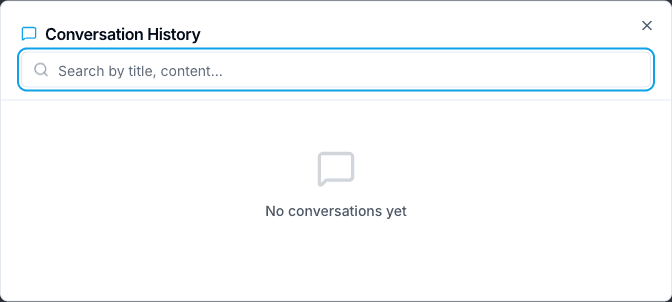
Use Chats → New consultation to begin with a fresh conversation context. Use Chats → History to return to an existing session. Check its title, language, and timing before selecting it.
The history dialog loads sessions progressively. Its search filters the sessions already loaded; if an older conversation is absent, load/scroll further and try again before concluding it does not exist. Selecting a session opens its conversation, not a new execution of every previous tool.
Retain or delete a conversation
Use the history row’s export action to retain a conversation. The current flow attempts PDF and can fall back to HTML if PDF export is unavailable. Check the downloaded format and contents. A transcript records the conversation; verify operational claims against their original records.
Deletion asks for confirmation and is irreversible in this UI. Check the session before accepting. Deleting chat history does not undo source-app changes made by earlier executed tools.
Select the language
Open Settings → Language and choose English or Español. This controls Noah’s workbench language; it is a separate setting from choosing the documentation language. Ask for the desired response language explicitly if the conversation’s context mixes languages.
Some adjacent pages retain English controls. A language change does not translate source documents or existing record content. Keep original identifiers and quoted source context recognizable when continuing a bilingual investigation.