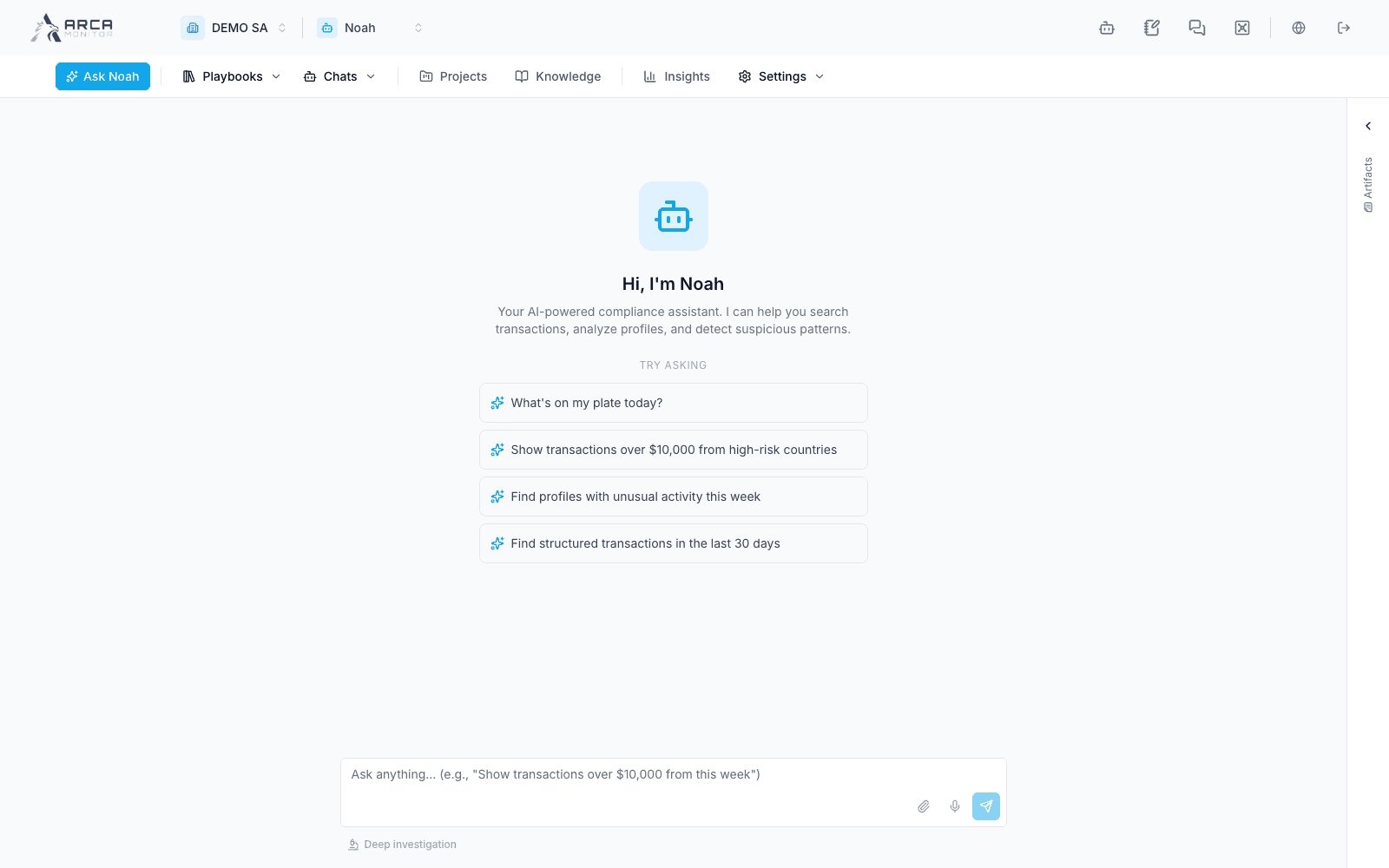
Ask and verify a consultation
Write precise requests and distinguish answers, proposals, and executed tools.
Ask a useful question
- Open Ask Noah and confirm workspace and any attached record context.
- Enter the record identifier or a precise subject name, date range, and question. For example: “Summarize the triggering transactions for alert [ID] and identify missing evidence before a disposition.” Replace placeholders with actual identifiers.
- If adding a file, inspect its upload result and intended relevance before submitting. A chat attachment is separate from a formally uploaded case document or Knowledge reference.
- Send the query and follow progress. Read any tool cards, execution timeline, evidence, or generated artifacts that actually appear.
When the request is for analysis, say what output you need and whether you are asking for a recommendation or an operational action. Do not assume a broad request is read-only.
Review the answer
Check subject identity, period, filters, supporting records, and any limits on coverage. Open the source record to validate important claims. A partial tool failure can leave an incomplete answer; resolve it before treating the answer as comprehensive.
For a proposed action that displays confirmation, read the exact target, parameters, and effect before choosing Confirm or Cancel. Confirmation does not grant permissions or replace a separate approval required by the source app. Inspect the execution result and then the actual record state/audit.
Recover without duplicating work
Stop/cancel generation when you need to interrupt the response, but do not assume it rolls back tools already completed. After interruption or an error, inspect the record before asking again for a change. If provider access or a tool is unavailable, keep the record reference and continue the manual workflow in its app; an unavailable result is not proof of no risk or no data.