
Analyze activity and relationships
Use the two Analysis views to test a case hypothesis.
Activity
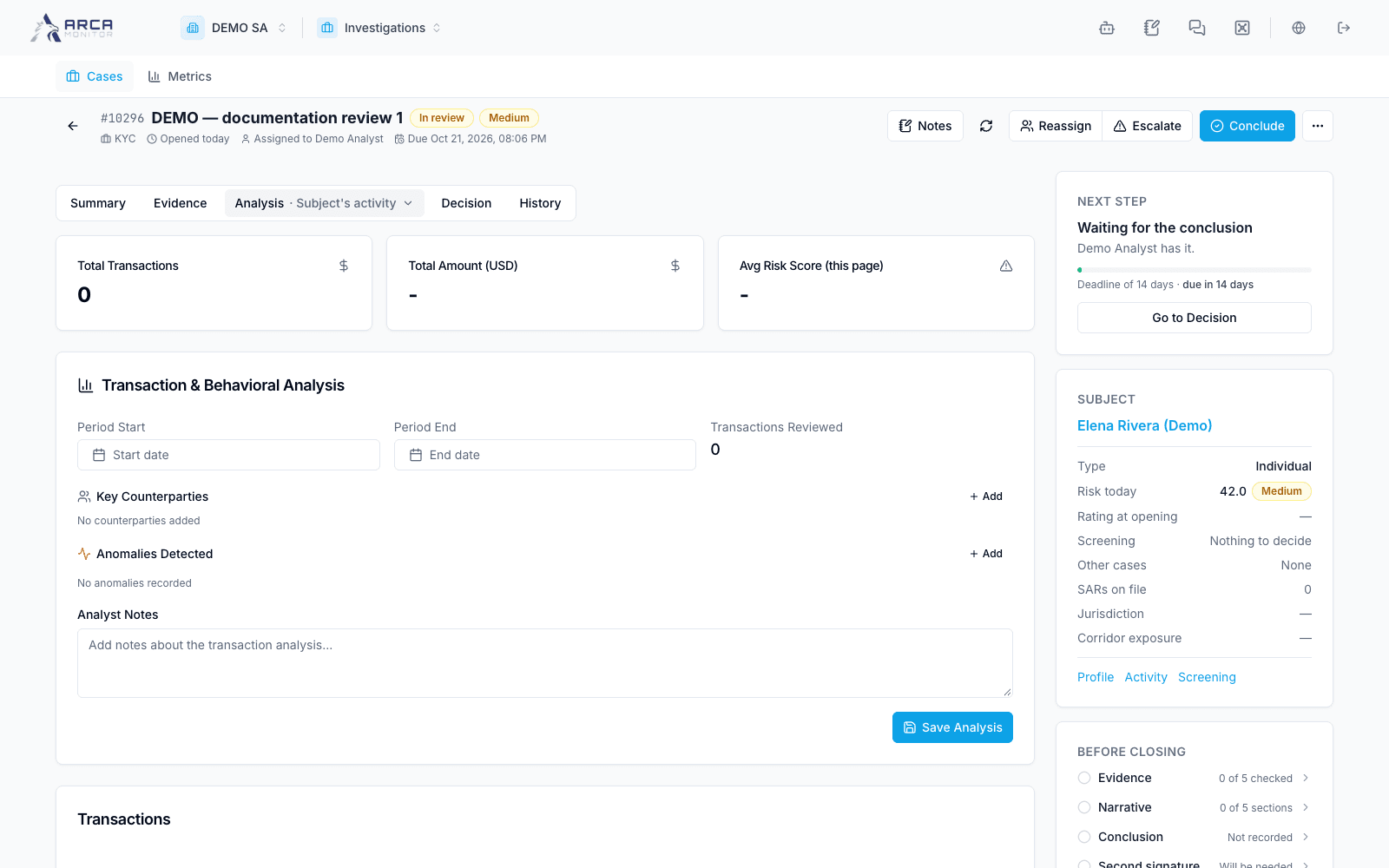
Open the case and choose Analysis → Activity. Inspect the available transactions and their time, amount, currency, participants, and status. Use the view’s available filters and open the original operation for detail. State the actual period and population supporting your conclusion; a filtered list does not represent all historical activity.
Compare what you observe with the case’s question. For example, several operations involving a shared party can justify examining that relationship; the count alone does not establish suspicious intent. Capture the relevant references and describe both supporting and contradictory evidence.
Relationships
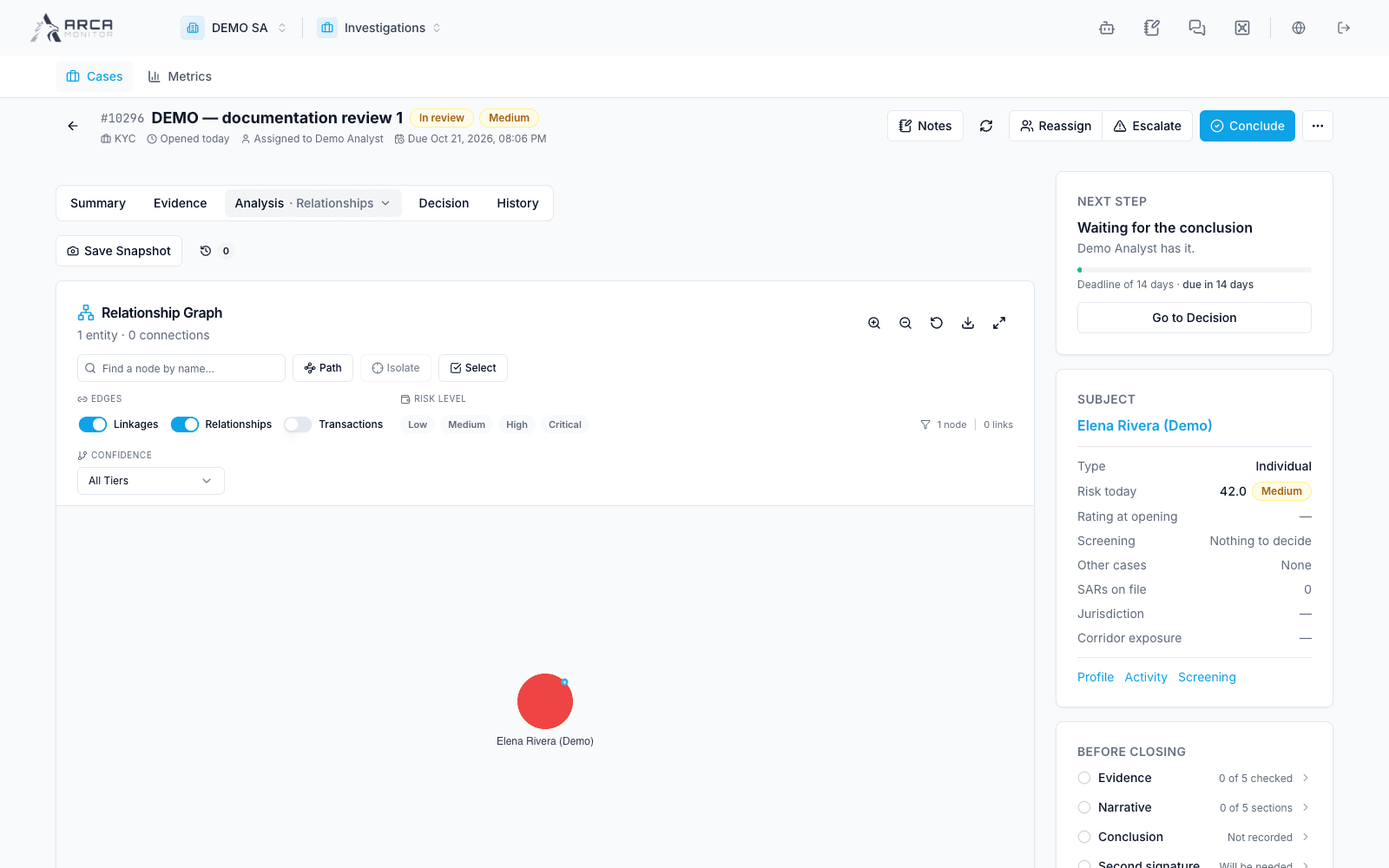
Choose Analysis → Relationships to load the graph. Inspect the selected node and relationship context before following it to a profile or transaction. Distinguish a connection supported by an underlying record from your interpretation of its significance.
If the graph is sparse, confirm the subject and linked data. Missing relationships can reflect available data or access, not proof that no relationship exists. Keep a written account of the connection used in your reasoning so the conclusion remains understandable outside the graph.
Carry findings into Decision
Write the scope, findings, limitations, and supporting identifiers in the narrative. Save the text before leaving. A visual exploration or generated narrative is not a saved case conclusion. Move to Decision and closure when evidence is sufficient, or continue gathering support in Evidence.