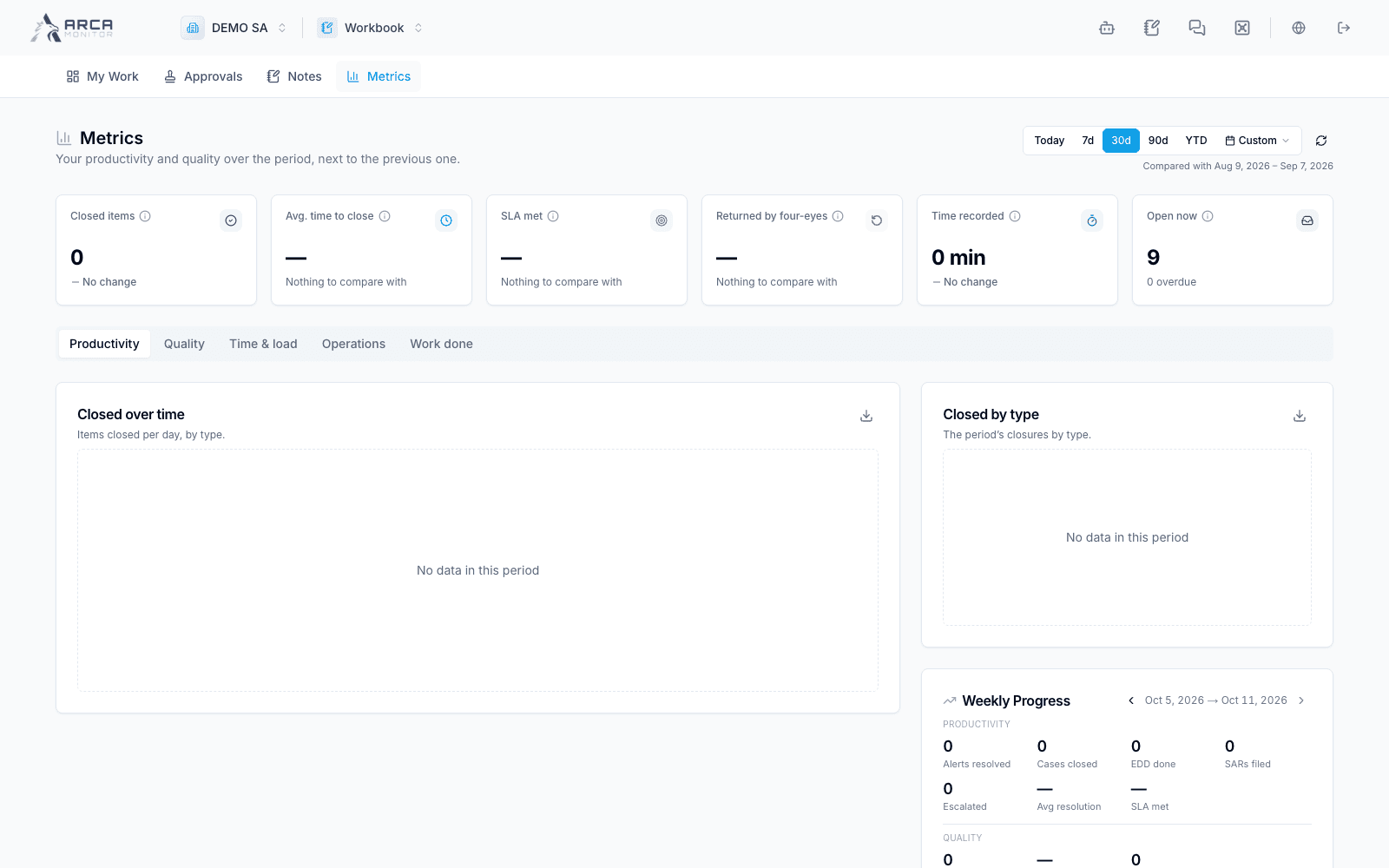
Review personal and team metrics
Inspect productivity, quality, time, operations, and completed work with the right scope.
Open Metrics. Choose the period and your own scope. Authorized managers can also choose a team or individual analyst; selecting a colleague is a permission-controlled view, not a way to access their private notes.
Read each view
| View | Question it helps answer |
|---|---|
| Productivity | What work was completed in the period? |
| Quality | What do recorded quality checks and review outcomes show? |
| Time & load | How long did the measured work take? |
| Operations | What operational activity was recorded? |
| Work done | Which underlying completed items support the measures? |
| Analysts | How does workload/performance compare across the permitted team? |
Use Work done filters and source links to inspect the items behind totals. The Analysts view moves to team scope. Confirm period and person after switching views, especially when opening a saved link.
Interpret and follow up
Compare like periods and populations. A low count, empty quality panel, or missing timing does not by itself establish poor performance; inspect the available evidence and assignment context. Queue backlog and completed-work metrics measure different populations.
If team access is refused, return to your own scope. Retry failed panels rather than reading them as zero. The current interface keeps weekly feedback hidden; it is not a required step in this Metrics workflow. For an operational issue, open the underlying item or coordinate with the authorized supervisor.