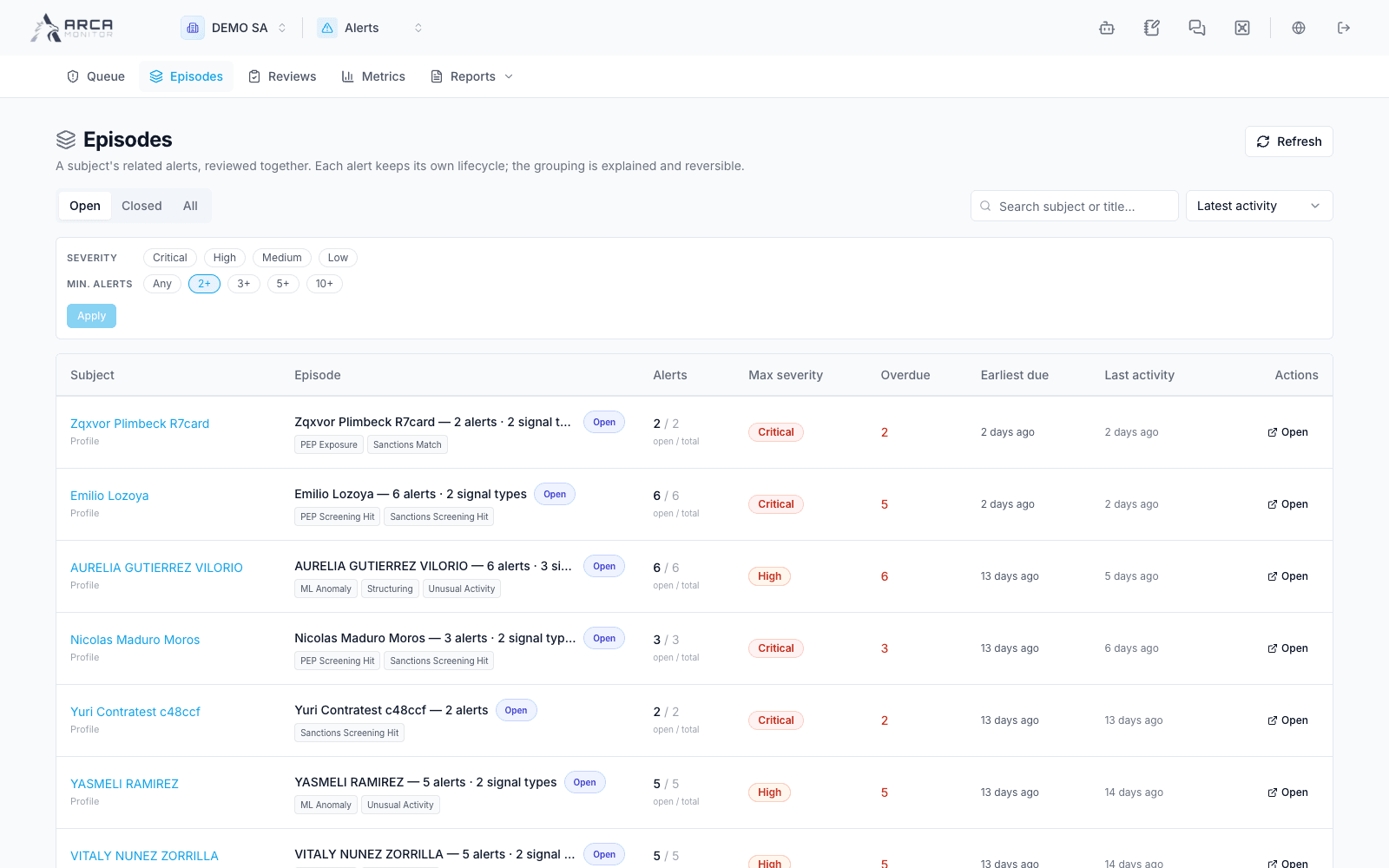
Review alert episodes
Review related signals together without losing individual outcomes.
Open a group
Choose Episodes, or select an episode badge in the queue or alert detail. Review the subject, group status, linked alerts, and the reason each relationship exists. Open individual alert evidence when the summary is insufficient.
An episode helps coordinate related signals. Each member alert keeps its own status, assignment, required investigation, and decision controls. Closing one member does not prove that the rest are resolved.
Act on the intended alerts
- Review the open alerts and any material-change/activity information.
- Select particular alerts to narrow the action. With no selection, episode actions target all open alerts; read the target count before continuing.
- Use assignment, escalation, or disposition only after checking that the rationale applies to every target.
- Read the per-alert result. Failed items stay selected; refresh and resolve their individual refusal before retrying.
Use the episode’s case-creation path when the related signals belong in one investigation. Verify the returned case and the alerts actually linked to it. If a relationship is incorrect, Detach requires the applicable authority and an explanation; detaching changes group membership, not the underlying alert’s truth or disposition.
Confirm the result
Review the activity record, member statuses, and links after an action. If new evidence arrives, return to the affected alert rather than relying on a previously read episode summary.