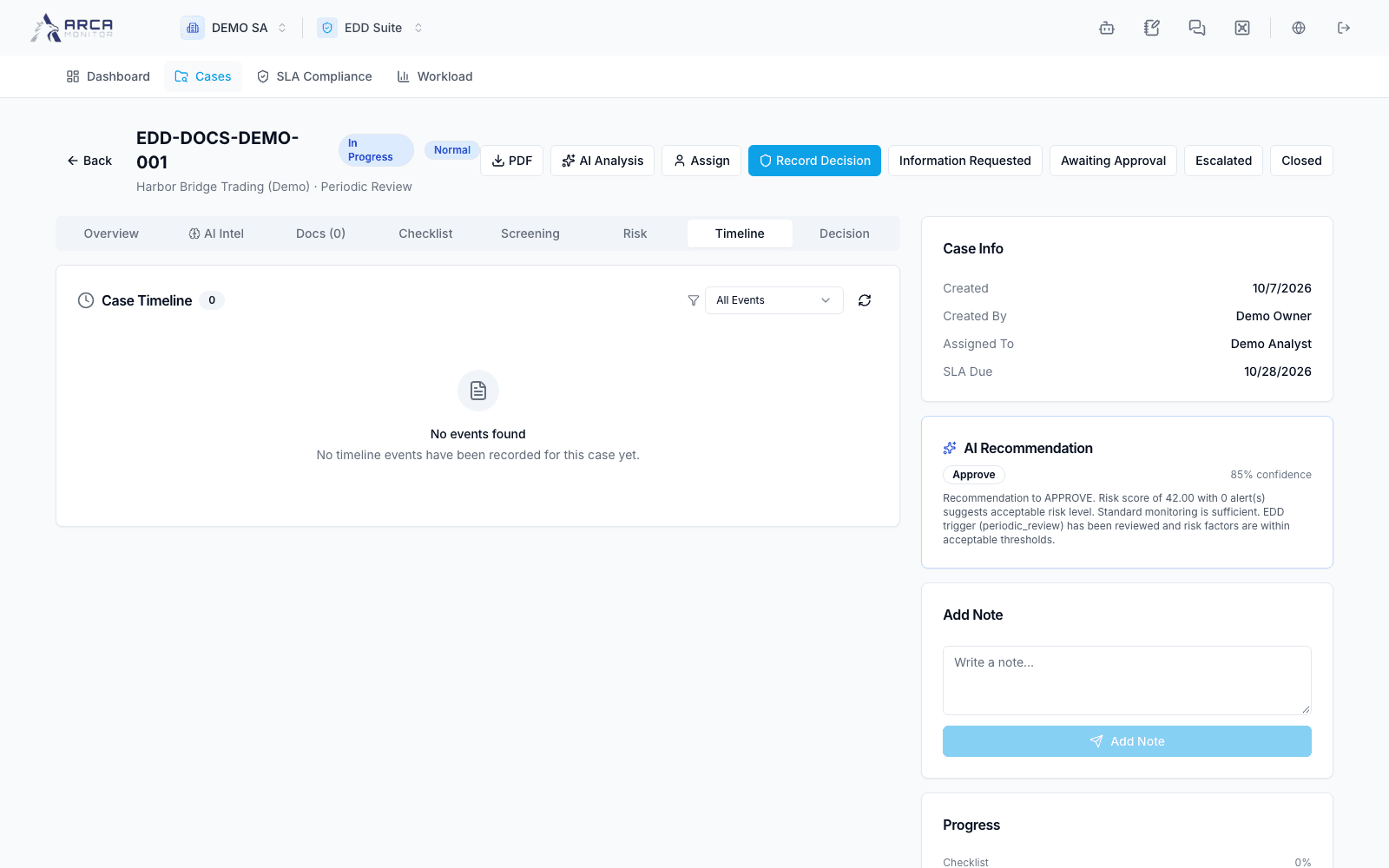
Decision, approval, and follow-up
Record the result and check senior approval and monitoring instructions.
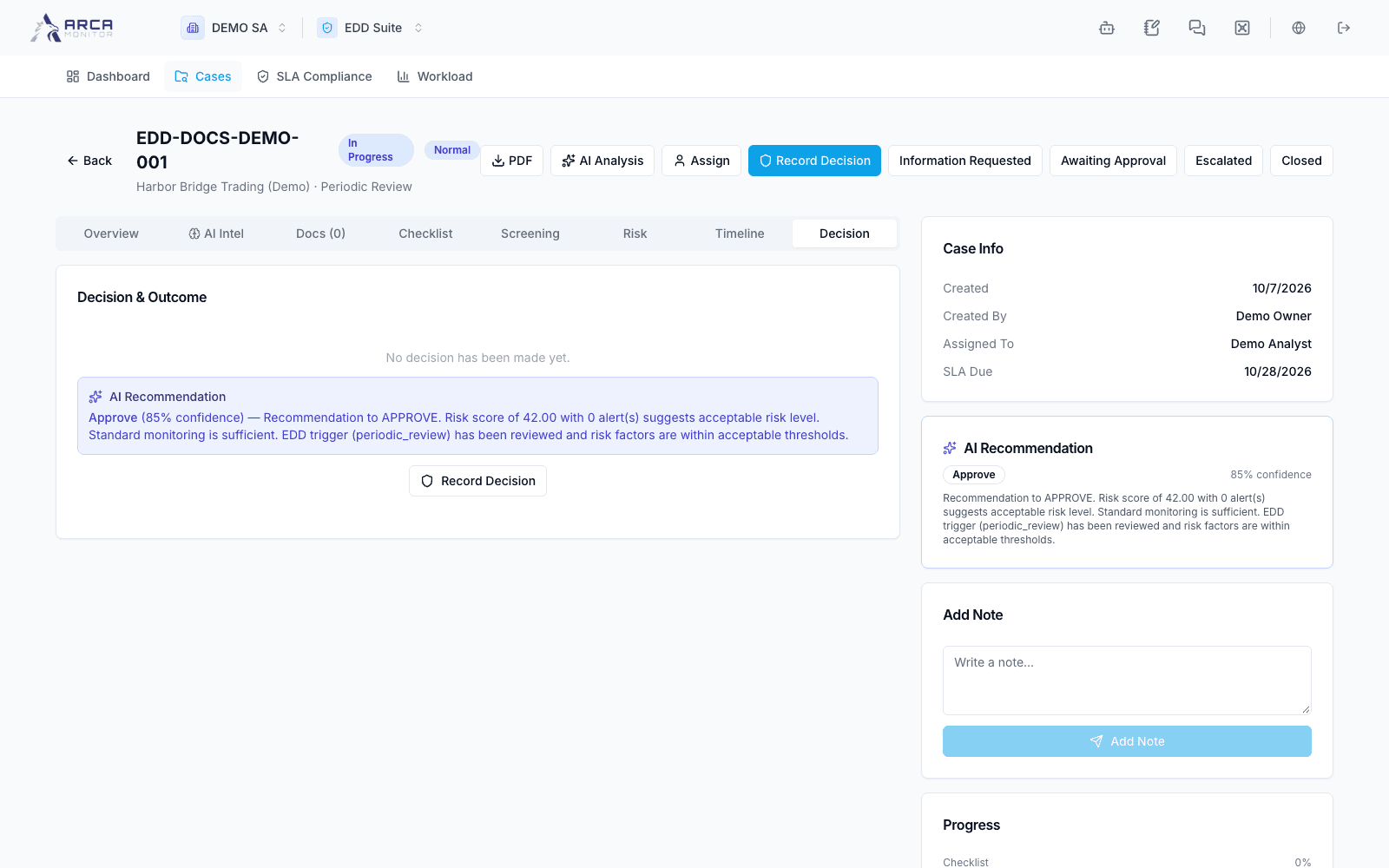
Record Decision
Open Decision → Record Decision when available. Review the offered outcomes: Approve, Approve with Enhanced Monitoring, Reject, or Terminate Relationship. Select the risk rating and write a rationale grounded in case evidence. The form requires at least ten characters of rationale; a meaningful explanation should identify the evidence and unresolved limitations.
If using Apply on an AI recommendation, review every populated field. Set Enhanced Monitoring intentionally and provide the monitoring instructions and next review date where applicable. Do not rely on the outcome’s name alone to configure all follow-up fields.
Submit once and verify the saved decision, decision maker, date, rationale, and case status. A decision record and a status transition are separate parts of the workflow.
Follow senior approval
Workspace policy can require an independent decision maker or senior approval. When a case awaits senior approval, the approving person must differ from the decision maker. Use only the transitions offered to your account. If the system refuses the action, address the stated authority or state requirement; do not repeat it under the same identity.
After approval or rejection, inspect the resulting case and any profile/monitoring changes. Recommendations about terminating a relationship or filing a SAR require their corresponding operational follow-through; the wording in the decision dialog is not proof of a completed filing.
Retain and revisit
Use PDF to retain the case report, then check that the file downloaded and reflects the current case. If no file arrives, retry once after checking availability. Use the next review date and workload views to resume periodic work. Closed is terminal in the current status flow, so verify the record before choosing that transition.