Vault
ARCA MONITOR / USER GUIDE
Vault
Choose where a document belongs before uploading or sharing it.
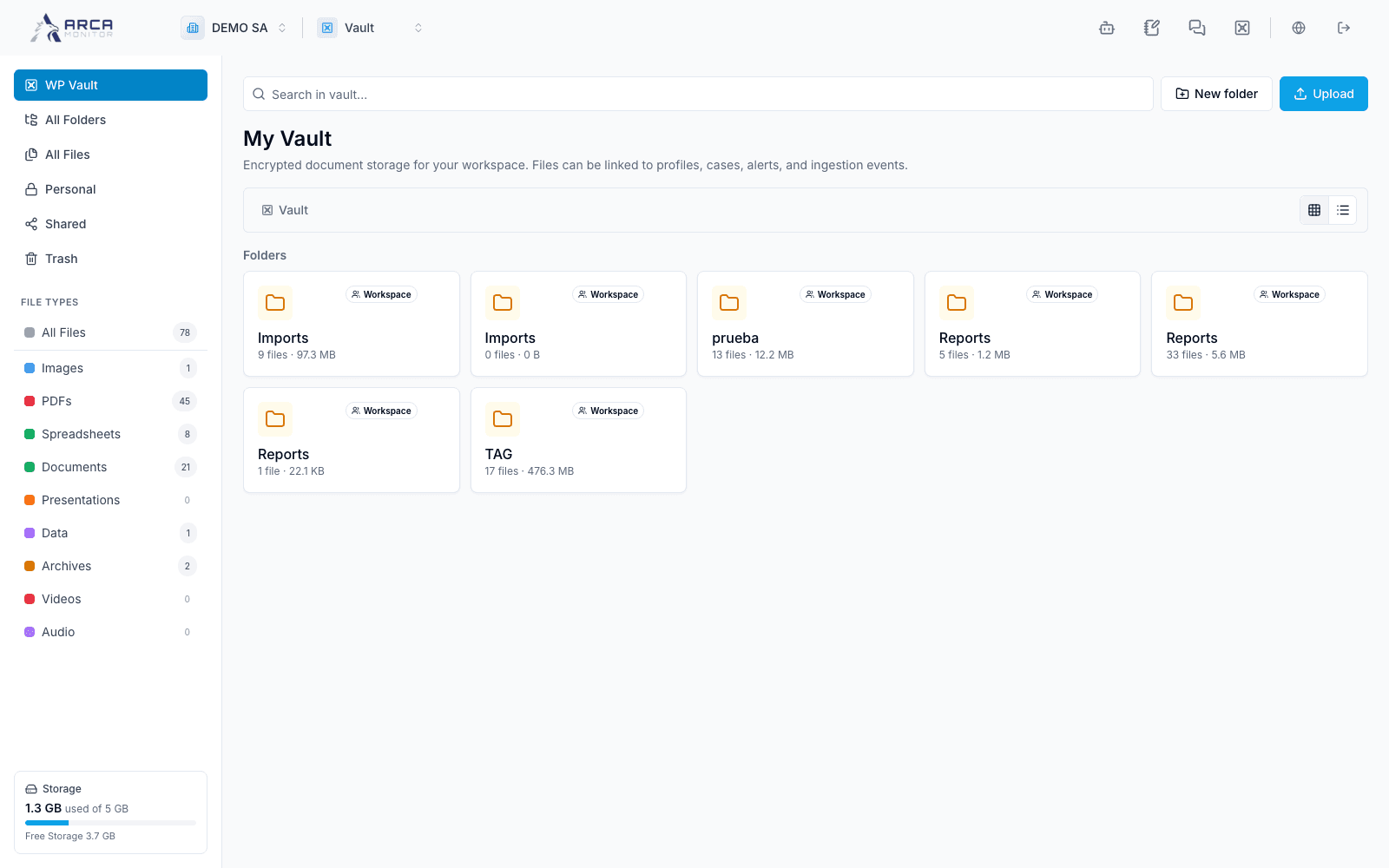
Select Vault from the application selector. The left navigation distinguishes workspace storage, all visible folders/files, your personal area, shared items and Trash. File-type filters narrow the visible collection, while storage counters summarize consumption. A visible filename does not give every colleague access to its contents.
Use Folders to organize documents, Files and upload to add or inspect them, Personal for your own area, Shared to review collaboration access and Trash for deleted items.