Investigate the EDD case
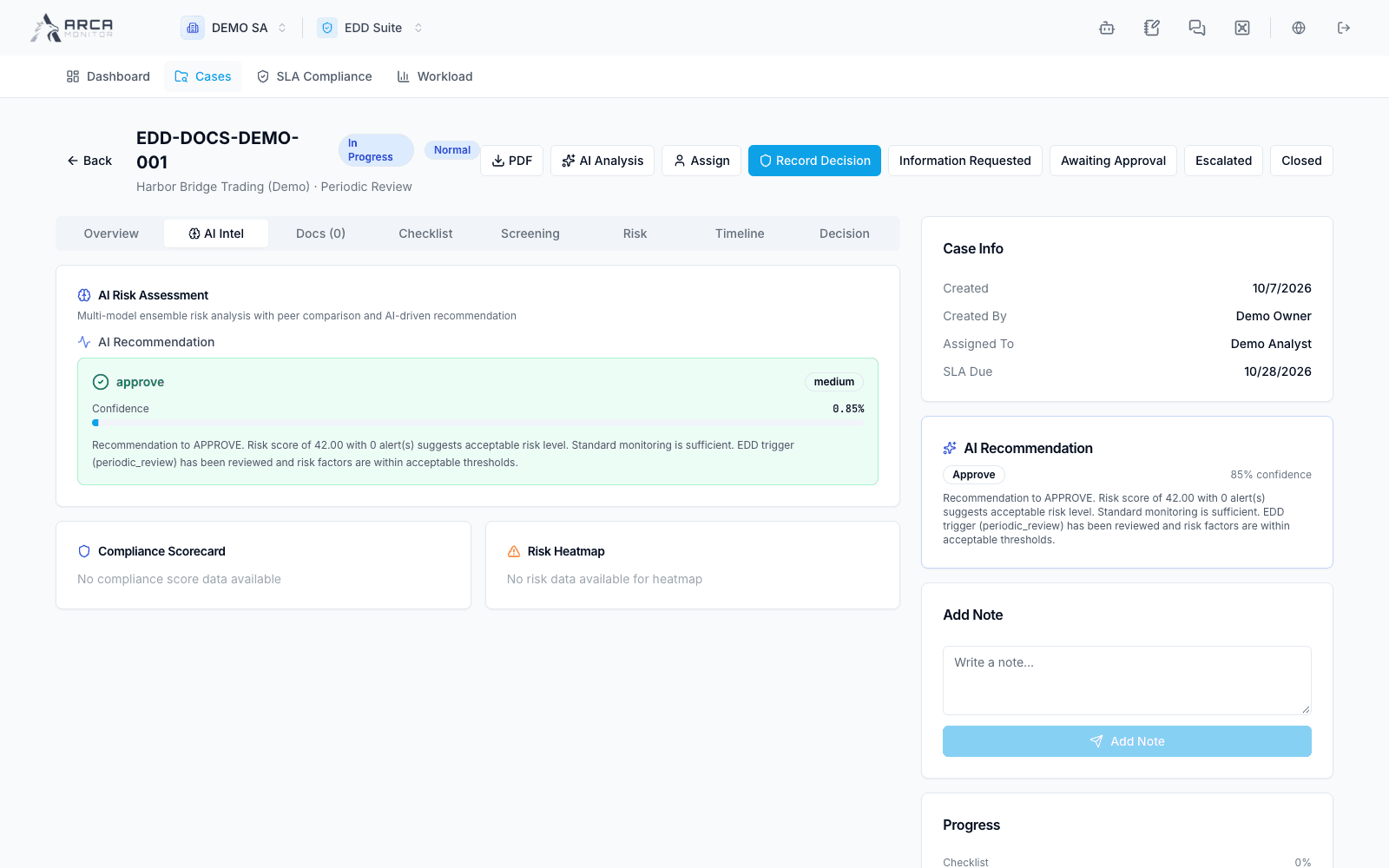
Read the eight case views and distinguish retrieved context from decisions.
Open a case from Cases. Confirm its subject, trigger, priority, status, owner, and deadline before acting.
| View | Use |
|---|---|
| Overview | Subject and case context, investigation fields, and available summary visualizations. |
| AI Intel | Available generated analysis and recommendation. |
| Docs | Uploaded supporting documentation and verification indicators. |
| Checklist | Required and optional work items. |
| Screening | Available screening context for the subject. |
| Risk | Available risk assessment and factors. |
| Timeline | Recorded case events. |
| Decision | Recorded outcome and the decision action. |
Investigate with evidence
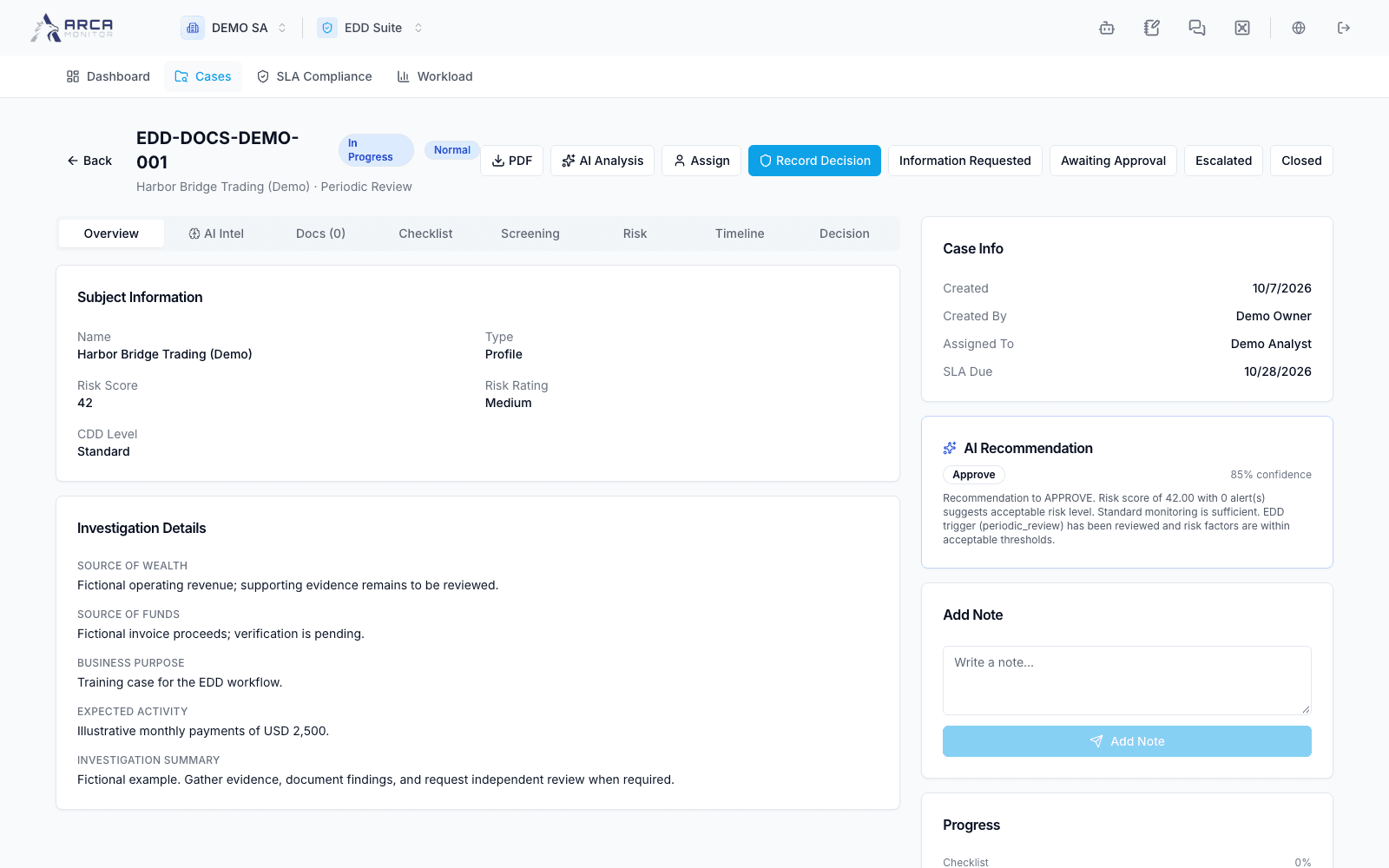
Review source of wealth, source of funds, business purpose, expected activity, and investigation summary where recorded. A blank displayed field means information is missing; the overview is not a promise that every displayed field has an inline editor. Use the case’s available notes and evidence controls to record findings and follow up with the owner when a field cannot be maintained from this screen.
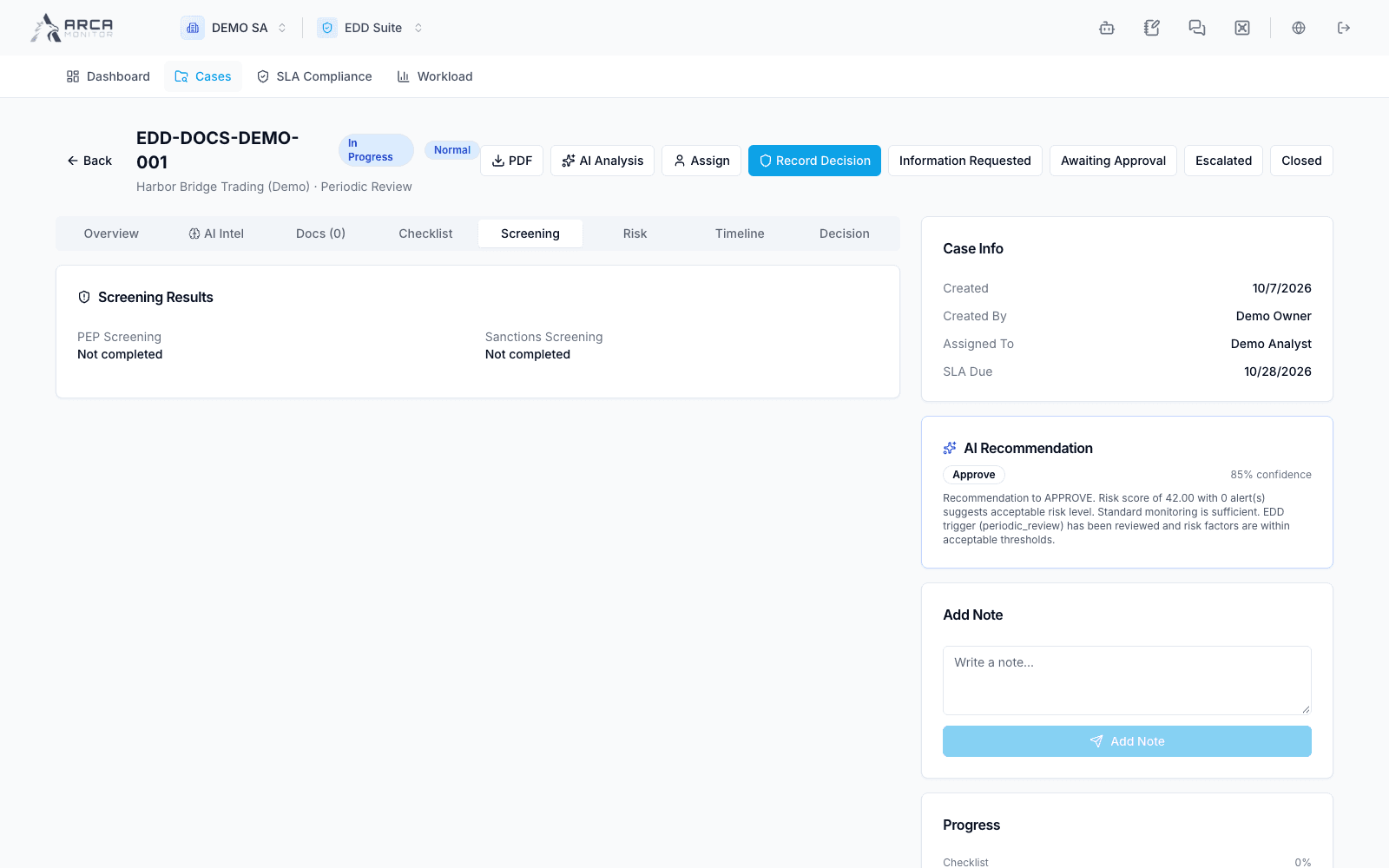
Open supporting profile or source records for detail. Screening counts and risk summaries are context, not a substitute for reviewing individual matches or the governing risk decision.
Use AI Intel
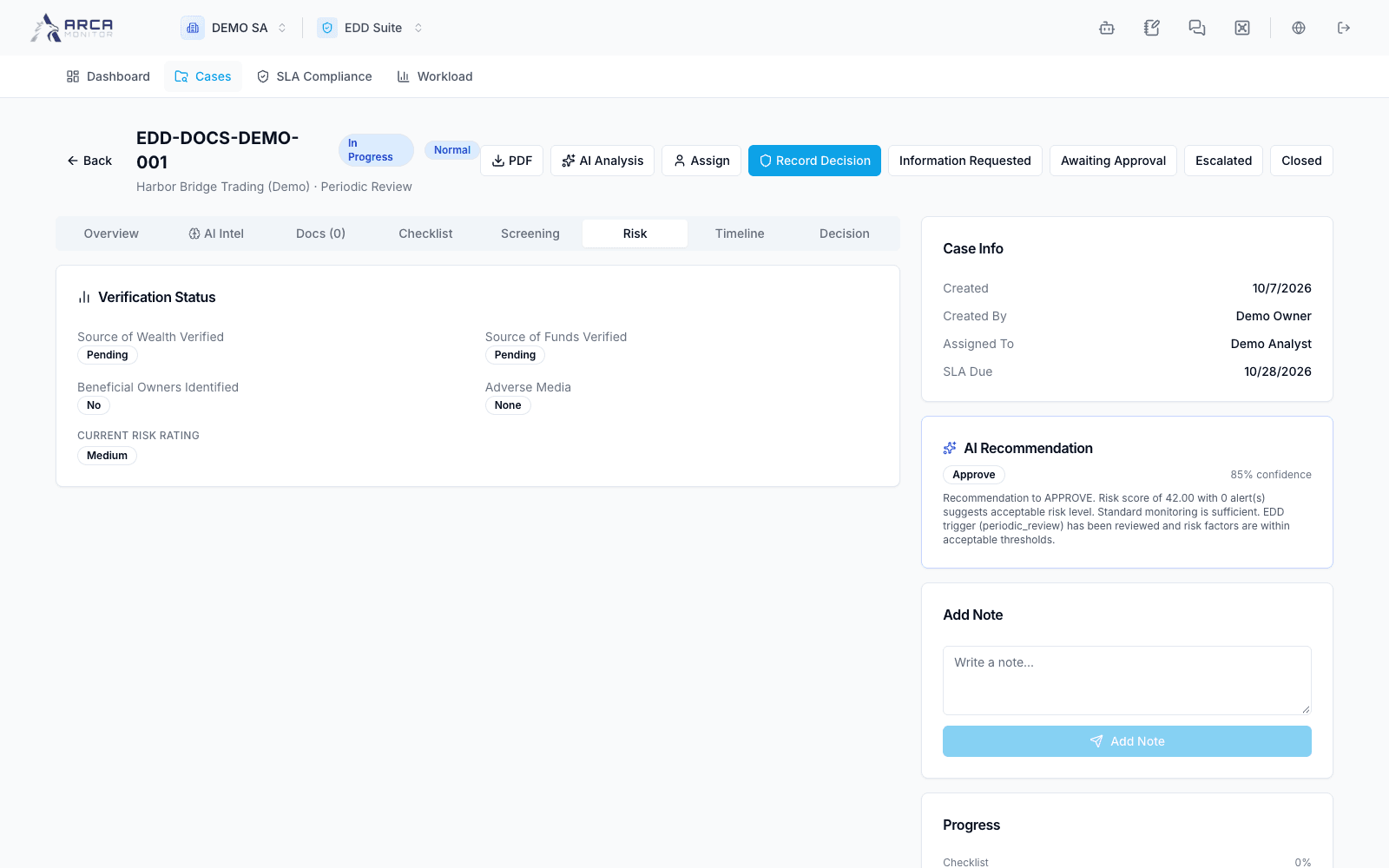
AI Analysis requests asynchronous processing. Wait, then refresh or reopen the analysis to inspect the actual result. A request accepted by the interface does not mean a completed analysis exists. If no result appears, retain the case and ask the administrator to check availability rather than repeatedly generating work.
The AI Recommendation card can already contain a recommendation calculated from the current case context before narrative AI analysis runs. Check its supporting factors: a populated card does not establish that a full analysis has completed.
Read the recommendation alongside evidence. Applying a recommendation in the decision dialog fills fields for review; it is not an independent approval. Use Timeline to verify recorded actions and keep notes clear about facts, analysis, and outstanding information.