Prepare and follow a SAR
Move a suspicious activity report through draft, review, approval, and filing.
Open the reporting work
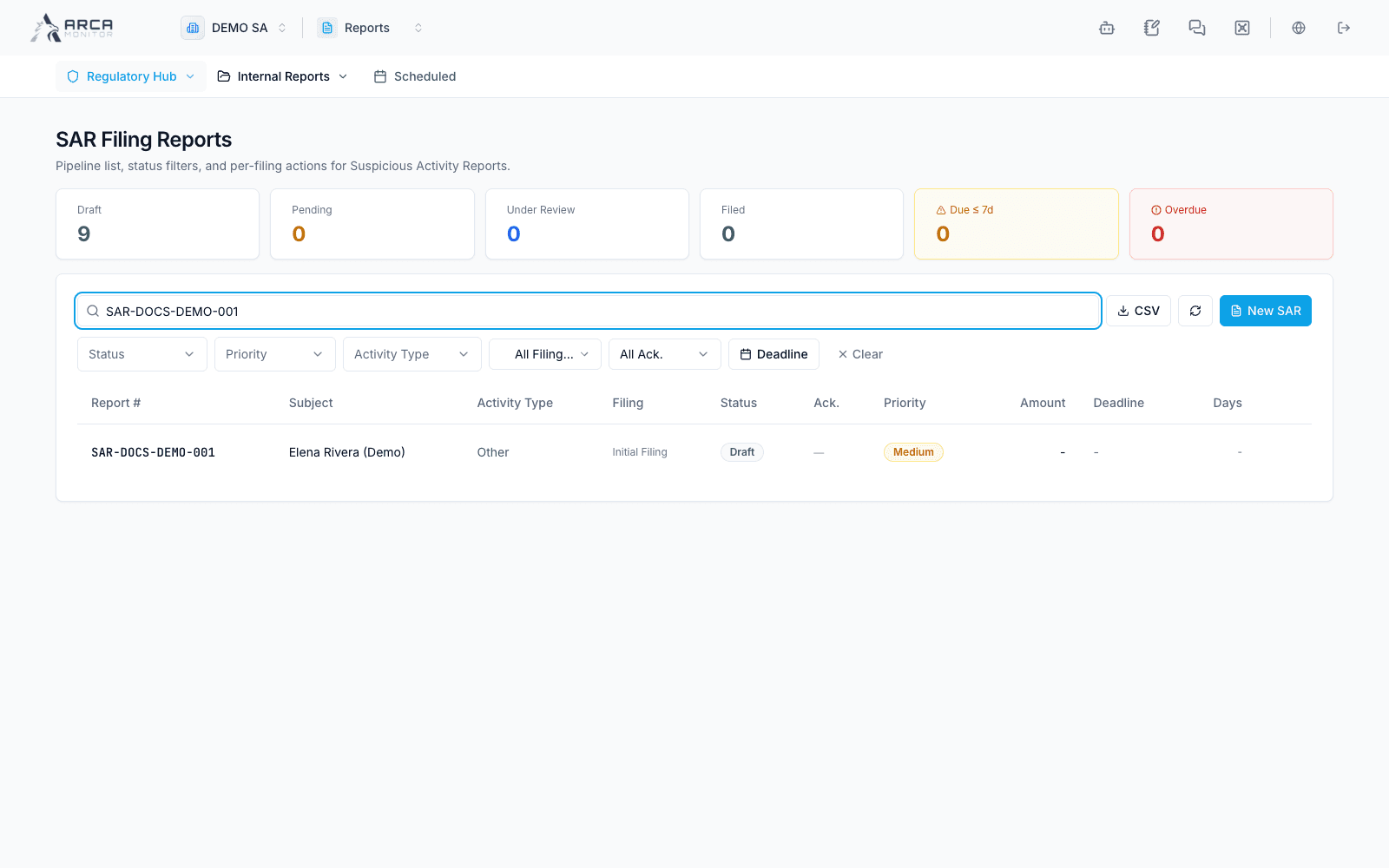
Choose Regulatory Hub → SAR when Investigations is installed, or follow the SAR from a case’s Decision area. Verify the case, subject, reporting period, and report number. A case recommendation to file is distinct from the report’s own workflow.
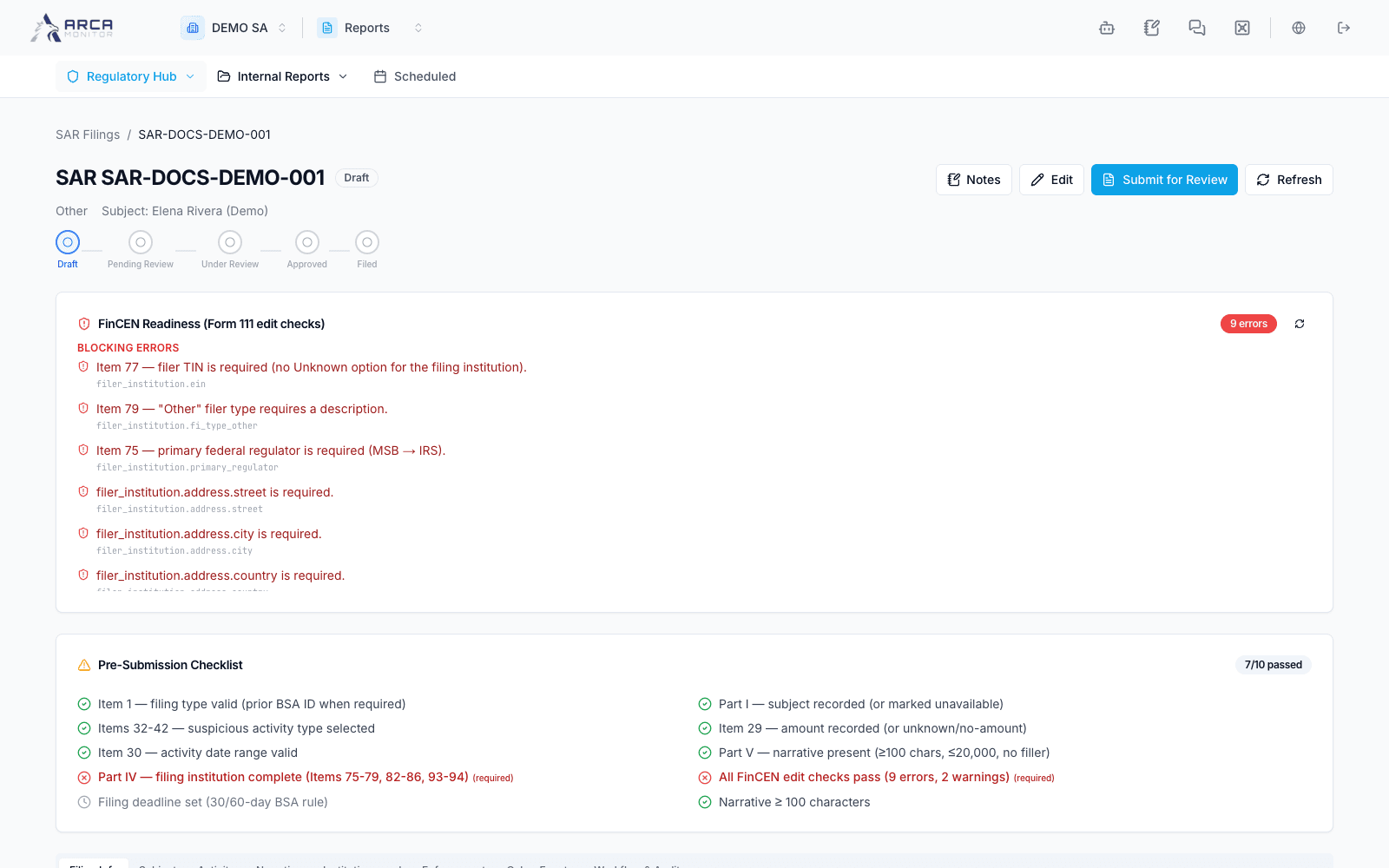
Create a draft through the available new-report action. Complete filing information, subject, suspicious activity, narrative, institution, and other applicable form sections. Base the narrative on reviewed evidence; generated text needs checking and editing. Save and use the validation/readiness checklist to identify incomplete fields.
Submit for review
From a draft, use Submit for review. An authorized reviewer can Start review, inspect the full report, and choose Approve only, Approve and export, or rejection with its required reason. Approval/export permissions differ from merely reading or editing a draft.
After each action, inspect the actual status. A rejected report needs correction through the available editing workflow; do not bypass the refusal by creating an unrelated report. Keep the originating case connected.
Record the filing result
An approved report offers the guided File with FinCEN panel to authorized filers. Select the intended environment, prepare/download the XML, and follow the portal process. Record the actual acknowledgment file or the required BSA identifier, or record the rejection and its reason as offered.
Verify the receipt, environment, identifier, and final state. Downloading XML or approving a report does not submit it. A recorded filing must be supported by the actual external acknowledgment.
A Continuing SAR action, when available on an eligible record, creates another draft for follow-up work. Review the new reporting period and facts rather than treating it as a replacement for the previously filed report.
Screens and controls
SAR creation form
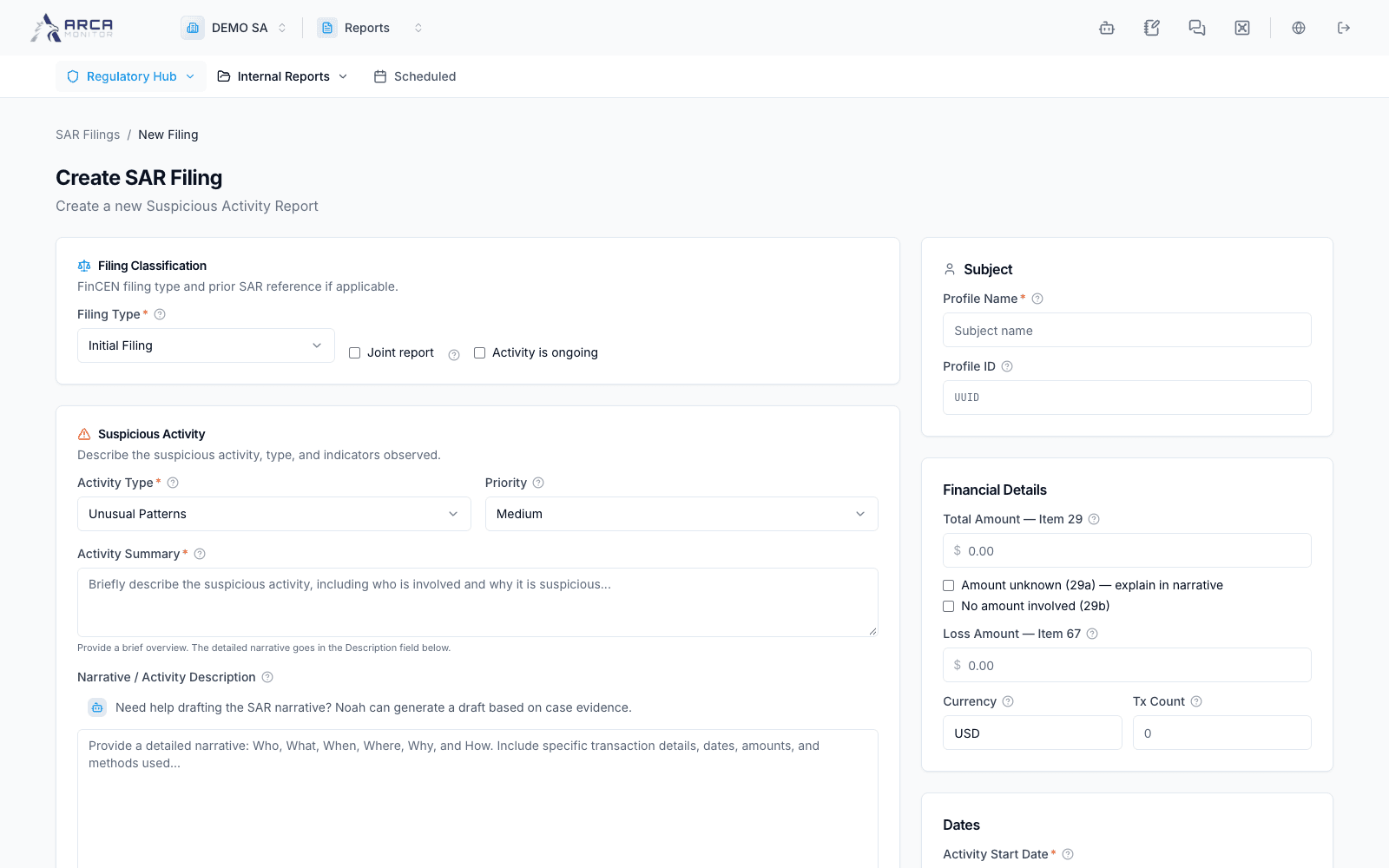
Fictional SAR draft; no filing submitted