App policies
Follow the available sections, controls and saved results.
Alerts
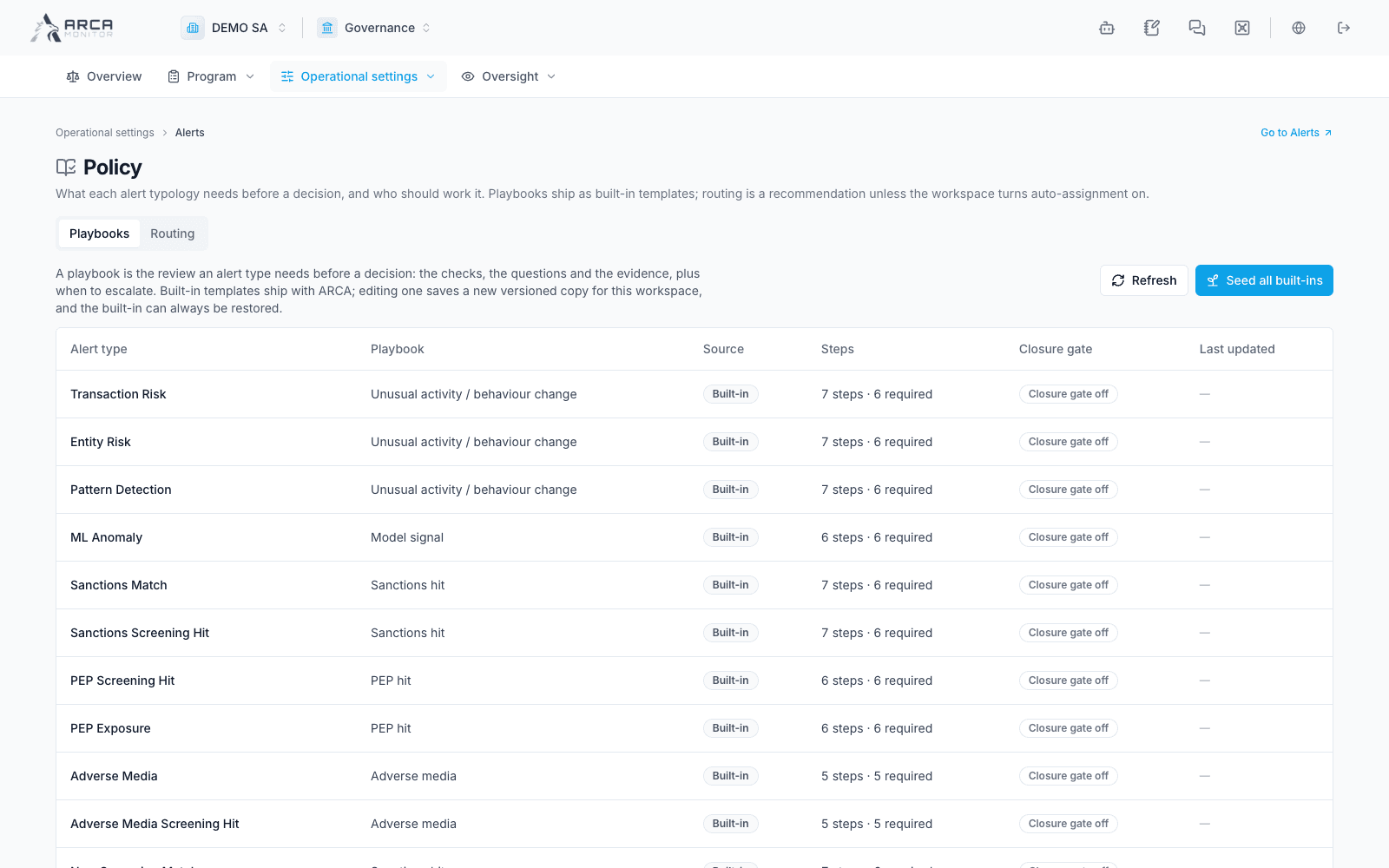
Playbooks define required checks, questions, evidence and closure gates by typology. Editing a built-in saves a version for this workspace; restoring a built-in is a separate configuration action. The Routing tab defines recommendations and optional automatic assignment. Review the scope before enabling automatic routing.
Investigations
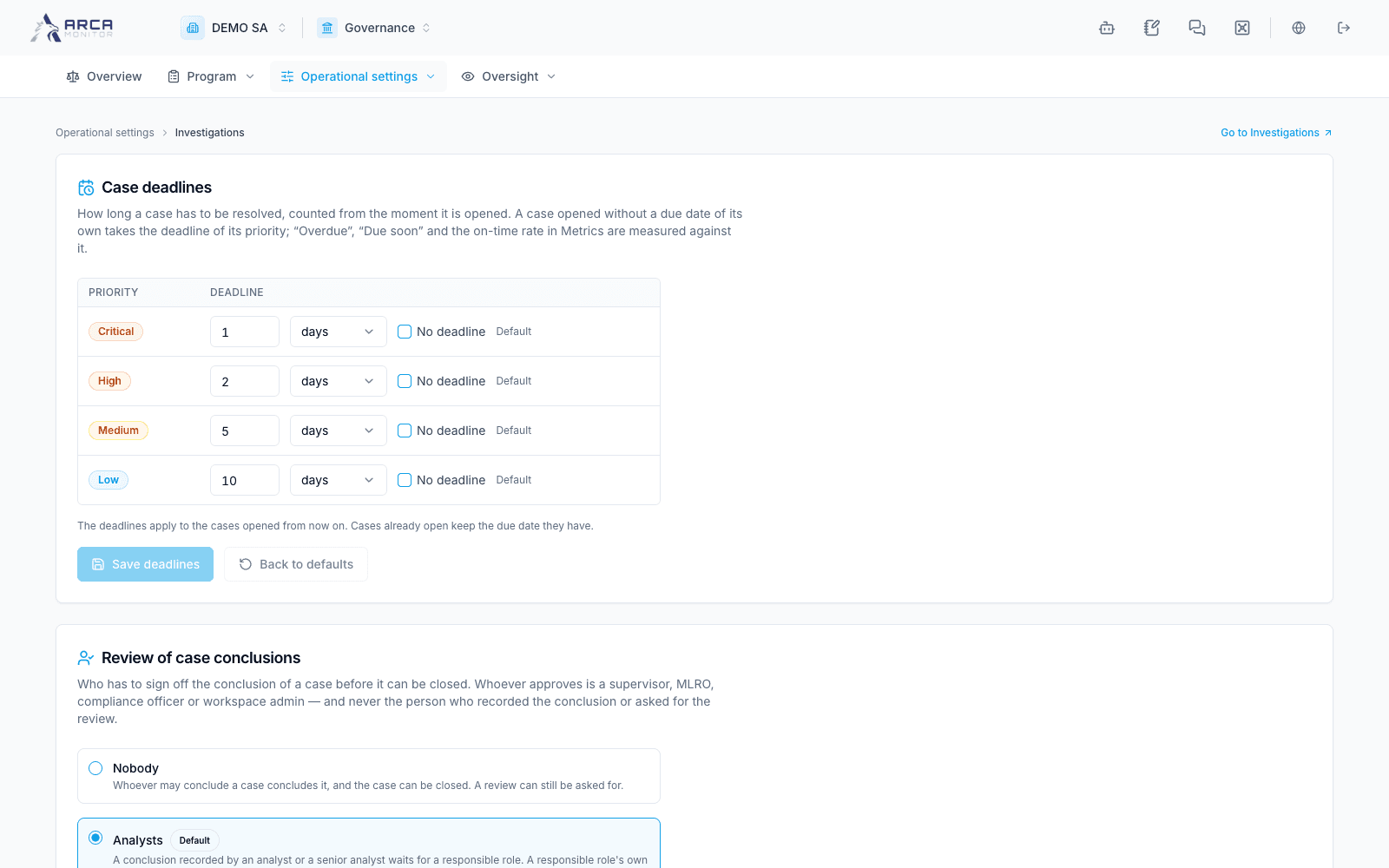
Case deadlines are defined by priority and apply to new cases that do not supply their own due date. Existing due dates remain. The conclusion-review policy can apply to Nobody, Analysts or Everyone; it is read when concluding and closing an open case. An independent reviewer cannot be the conclusion author or review requester. Save deadlines and the review rule with their separate controls.
Profiles and KYC
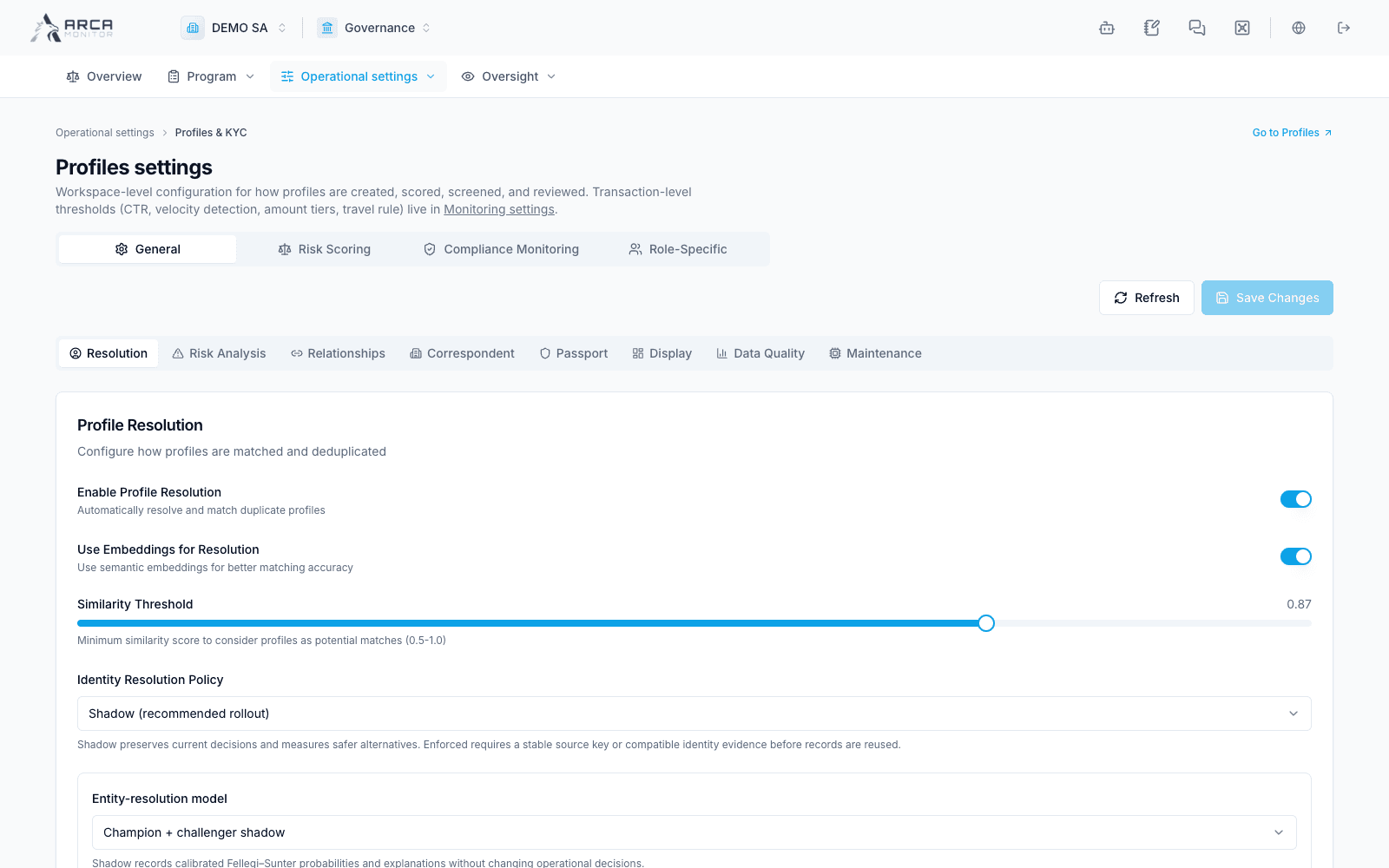
Review General, Risk Scoring, Compliance Monitoring and Role-Specific settings. General includes resolution, risk analysis, relationships, correspondent, passport, display, data quality and maintenance. Identity thresholds, compatibility gates and duplicate-review approval rules affect future work; use a reviewed change procedure and verify the saved configuration. Transaction amount thresholds belong to Transaction monitoring.
Screening
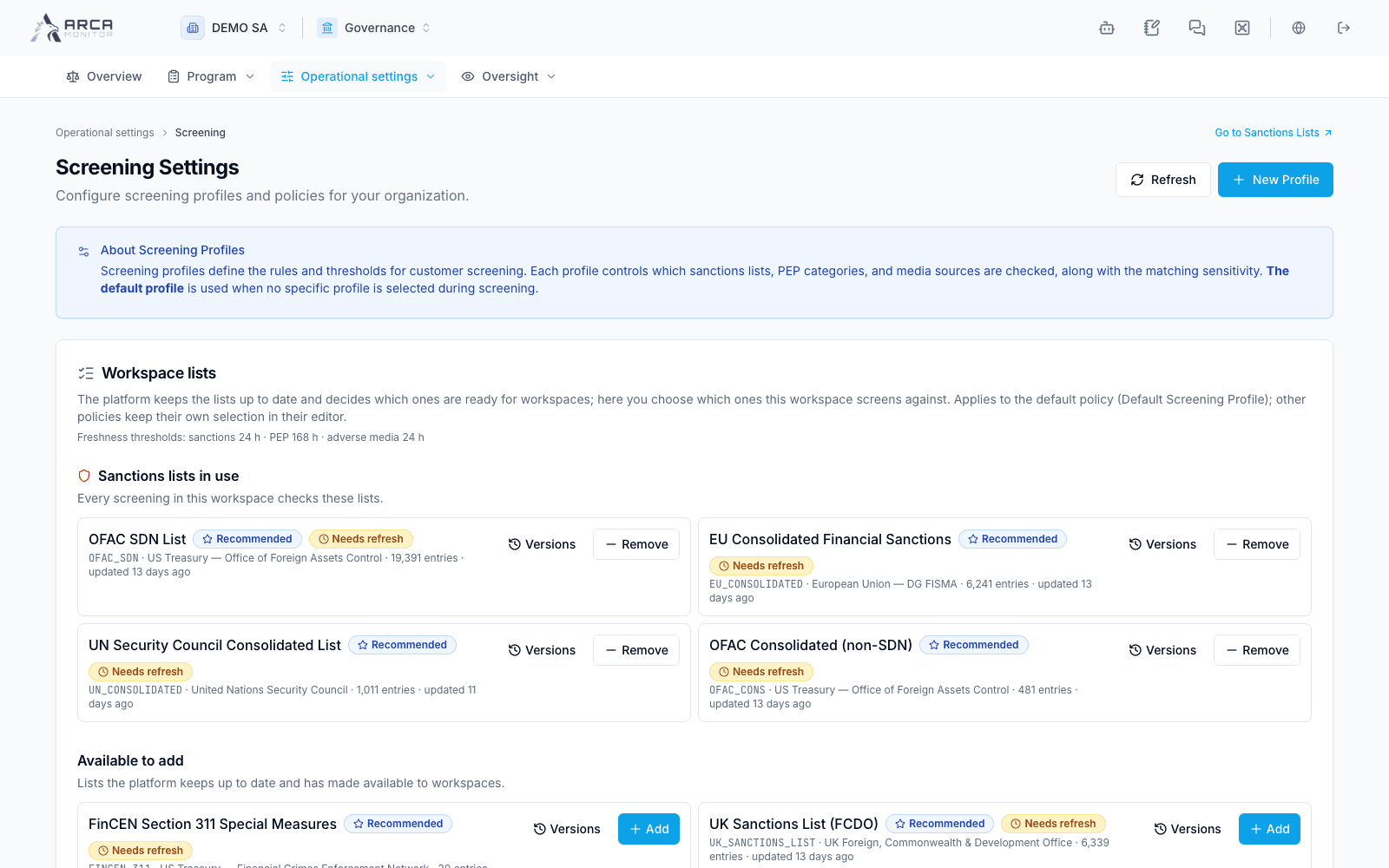
Select the workspace lists and review freshness and recorded versions. The platform maintains source catalogs; the workspace selects enabled sources and screening profiles. New Profile defines a policy with source choices and match sensitivity. Adding/removing a workspace list changes the default policy shown here; other profiles retain their own selections. A stale list is a coverage limitation.
EDD Suite
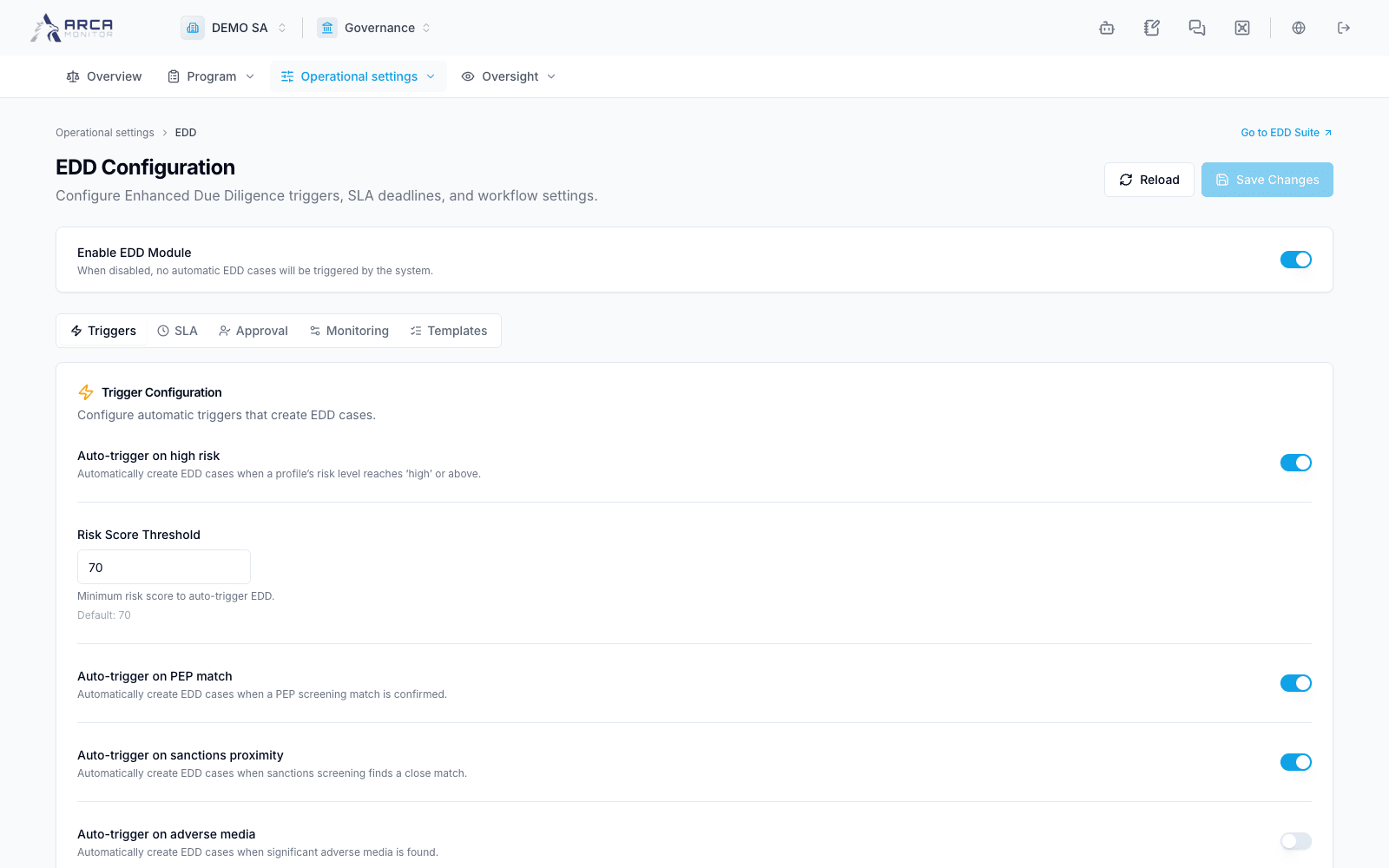
Use Triggers, SLA, Approval, Monitoring and Templates to configure automatic case creation and investigation requirements. The module switch controls automatic triggers. Review independent approval and template completeness before relying on the resulting checklist; an empty checklist does not waive due diligence. Save Changes and verify the saved tab values.
Noah action policies
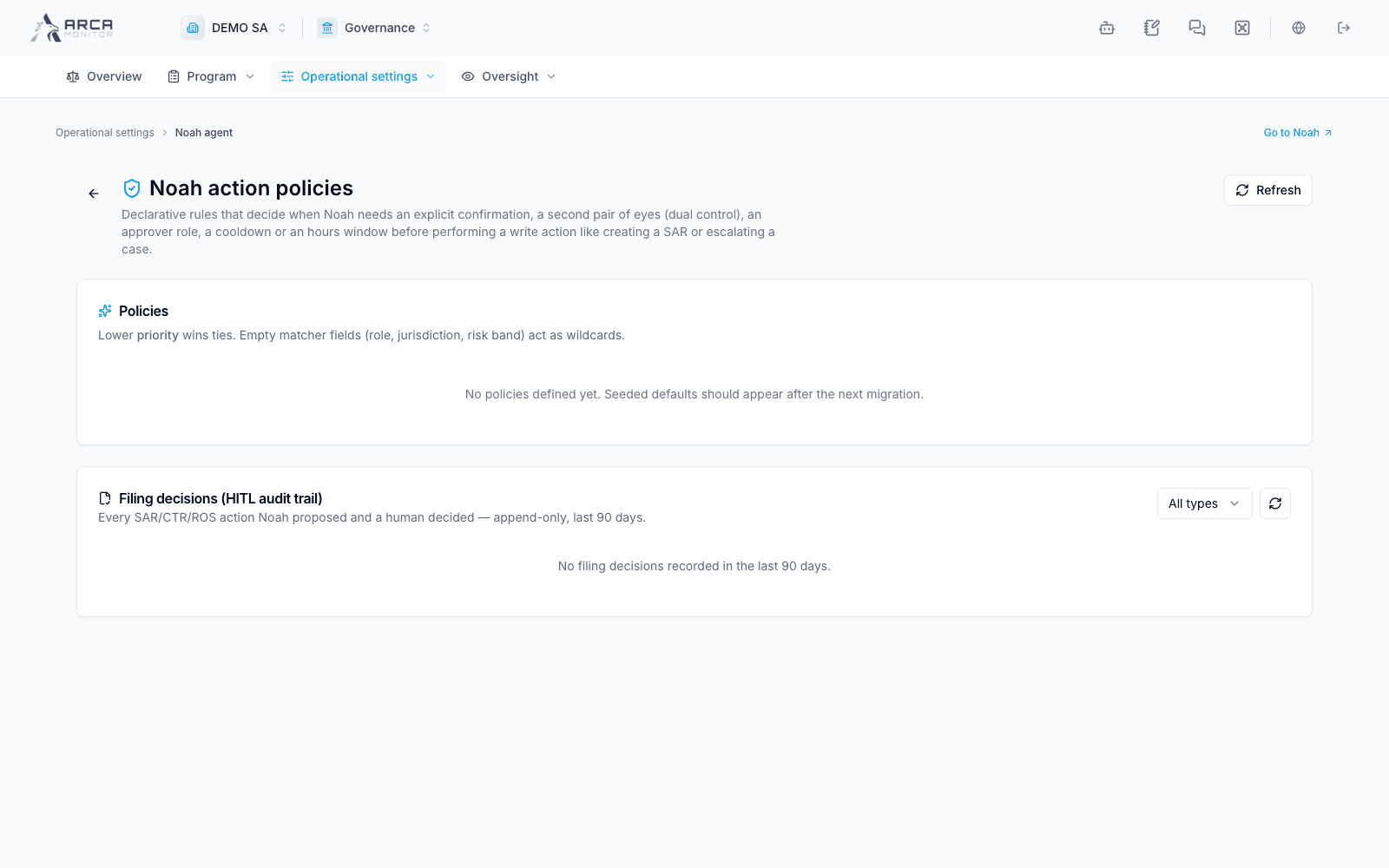
Review policies governing explicit confirmation, a second approver, roles, cooldowns and hours for write actions. Empty matcher fields act as wildcards and lower numerical priority wins ties. The local page showed no policies and no filing decisions; do not infer that an action has been approved. The filing-decision section is a separate human-decision audit trail.
Data and retention
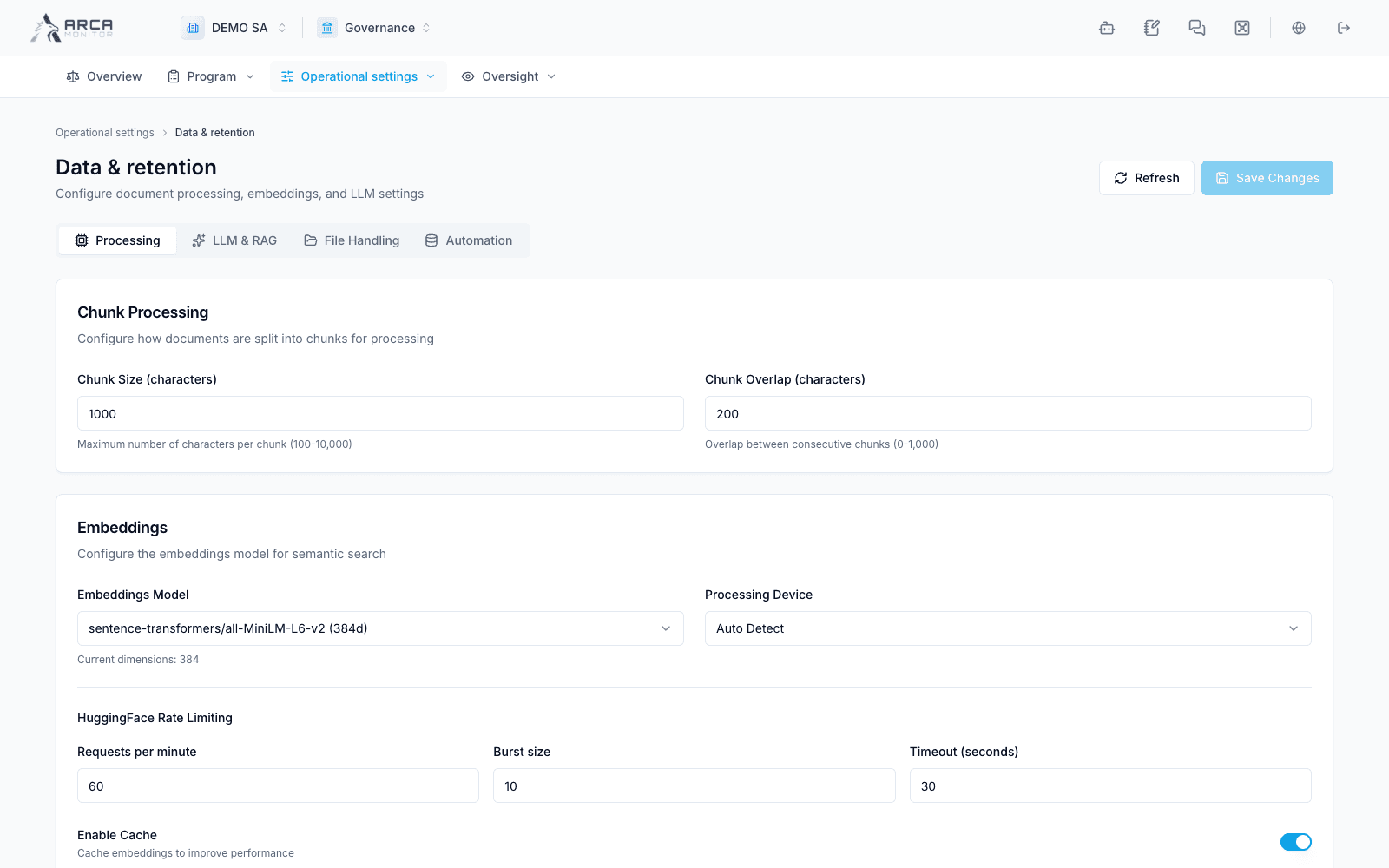
Review Processing, LLM & RAG, File Handling and Automation. Document chunk size, overlap, model selection, rate limits and caching affect processing and retrieval. Change these settings with the responsible administrator, verify accepted file and retention rules, and check processing outcomes on a test document. A saved setting does not revalidate existing document content.