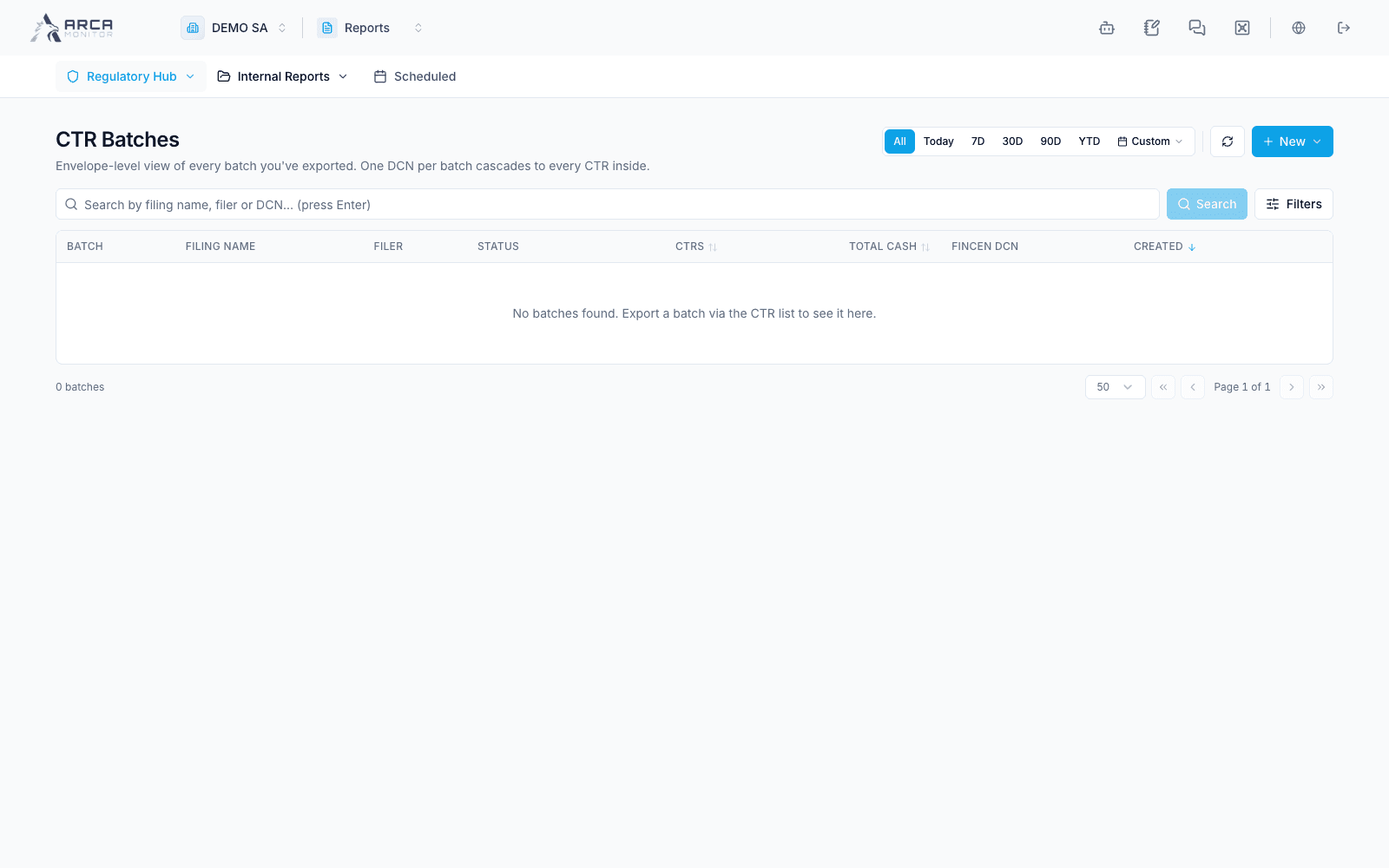
Compose and resume CTR batches
Keep the envelope, included reports, and acknowledgment connected.
Create an envelope
Open Regulatory Hub → Batches and select New → Batch. The wizard has three stages: details, reports, and guided filing.
- Enter and review the batch details and environment. Save & Continue creates a draft envelope; closing afterward does not discard that saved draft.
- In Reports, select eligible approved CTRs. Inspect report identifiers and the intended population before adding them. The export path builds the XML and moves a successful batch to the validated stage.
- Review current members and generated-file information before proceeding to guided filing.
Resume or correct
Open a batch row to return to the same wizard. Its address can include a batch reference for resuming. Details are editable in draft/validated states; later stages freeze them. Use the reports step to inspect members and the offered removal/addition controls before upload. Read any override or duplicate warning rather than creating another batch around the same reports.
Complete the handoff
Follow the guided download and portal steps for the selected environment. When recording acknowledgment/DCN information, confirm exactly which reports it covers. Automatic acknowledgment-file parsing in the shared guided flow is offered only for a single CTR; multi-report work uses the available batch recording path.
Refresh the batch and member report statuses after recording the result. A validated batch is prepared for submission; it is not automatically accepted. If you close before finishing, return through Batches and resume the existing envelope.