Organize work in Projects
Group conversations, reference documents, memories, and project instructions.
Create a project
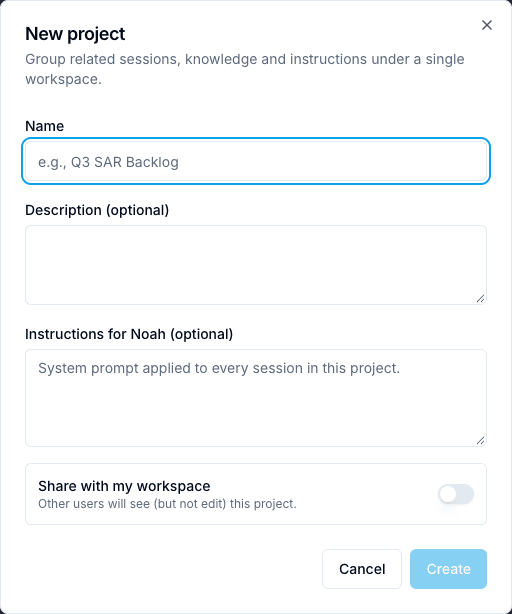
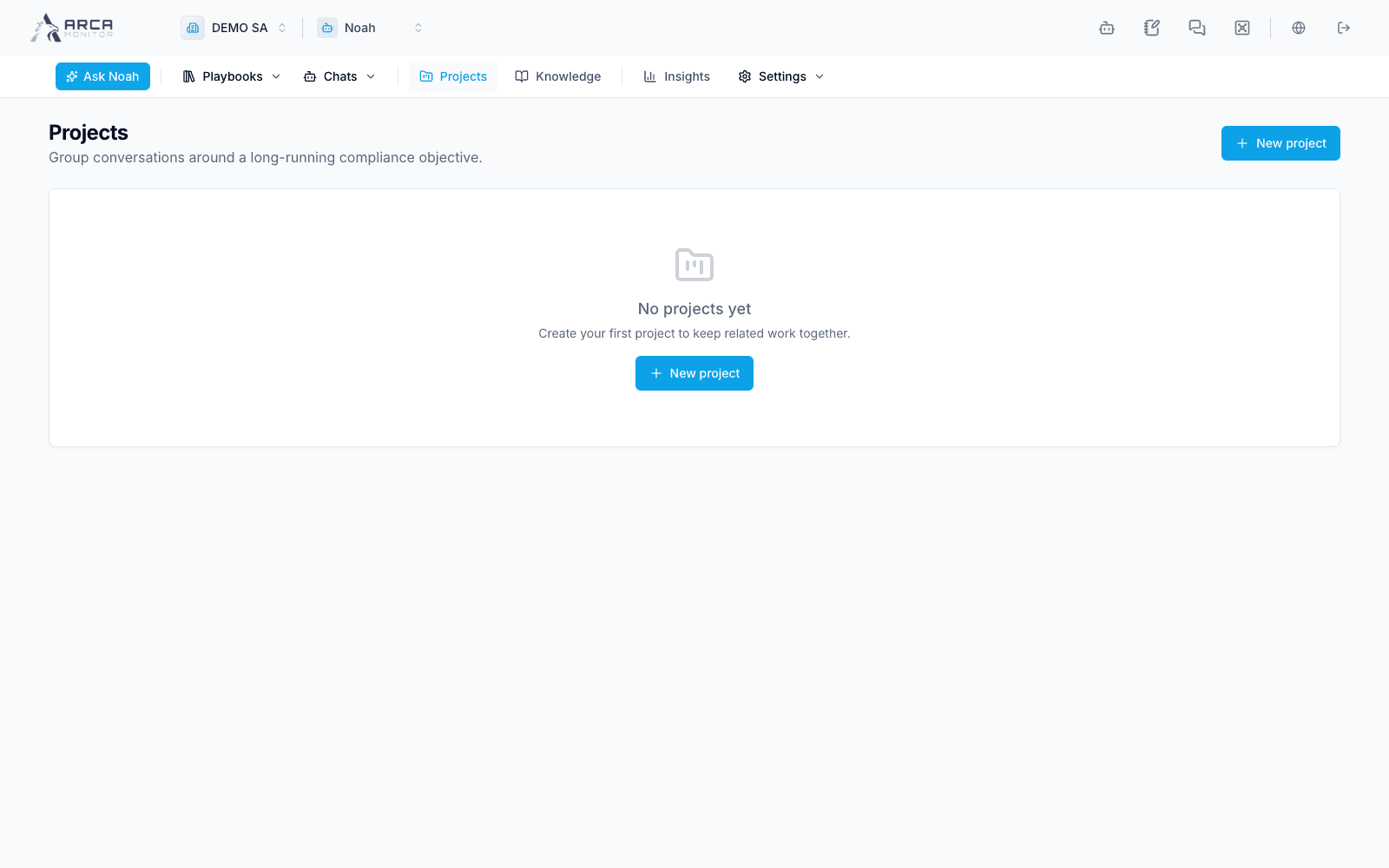
Open Projects → New project. Give it a clear name and optional description. Use Instructions for Noah to describe the scope and desired working style; instructions do not grant permissions or replace workspace policy.
Review the sharing switch before creating. A shared project has a different audience from a personal project. Confirm the saved project and open its detail page.
Maintain the context
The project detail gathers sessions, attached knowledge documents, pinned memories, and instructions. Select available documents/memories deliberately and save changes with the displayed Save control. Verify the saved list and sharing state before relying on that context in later work.
Use the session links to return to related conversations and check that the intended project context is in effect. Attaching a document reference does not guarantee that an unindexed document is ready for retrieval or that every viewer has access to its underlying content.
Ownership and removal
The owner can edit the project. Other members viewing a shared project receive a read-only view. If controls are absent, confirm ownership instead of assuming the page failed.
Review the confirmation before deleting a project. Do not use project deletion as a way to undo an operational action from one of its conversations. Source records and their audit trails must be checked in the corresponding app.
Screens and controls
Project name, instructions and workspace visibility