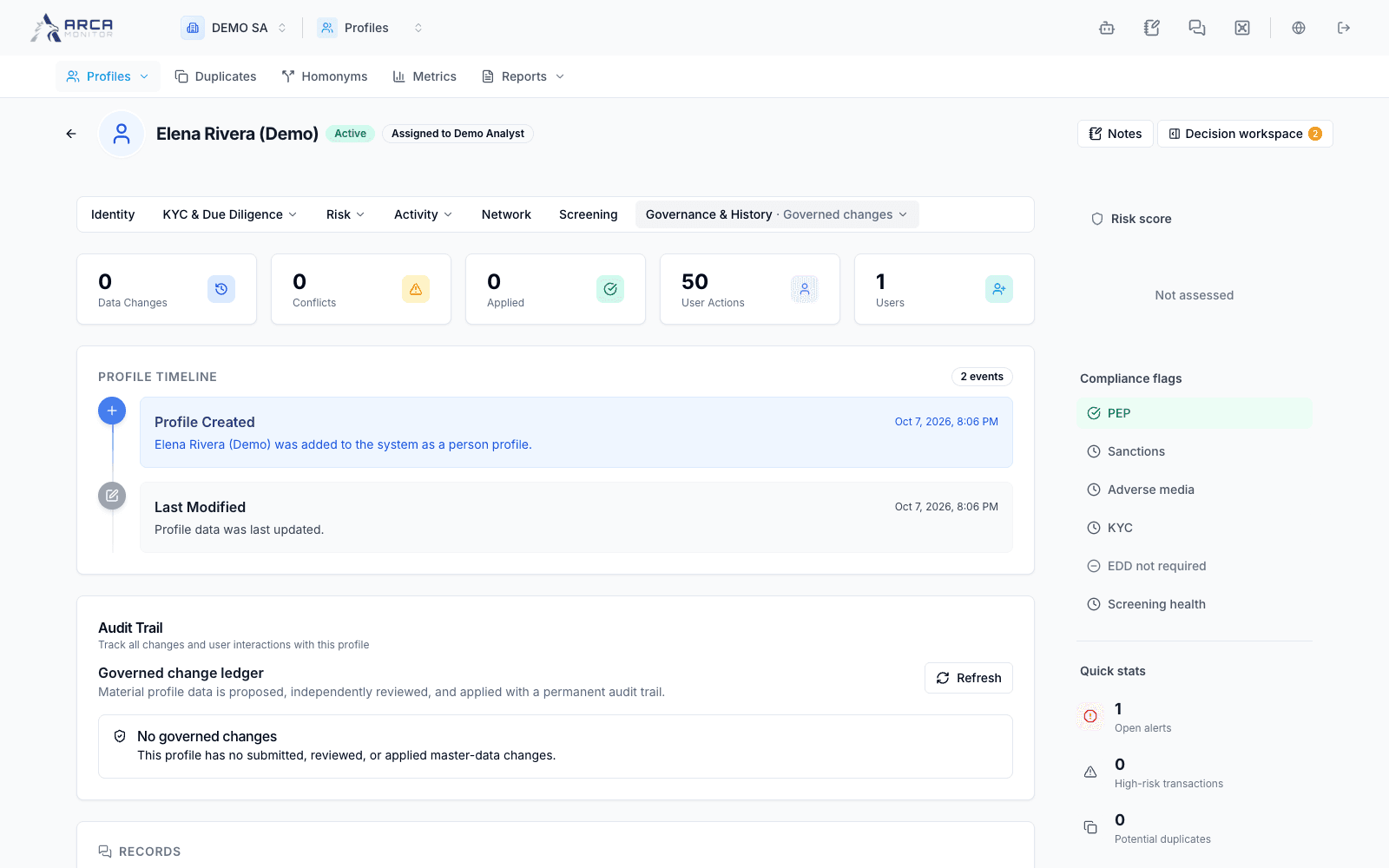
Governed changes
Correct data while preserving the distinction between direct saves, proposals, approvals, and application.
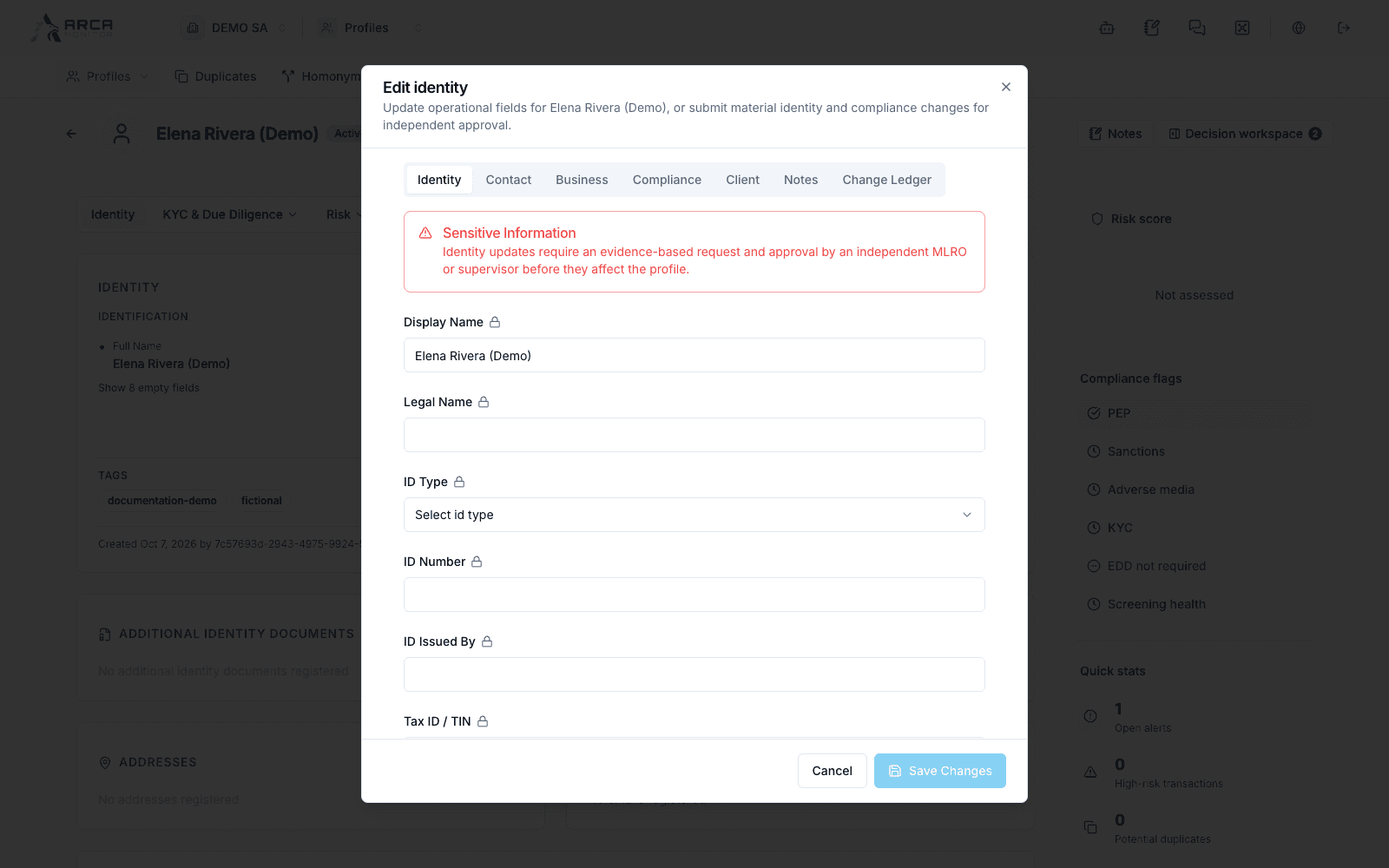
Use a profile’s edit control when source evidence requires a correction. The platform distinguishes fields that can be saved directly from material identity or compliance changes that require a governed request.
Prepare the correction
Confirm the profile and compare the existing value with reliable source information. Open the relevant edit section and change only what the evidence supports. Available fields and permission hints come from the current capability response.
A shared address or a similar name may require identity investigation rather than overwriting a field. Consult Duplicates and homonyms if the record may represent the wrong subject.
Save the appropriate kind of change
| Change path | Expected result |
|---|---|
| Direct fields | A successful save updates the supported fields. Verify them on the profile. |
| Governed fields | Submission creates a change request; the current profile remains unchanged until approval and application. |
Direct and governed fields cannot be submitted together in one save. If the form asks you to separate them, keep the two corrections distinct and verify each result.
For a governed change, review the changed fields, select a reason category, provide the justification of the required minimum length, and add the evidence reference where appropriate. Submit and inspect the request in the change ledger.
Review the request
Open Governance & History → Governed changes, or the edit dialog’s change ledger. Read the before-and-after values, source provenance, evidence, request status, and recorded events. Some values can be protected by your role; a redacted value is not an empty value.
An eligible reviewer approves or rejects the request with the required review comment. Follow the per-request actions and their restrictions. Approval and application are separate states: when Apply is offered, the authorized user applies the approved request and verifies the resulting profile values.
Withdraw or resolve a conflict
Use cancellation only when offered for the request and appropriate to withdraw it. Read the resulting status; withdrawing a request is different from reversing an already applied change.
If the profile changed while you were editing, reread the current values and the displayed conflict before submitting another request. Do not repeatedly confirm an obsolete before-and-after comparison. Preserve the reference and error when handing an application failure to the responsible administrator.
Verify completion
Check the effective field values and the ledger’s applied event. A success notification for “submitted” or “approved” is not enough to conclude that the data changed. Follow up on any KYC, screening, or risk work that the corrected information requires.
Screens and controls
Identity-editing controls
Governed change ledger