Find and share channel files
Distinguish uploaded attachments from document references and verify access.
Find a file
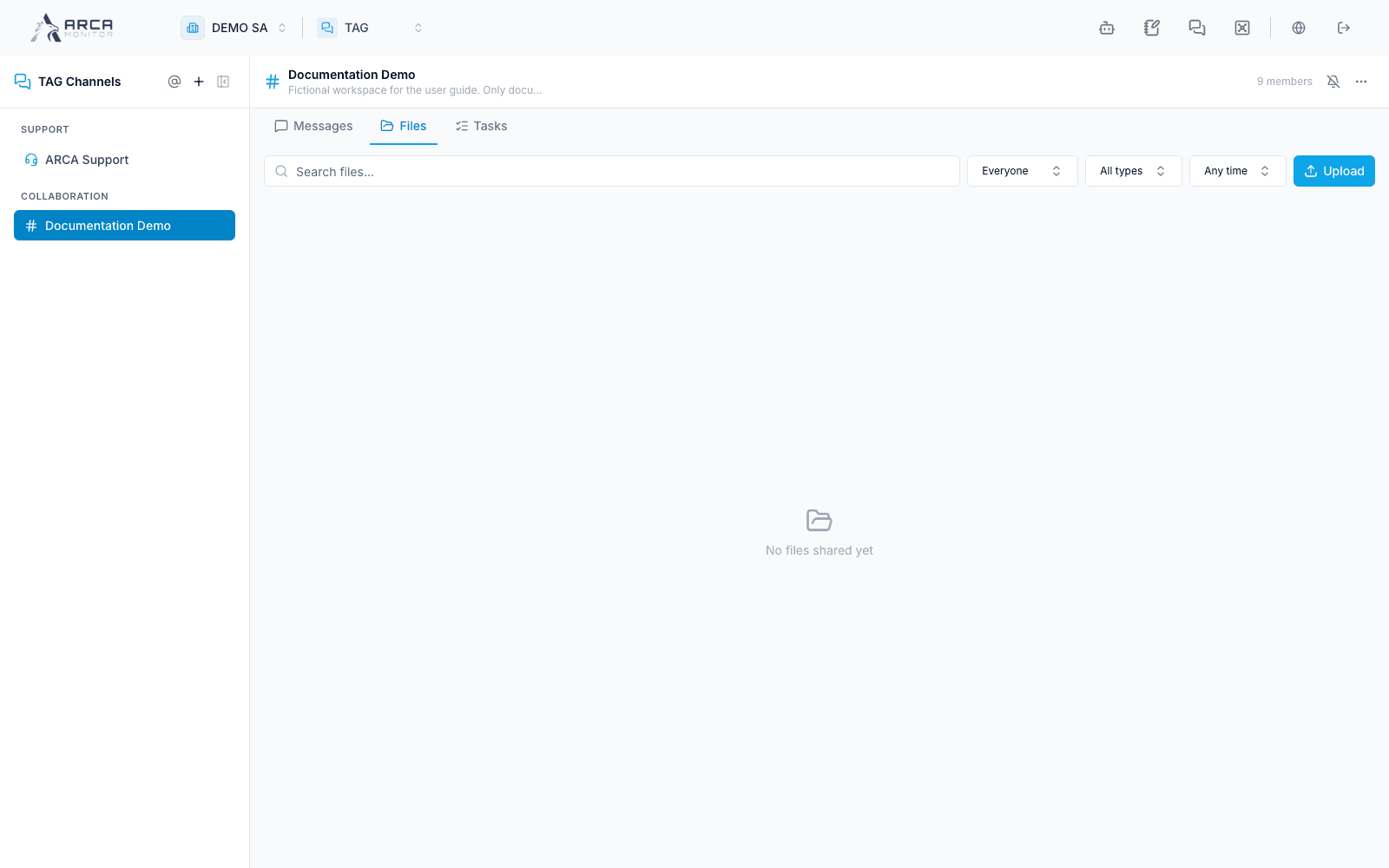
Open a collaboration channel and Files. Use the available search/filter controls to locate the attachment or document reference. Inspect its name, source, type, and related context before opening it.
Select a previewable file to inspect its contents; use Download for the retained copy. Some types download directly rather than opening a preview. Confirm the downloaded file exists and is the intended document.
Attach with context
Use the composer’s attachment picker or the file controls actually offered. Select a local file or a Vault document where available, inspect the pending selection, and confirm the intended channel before sharing. Pasted images can become pending attachments; remove accidental selections before sending.
A Vault reference and an uploaded copy are different objects. Access can depend on the underlying document and sharing state. If a reference cannot be opened, ask the document/channel owner to review access; the presence of its name in TAG does not guarantee permission to download it.
Follow the evidence
Open the related message or task to understand why a file was shared. A file in TAG is communication support; link or upload the required evidence in the relevant case/alert workflow when that process requires a formal record.
When deleting or removing a reference through an offered control, read what is being removed. Do not assume that removing it from a channel deletes the original document everywhere.