
Documents and checklist
Attach support and confirm the actual completion of investigation requirements.
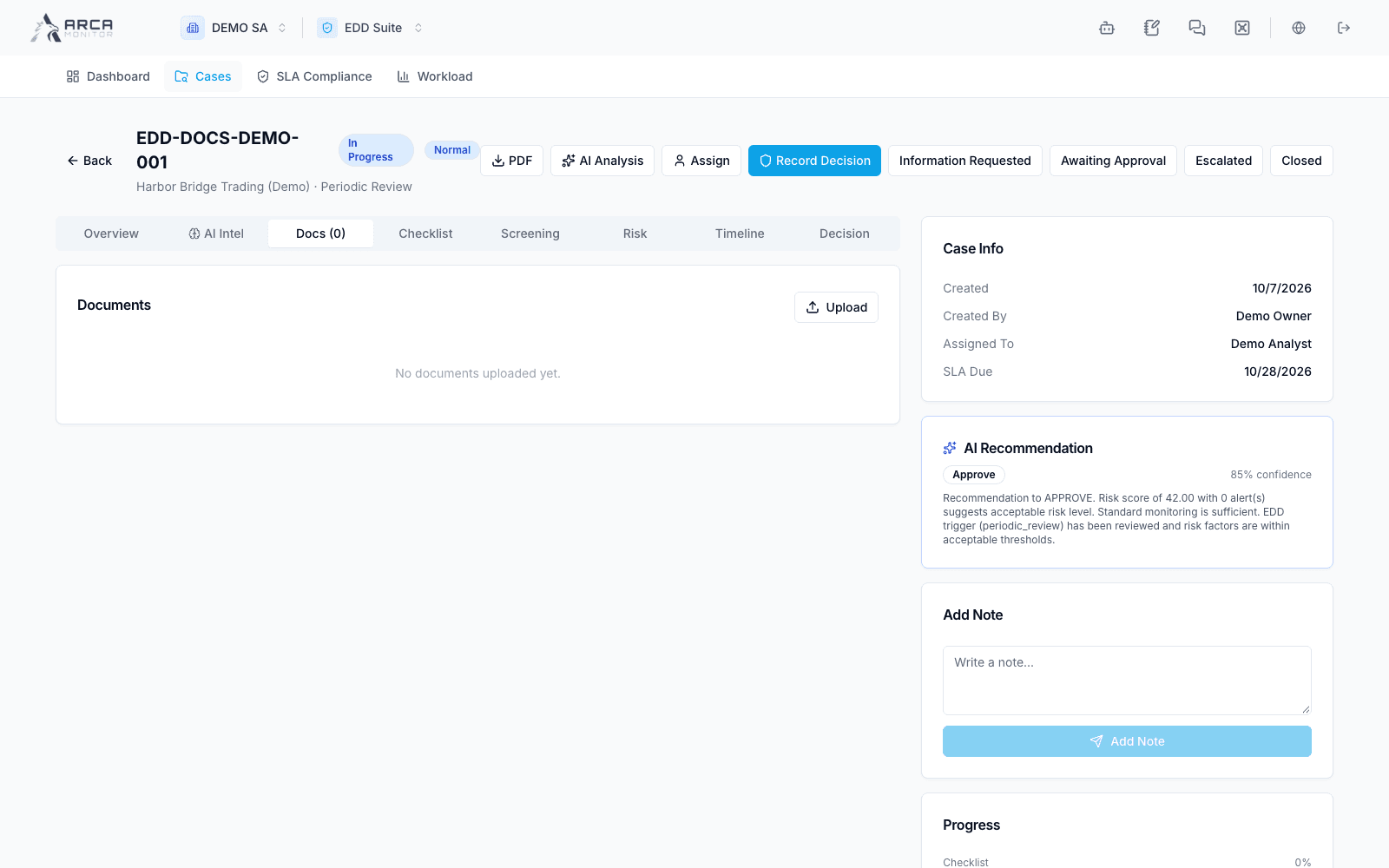
Upload support
- Open Docs → Upload in the correct EDD case.
- Select the file, inspect its name and size, and supply a meaningful title.
- Select the matching document type, such as identity, address proof, financial statement, source of funds, or another offered category. Add a description explaining relevance.
- Submit and wait for the document to appear in the case list.
The picker accepts the displayed PDF, image, and Office formats. If uploading fails, keep the file and check the error before retrying. A listed file can be Pending verification. Do not describe it as Verified until the record actually shows that state; this document list does not itself expose a verification button.
Complete checklist work
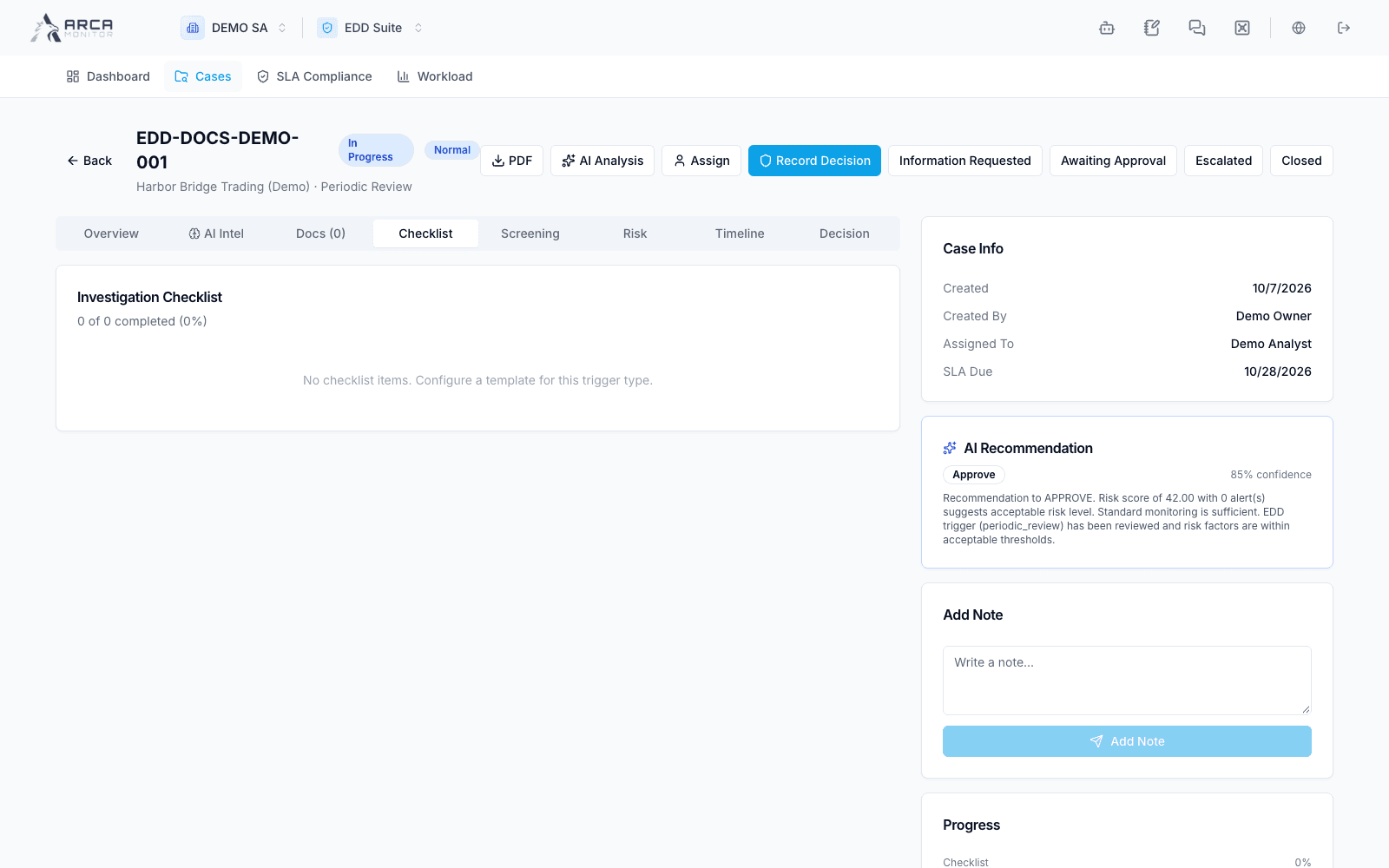
Open Checklist. Read each item’s label, category, and Required indicator. Perform the task and retain its support before toggling it complete. Check the completed/total progress after saving; toggling an item changes the case record.
An empty checklist can mean no template was configured for the trigger. Ask the workspace owner to review Governance → Configuration → EDD; it does not establish that no due diligence work is required. Follow the organization’s applicable procedure while the configuration is reviewed.
Confirm readiness
Compare outstanding checklist items with missing documents, screening questions, and investigation notes. Explain unresolved gaps in your rationale. A complete checklist and a populated document list support the decision; they are not the decision itself.