Review a profile
Navigate identity, activity, network, and history without losing the subject of your review.
Open a profile from the list or a linked transaction. Confirm its name, identifiers, entity type, and workspace first. A similar name alone is insufficient to establish that you have the right person or organization.
Use the current detail sections
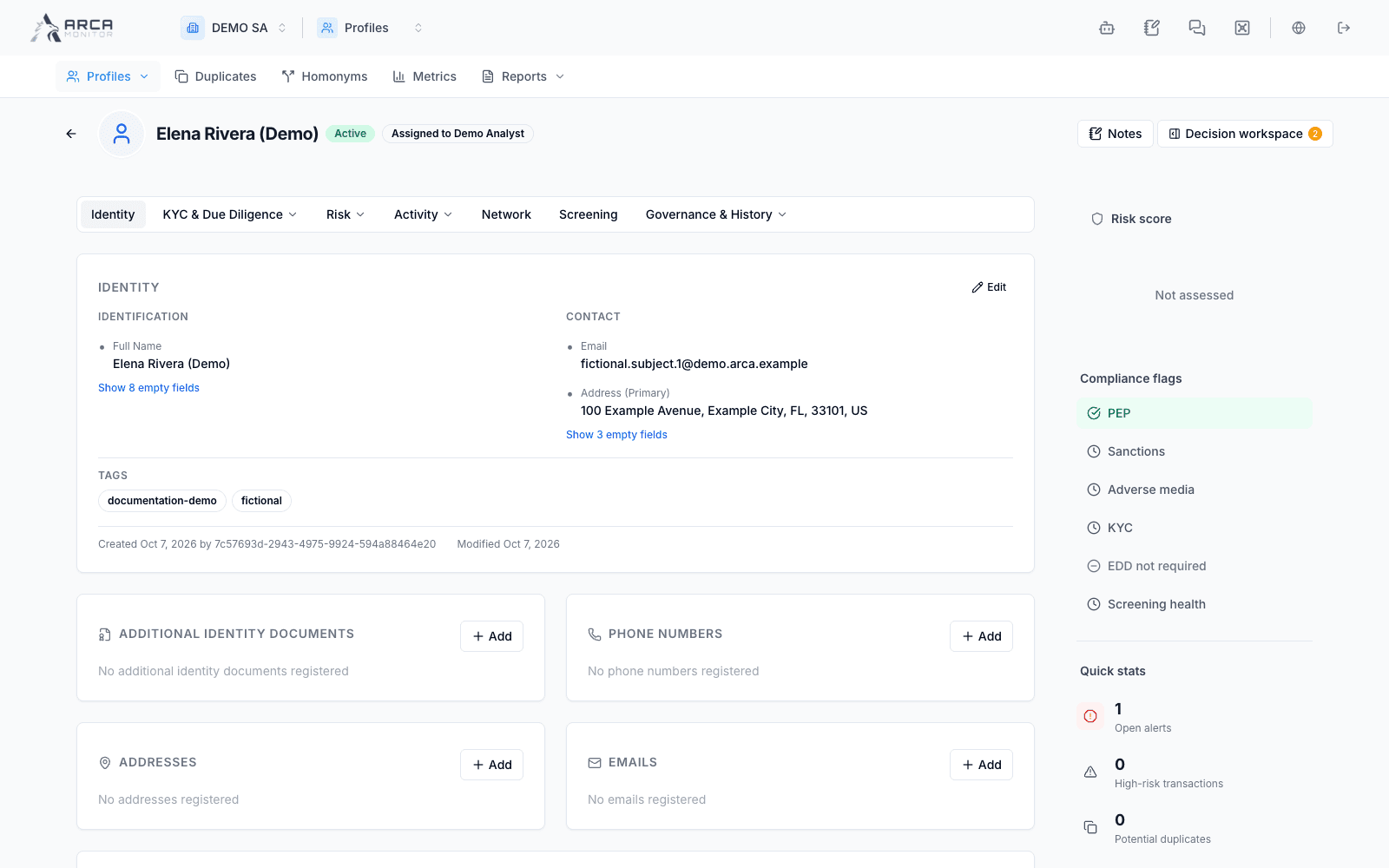
The profile has seven main sections. The workspace can hide sections, and your role can affect the initial landing view and available actions.
| Section | What belongs here |
|---|---|
| Identity | Identity, contact, business-role, and related source information. |
| KYC & Due Diligence | Requirements and status, documents and evidence, and KYC passport views. |
| Risk | Governed assessment and behavioural intelligence. |
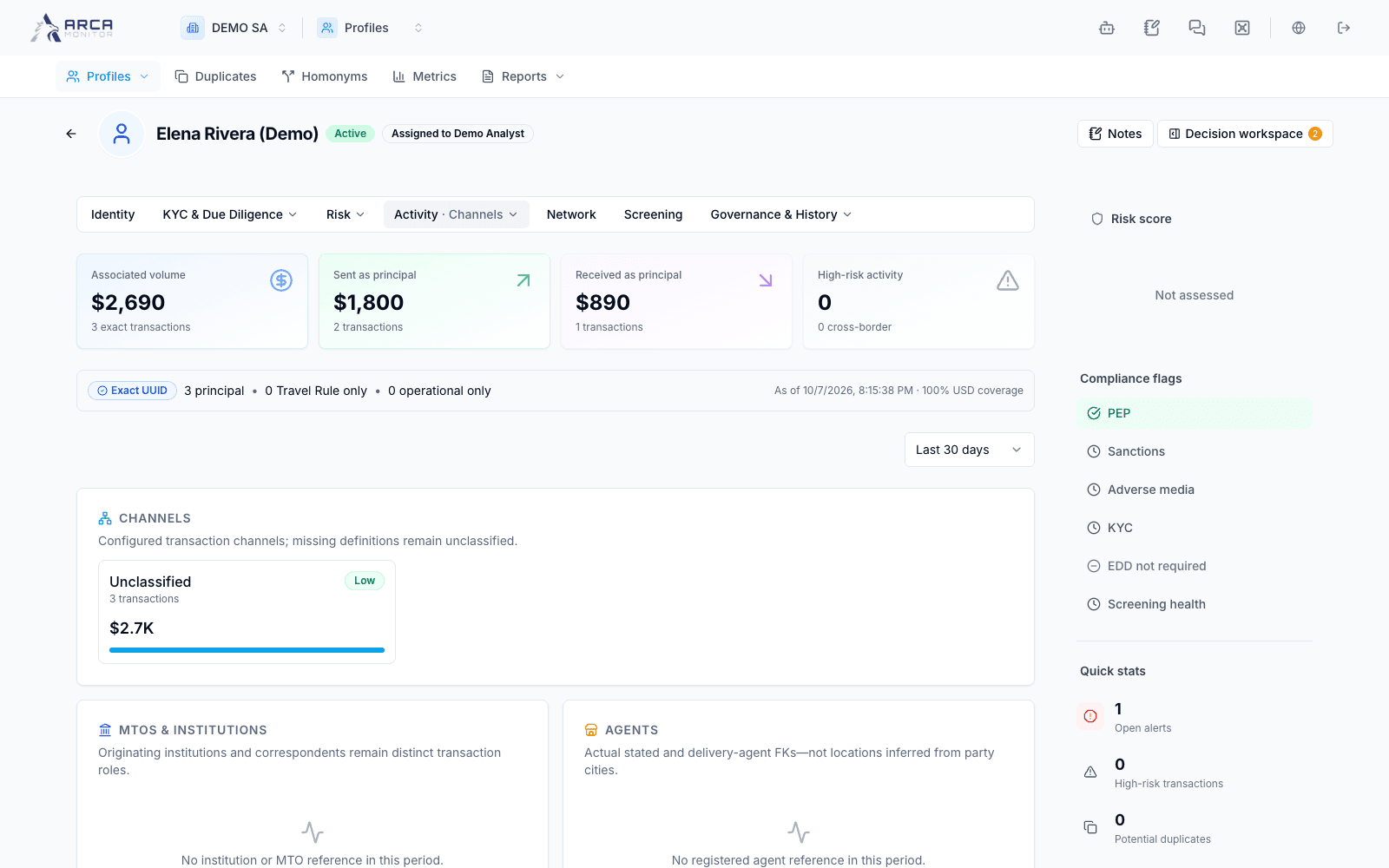
| Activity | Timeline, analysis, and channels. |
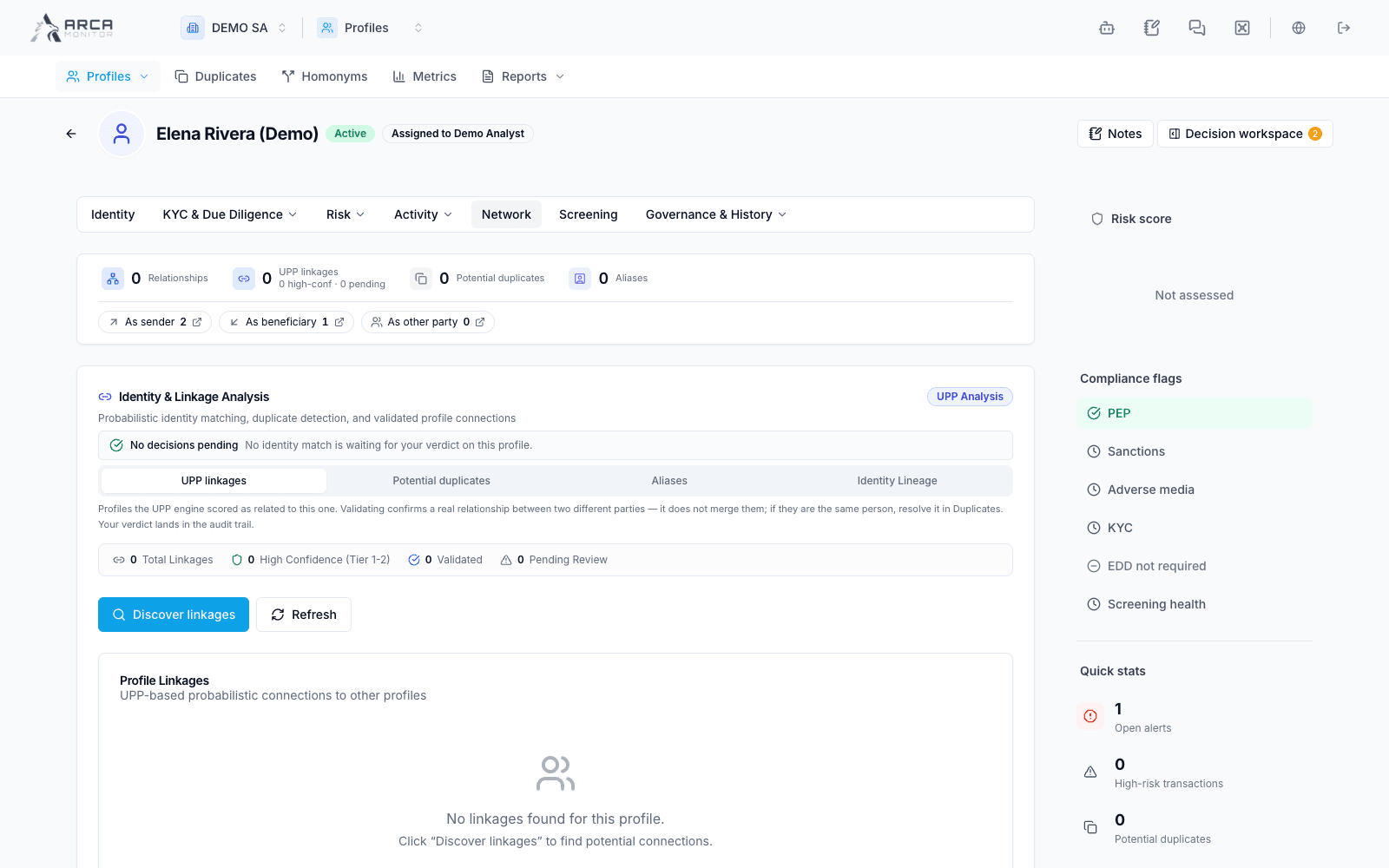
| Network | Relationships, linked identities, duplicates, aliases, and lineage where available. |
| Screening | Assessment coverage, matches, proposals, and screening history. |
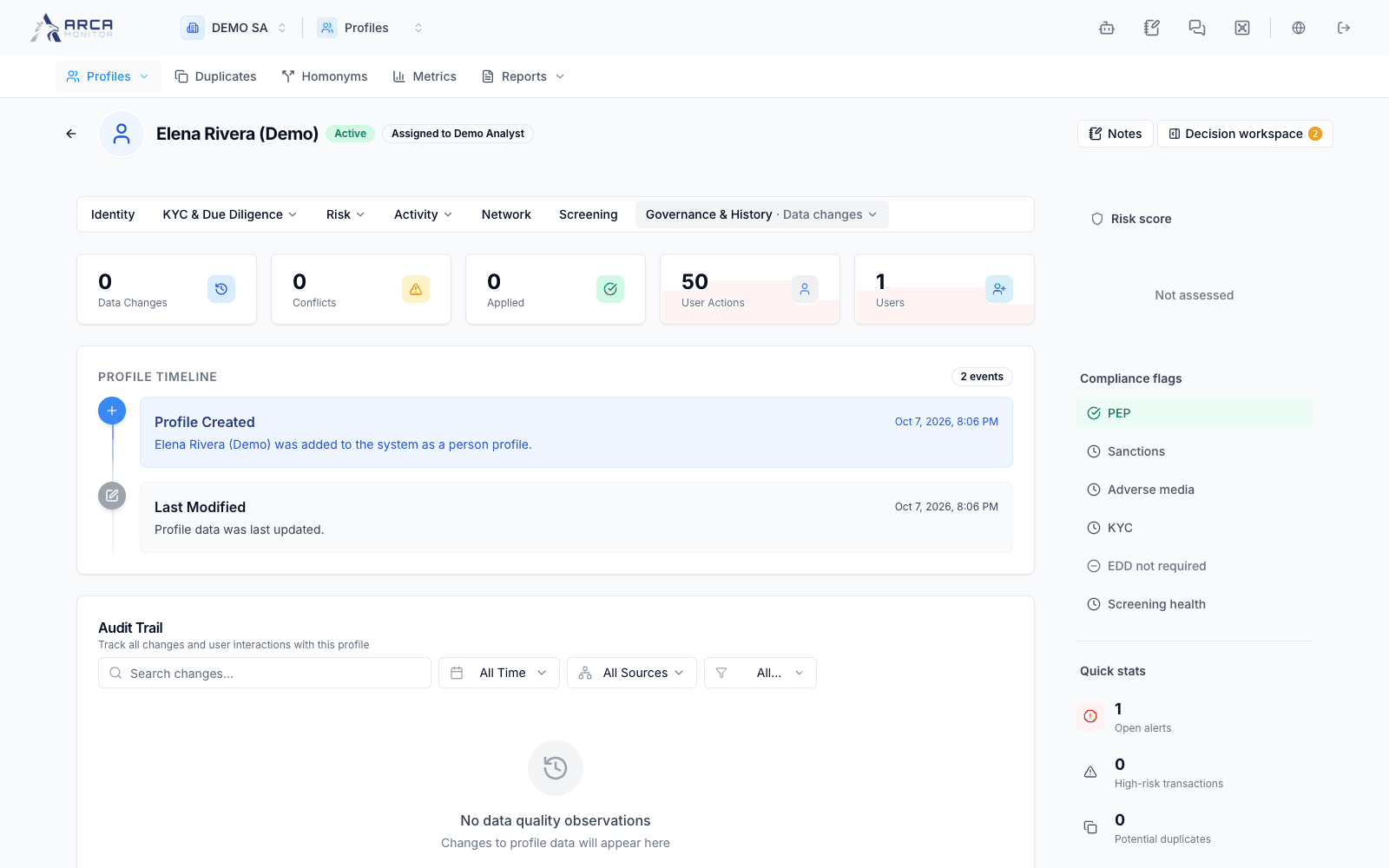
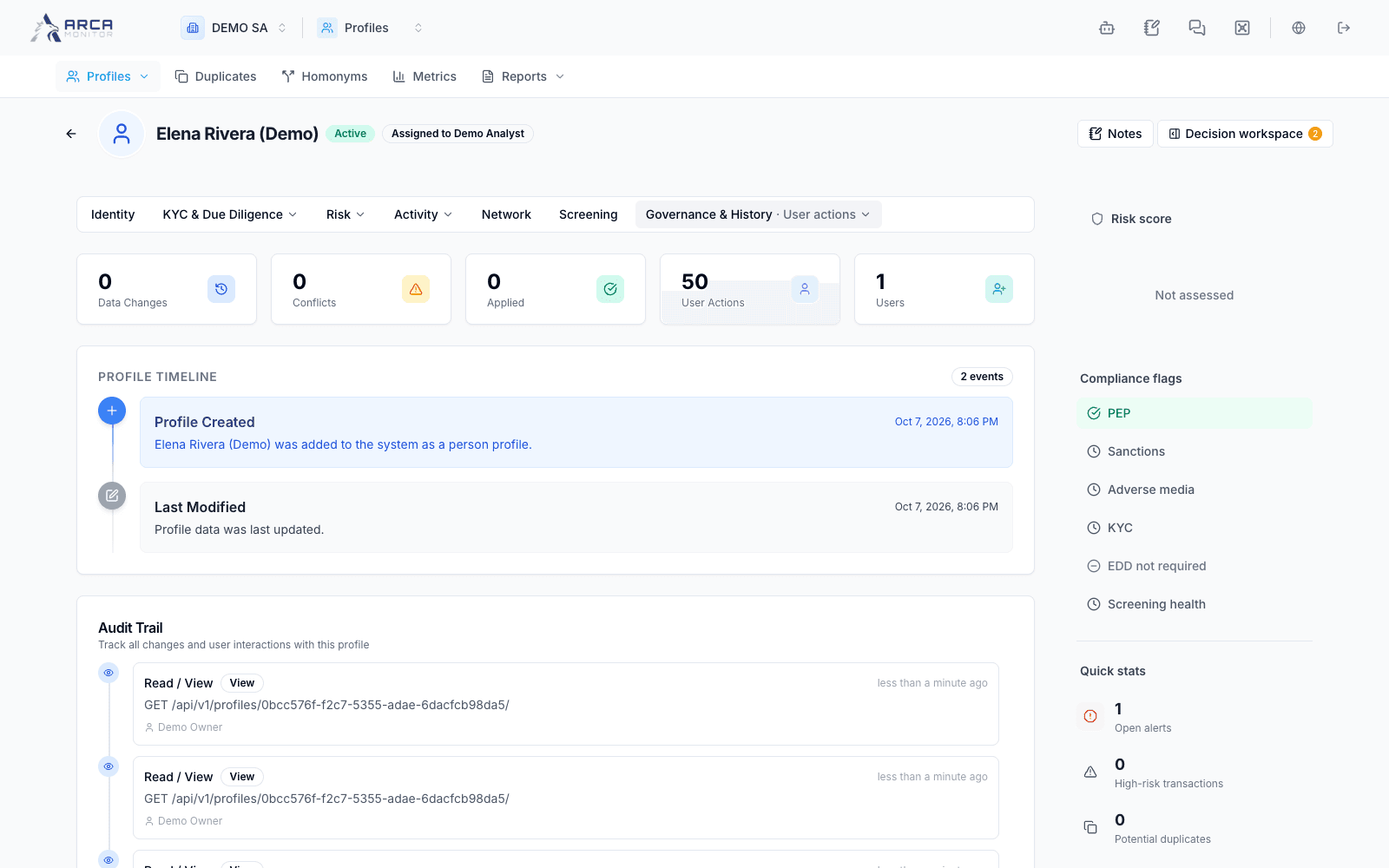
| Governance & History | Data changes, user actions, governed changes, and cases/regulatory context. |
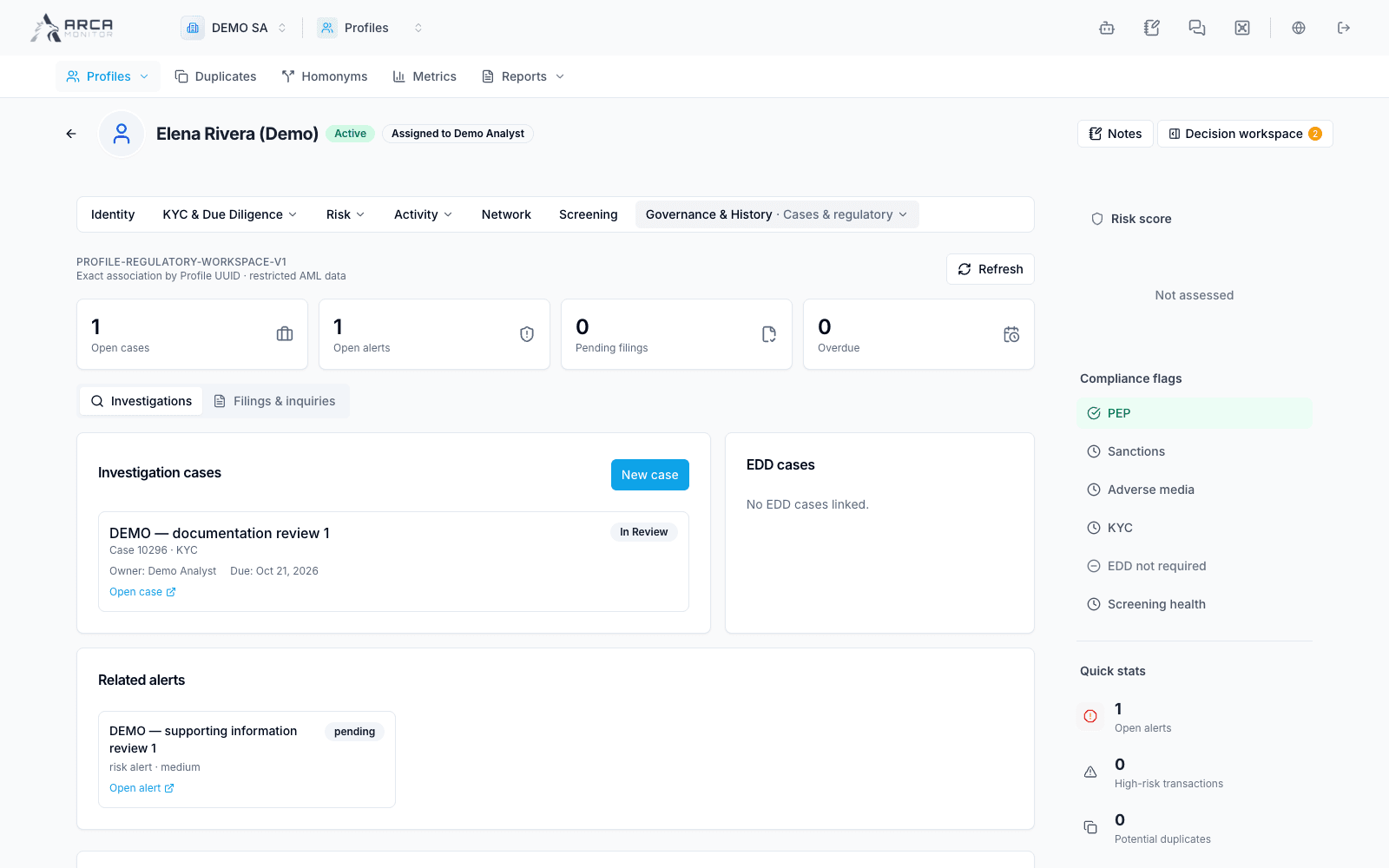
Within a section, use its named secondary views. Documents are part of KYC; cases and regulatory context are part of Governance & History. A shared link may open a particular section and view directly.
Read identity with its source
Compare identification, names, addresses, phones, email, and business information with the evidence you have. Use the appropriate record manager or edit control for the information being corrected. More than one contact or identifier can be valid; avoid replacing a value merely because another is also present.
Where provenance or inherited-record labels appear, read them. After an identity merge, some contact data and history retain their original source. A merged-away profile shows a notice linking to the surviving record, which is the starting point for current work.
Follow activity into an operation
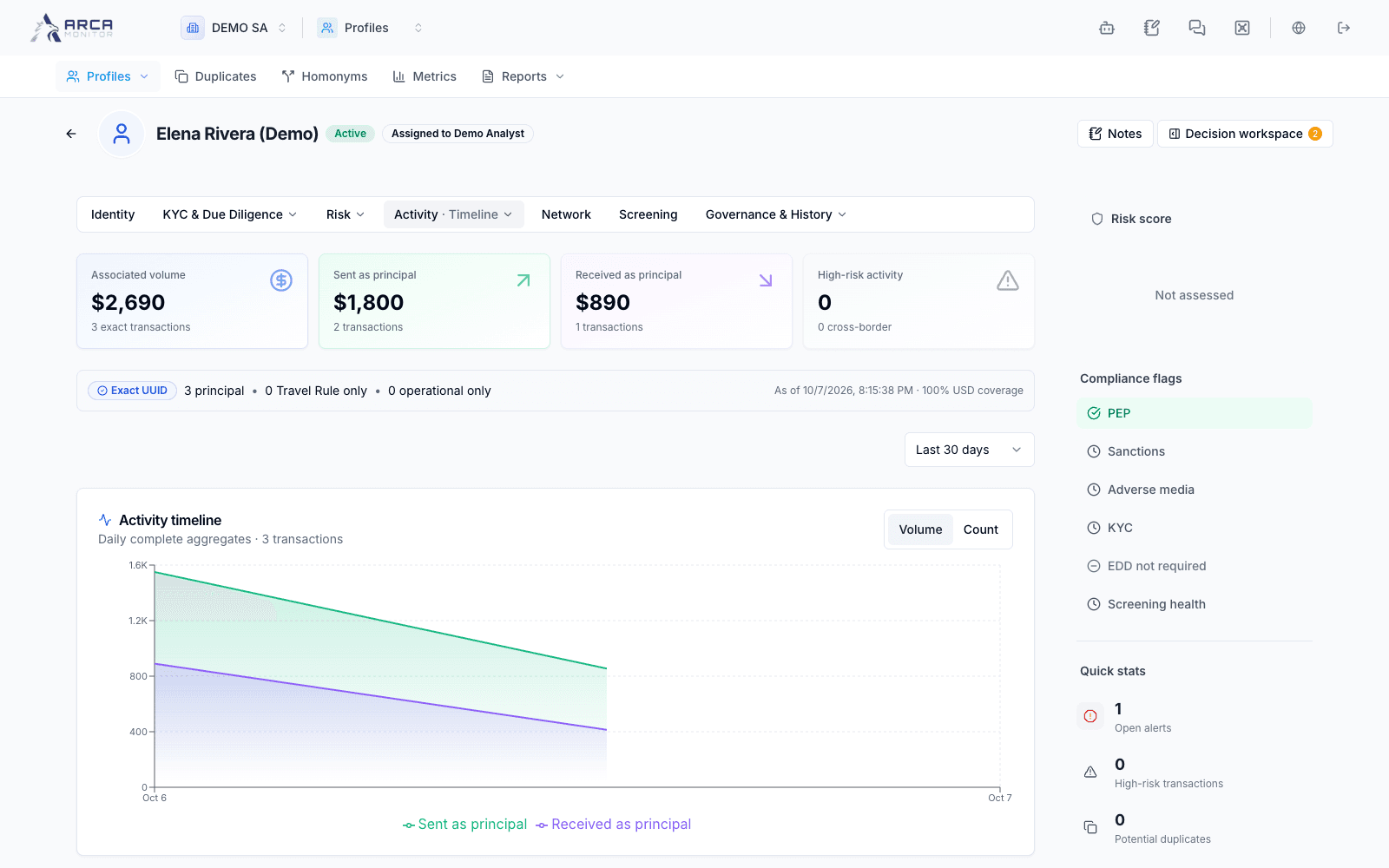
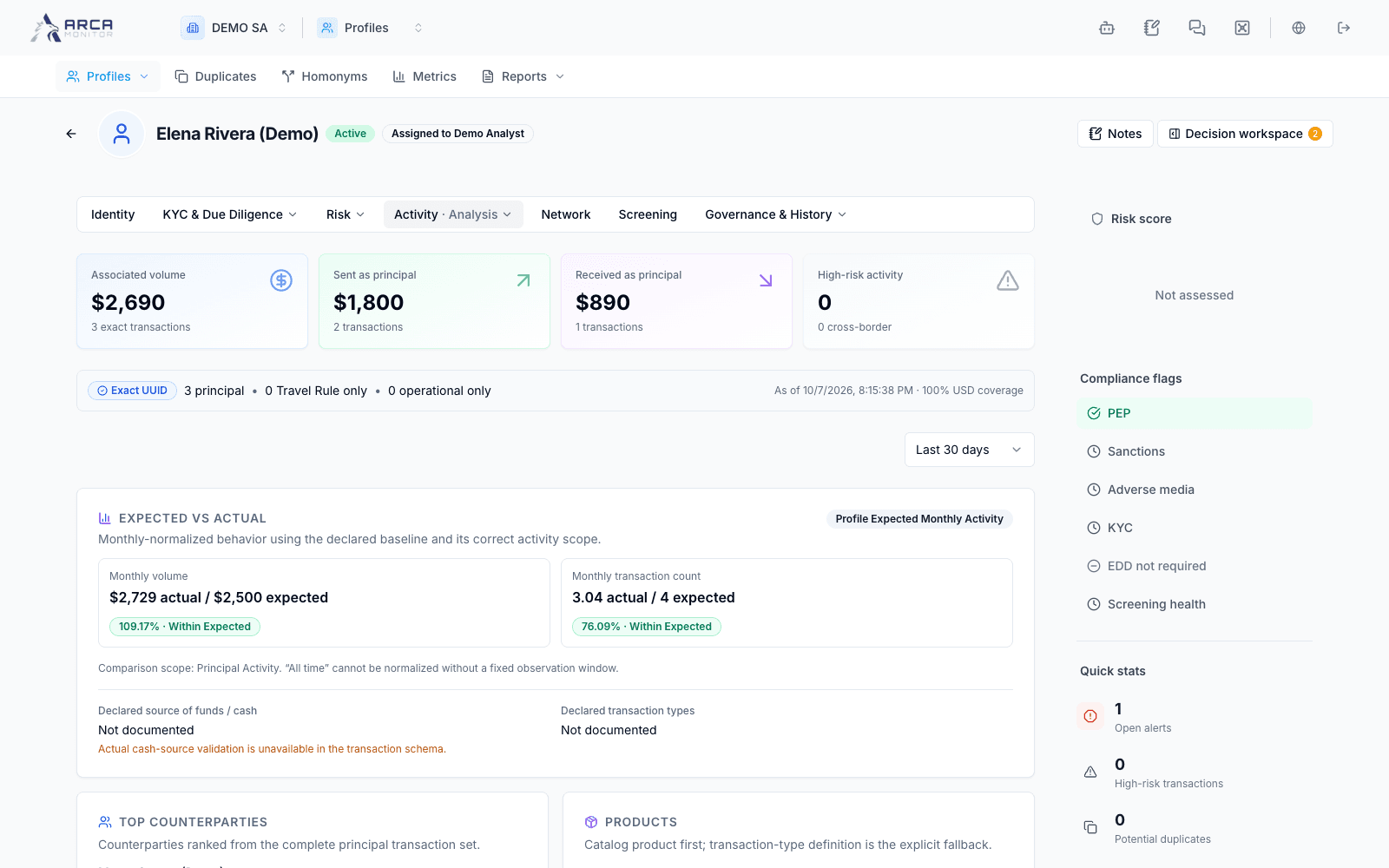
Open Activity and choose the view relevant to the task. Check the period, direction, and filters before interpreting a total or chart. Follow a transaction reference to review that operation in Transactions.
A profile’s activity context does not determine a payment decision. Likewise, an unavailable activity panel is not proof that the subject has no transactions.
Read relationships without merging identities
Use Network to inspect related profiles and the evidence behind a relationship. An owner, director, related business, or shared attribute connects records; it does not automatically mean they are the same identity. Use Duplicates and homonyms when the identity itself needs resolution.
Leave a useful handoff
Use the profile’s notes control to document relevant observations. Check ownership, outstanding work, and the decision panel when available. Review the appropriate history view to verify an action’s result and its actor.
For material corrections, follow Governed changes. For evidence or an assessment gap, continue with KYC and documents or Screening.
Screens and controls
Activity timeline for the selected profile
Activity analysis
Activity channels
Relationships and identity context
Master-data history
User-action audit history
Linked cases and regulatory context