Investigations
Build a case from linked records, evidence, and a reviewed conclusion.
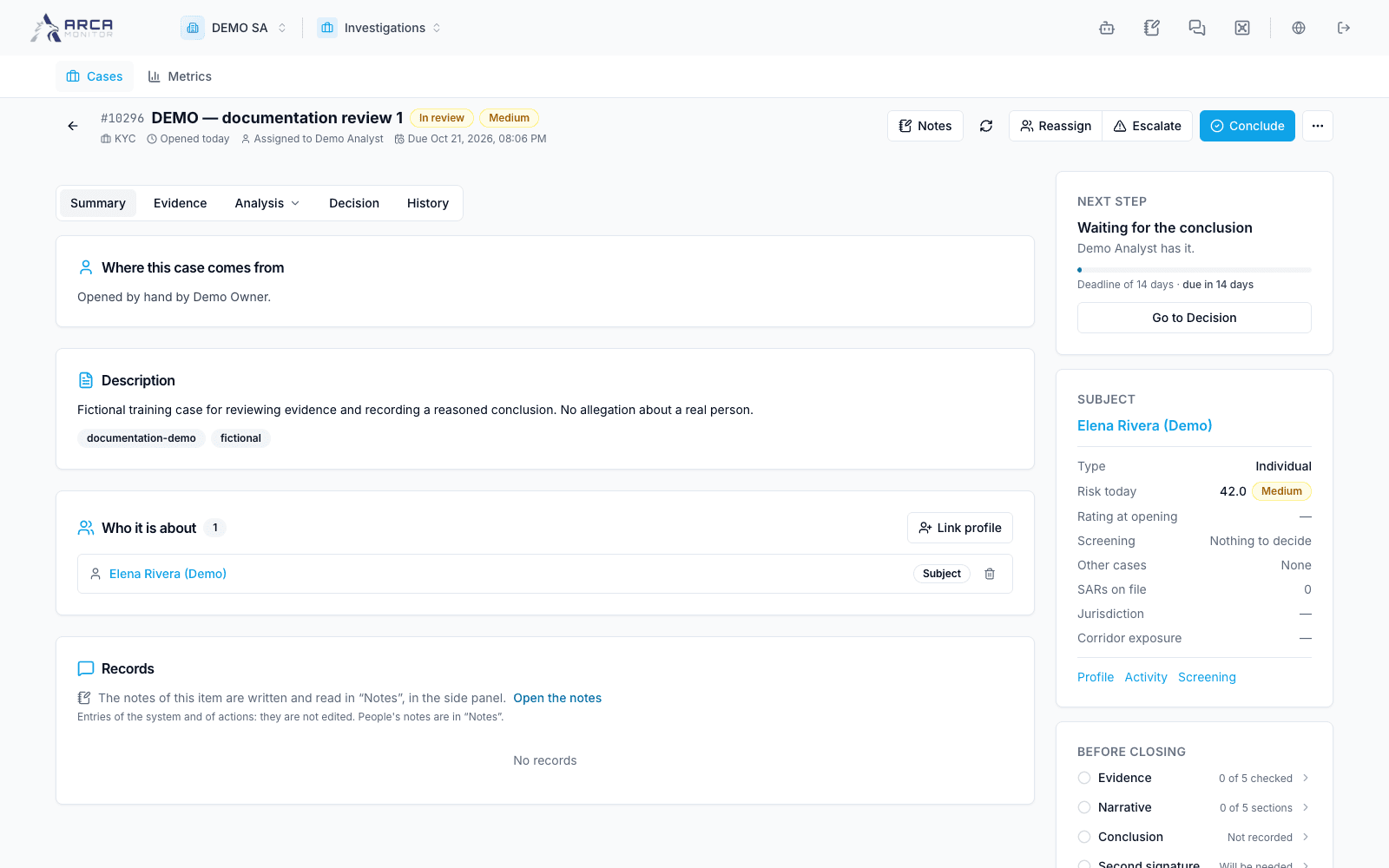
Investigations organizes the case that follows a signal, a screening result, or an analyst’s finding. Confirm the workspace and open Investigations. The app opens on Cases; Metrics is the other main menu destination.
Follow the case areas
| Area | Work to perform |
|---|---|
| Summary | Understand the subject, scope, ownership, and current state. |
| Evidence | Link alerts and transactions; inspect attached documents and Vault references. |
| Analysis → Activity | Review the subject’s financial activity. |
| Analysis → Relationships | Explore related entities and connections. |
| Decision | Write the narrative, record a conclusion, follow review, and close when allowed. |
| History | Inspect the recorded sequence of case activity. |
My cases, unassigned work, pending review, and overdue work are quick views inside Cases. Personal cross-app work and signatures are in Workbook. Alert triage stays in Alerts.
Before you begin
You need the app installed in the workspace and permission for the specific action. A member who can read a case may not be allowed to assign, conclude, review, or close it. Workspace investigation settings are in Governance → Configuration → Investigations.
A case recommendation, its independent review, and a SAR filing are distinct records. Confirm the actual state at each handoff rather than treating the case title or an AI-generated narrative as a completed decision.