Review an alert
Read the trigger, risk context, related records, and current workflow.
Start from the queue
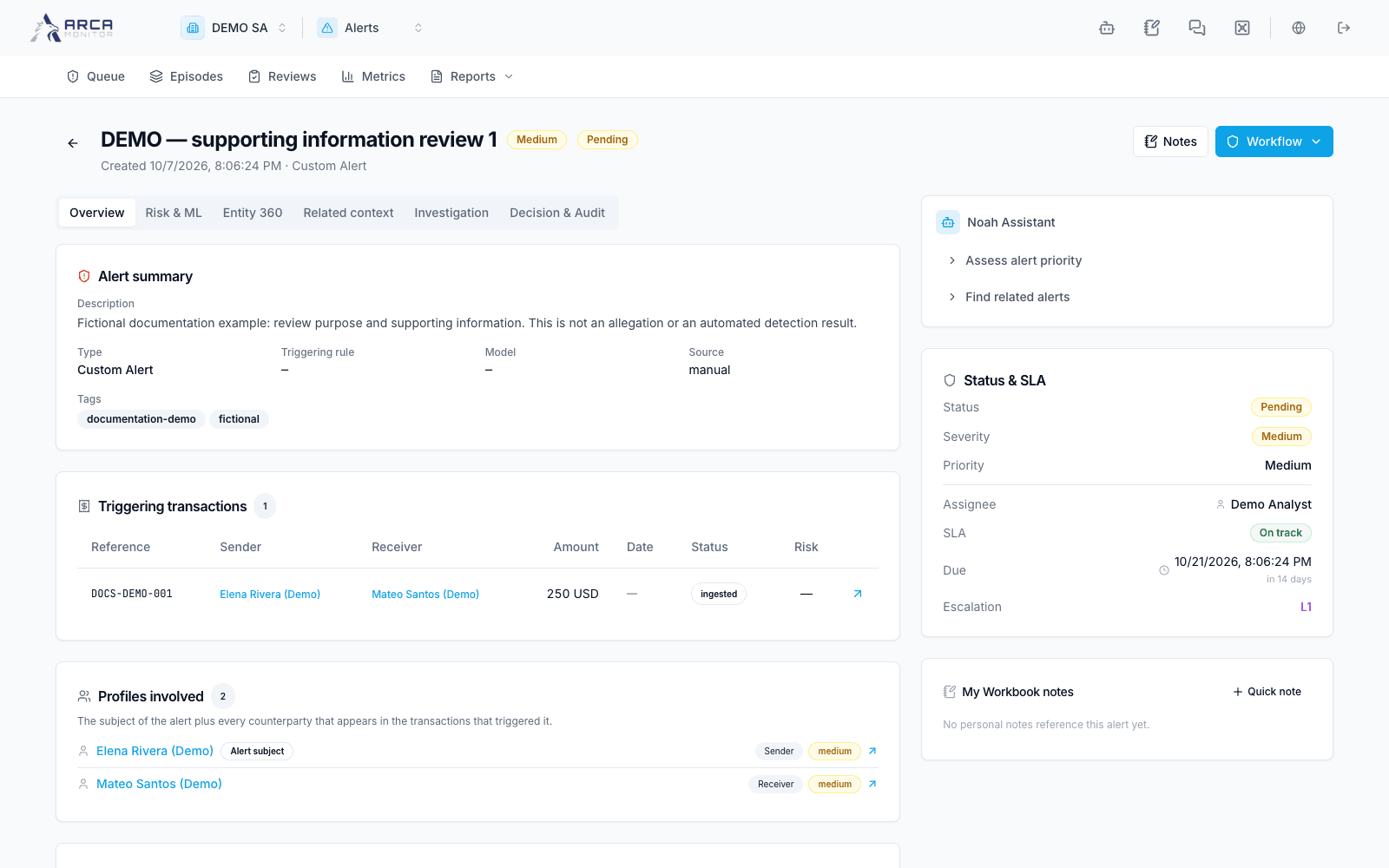
Open the alert title. Confirm its subject, type, severity, priority, assignee, status, SLA, and any episode or linked-case indicator. Use the prior/next queue controls to preserve the working context; check the record title after each move.
Review the six areas
| Area | What to inspect |
|---|---|
| Overview | Triggering evidence, priority explanation, and operational summary. |
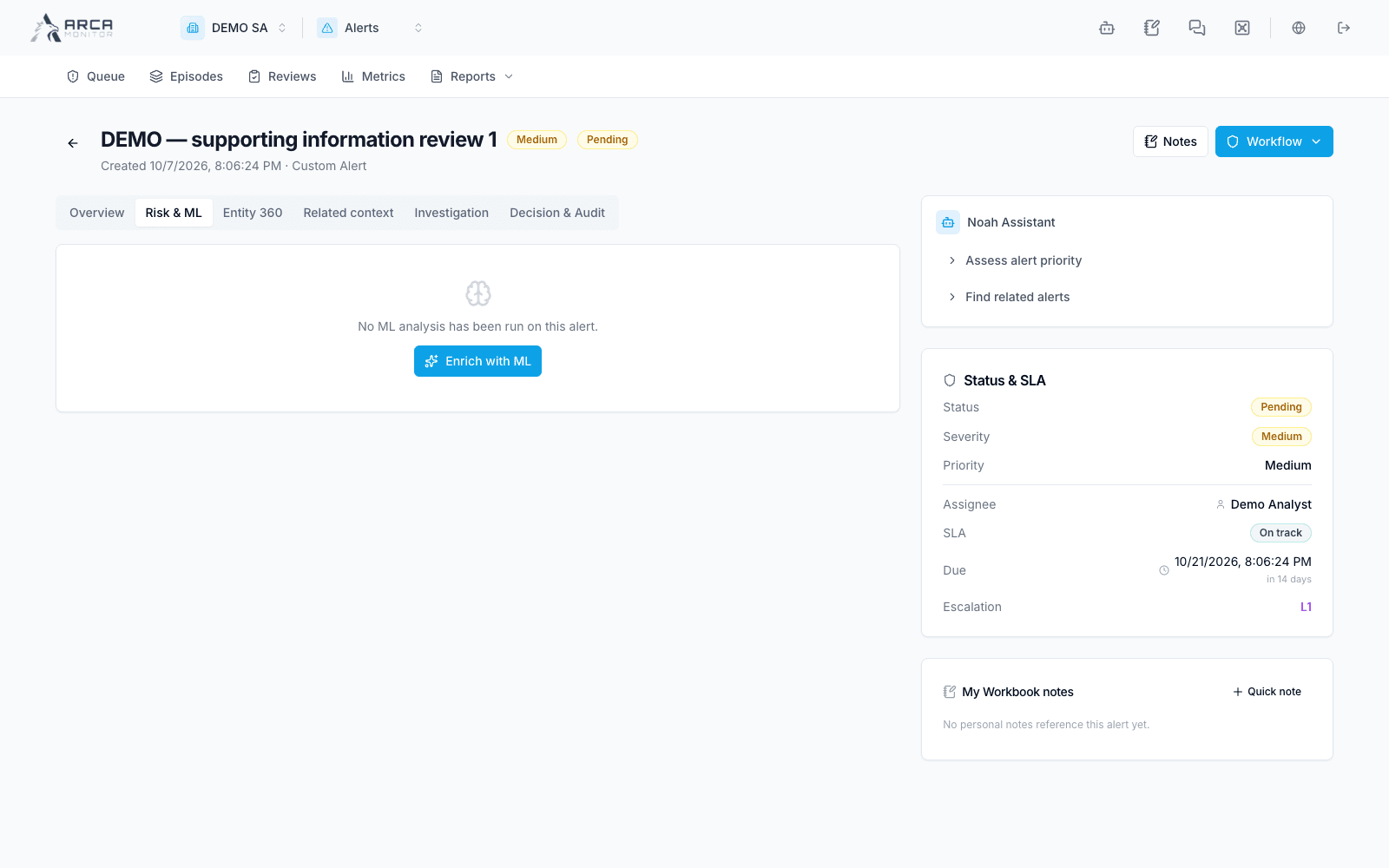
| Risk & ML | The available risk and model context; distinguish scores from an analyst’s conclusion. |
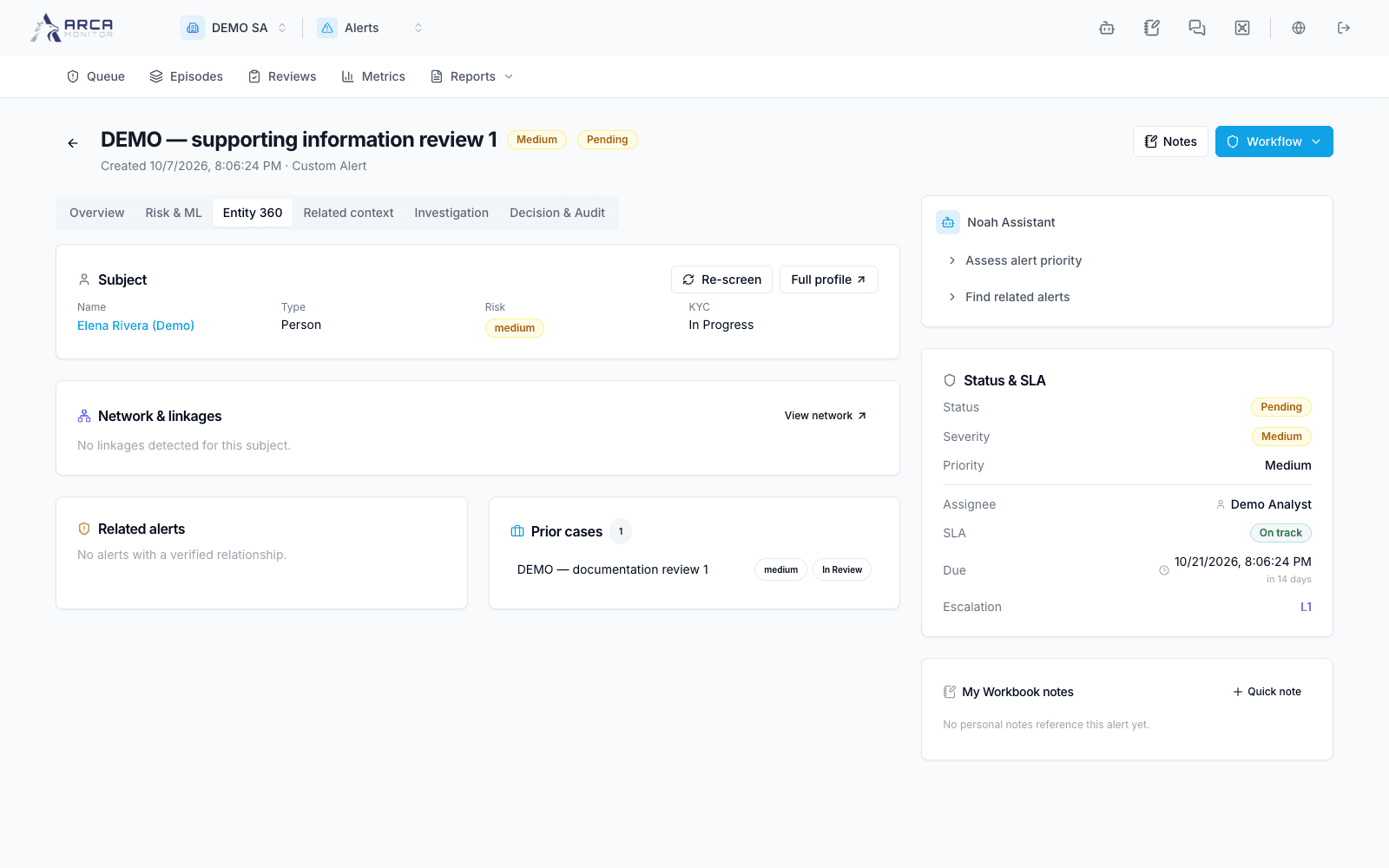
| Entity 360 | Subject identity and related profile information. |
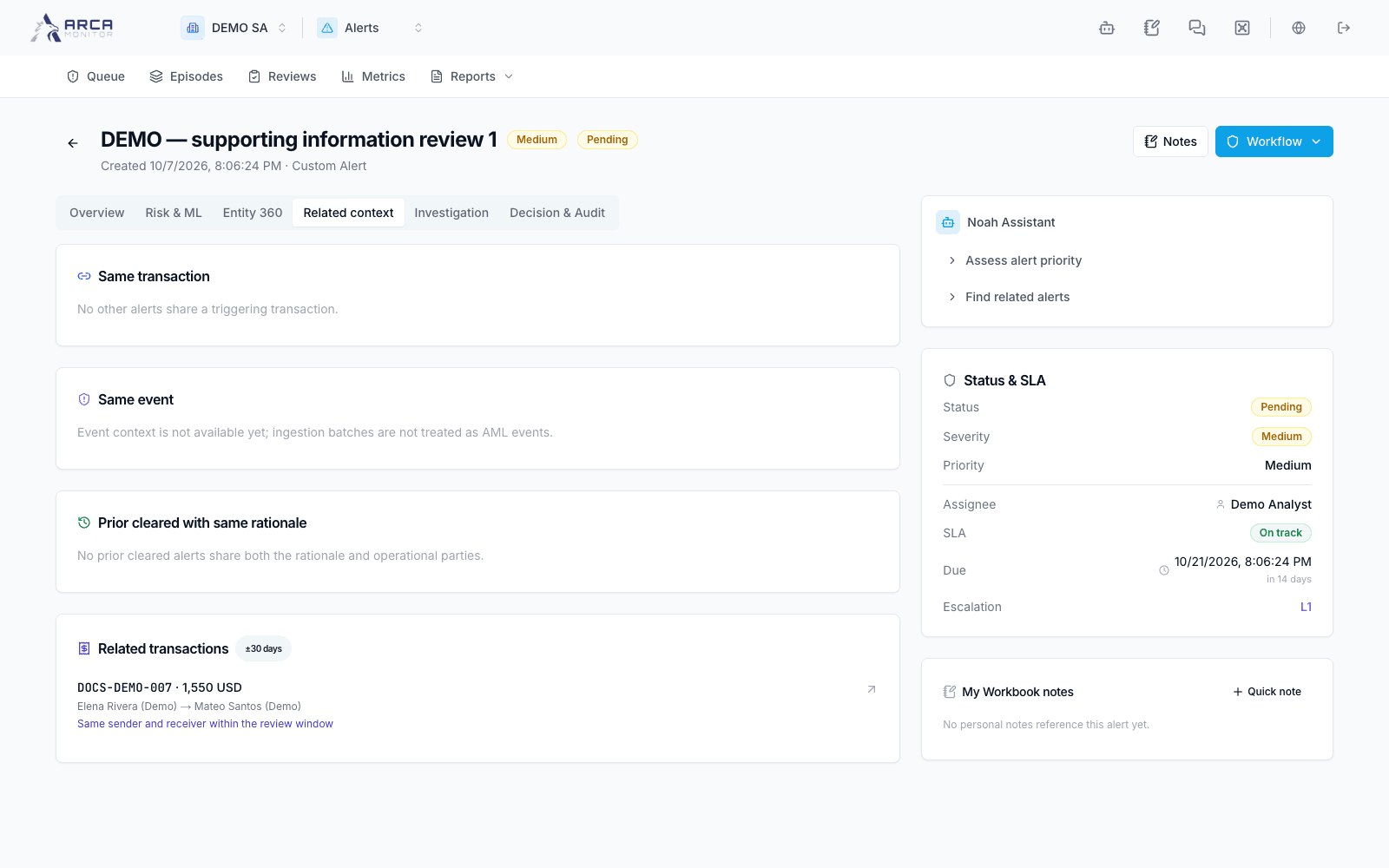
| Related context | Prior alerts/cases and reusable context for the same subject. |
| Investigation | Required playbook steps, questions, evidence, and follow-up work. |
| Decision & Audit | Reviews, decisions, control measures, narrative, and recorded events. |
Follow the triggering transaction or profile link when you need the underlying record. Missing evidence, an unavailable panel, and a confirmed empty result mean different things. Use the panel’s retry action when loading fails; do not treat a failed query as evidence of no activity.
Keep context current
Read material-change notices before reusing an earlier conclusion. A prior note can support the current review only after checking that it applies to this alert; document that validation. A related alert or episode is context, not permission to copy its disposition automatically.
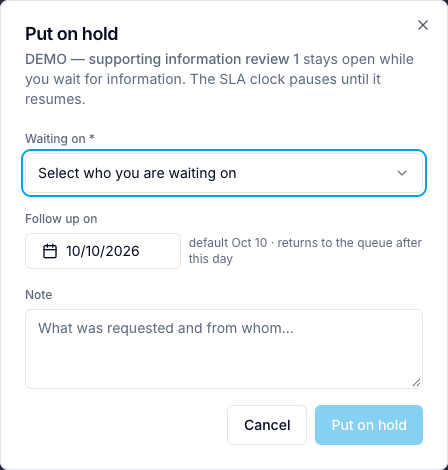
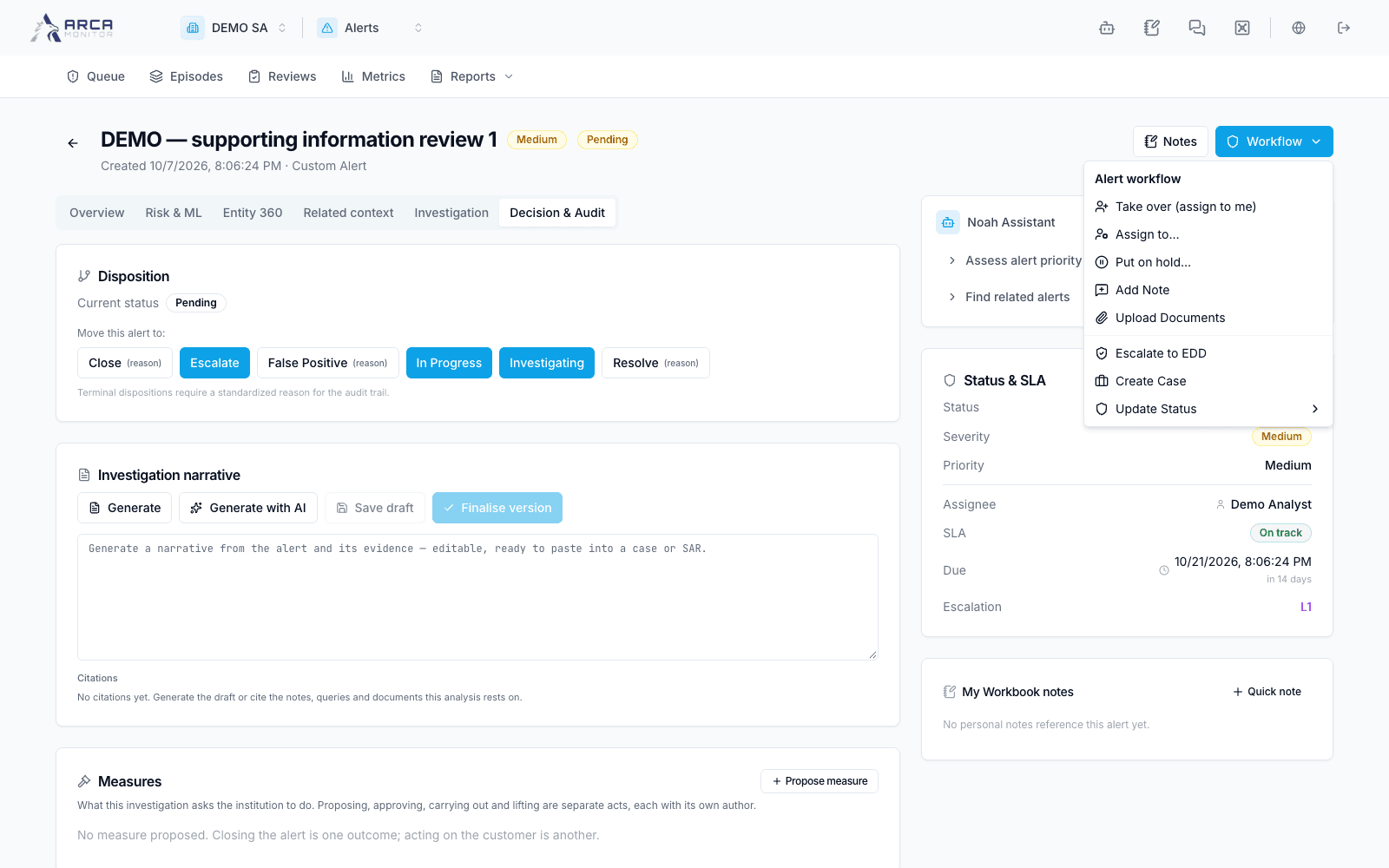
The Workflow menu exposes assignment, holds, notes, uploads, escalation, and permitted transitions. Hover or focus a disabled action to inspect its reason. If the alert changes while you work, reload and reconcile your intended action with its new state.
Screens and controls
Workflow menu: assignment and escalation are separate actions
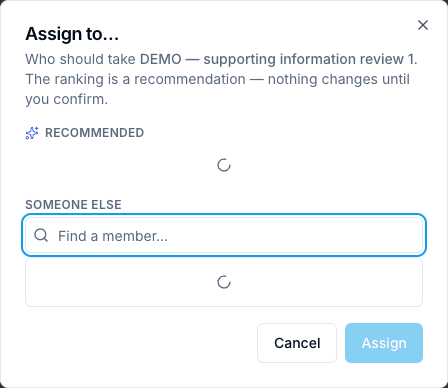
Alert assignment dialog
Alert hold reason and release context