Metrics and reports
Read operational measures and retain the correct report output.
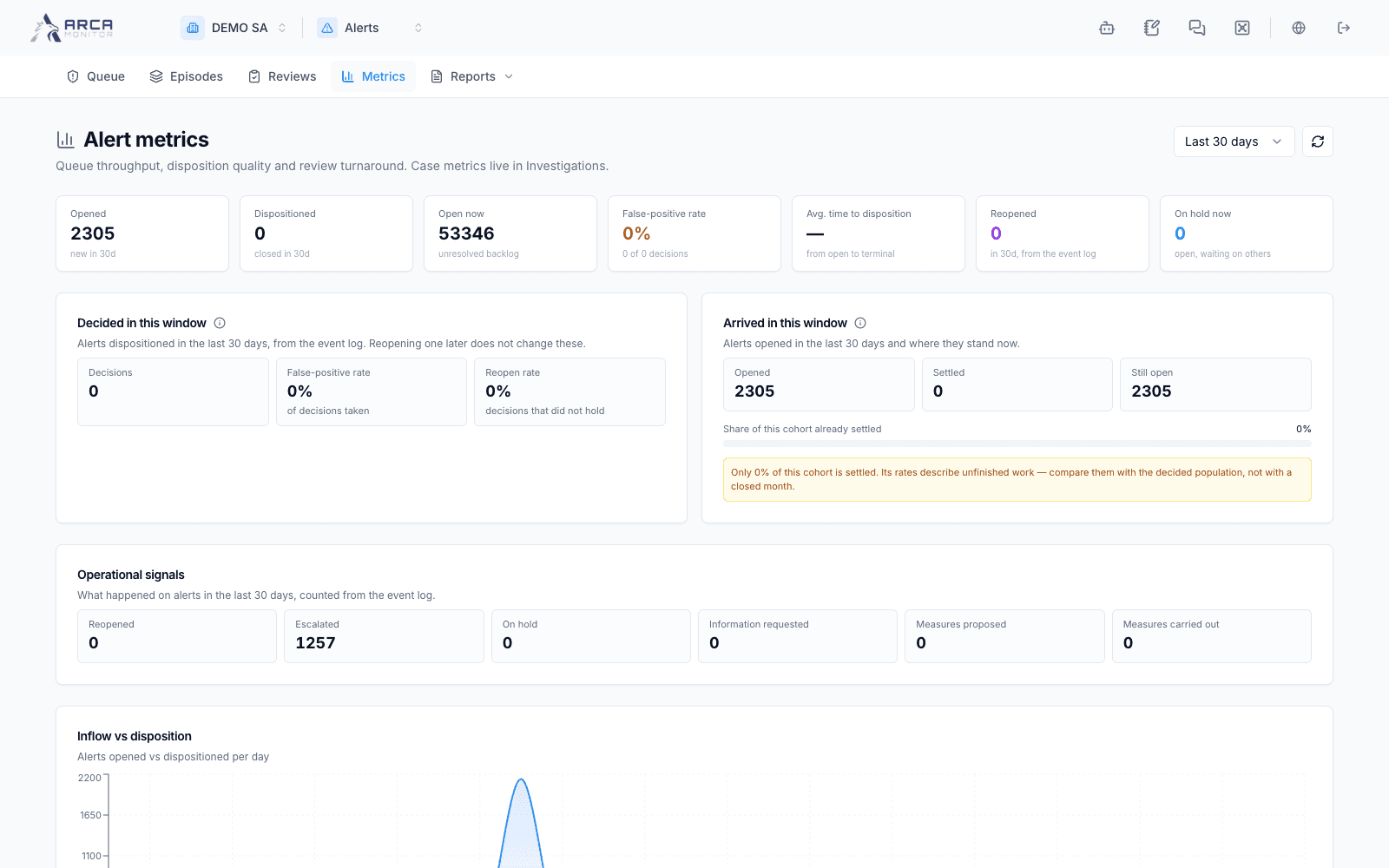
Read Metrics
Choose Metrics, select the period, and refresh when needed. Inspect each panel’s population and time basis. Current open workload and outcomes recorded during a period answer different questions; their totals need not match the queue’s created-date filter.
Dispositions by analyst attributes outcomes to the assignee at disposition. Decisions by decider attributes recorded decisions to the actor, which can be an approver. Use this distinction when reviewing workload or performance. Review statistics describe the separate review process, not just the number of escalated alerts.
Use workload links to open the relevant queue and inspect its filters. An error panel is unavailable data, not zero activity. Retry that panel before exporting or quoting its totals.
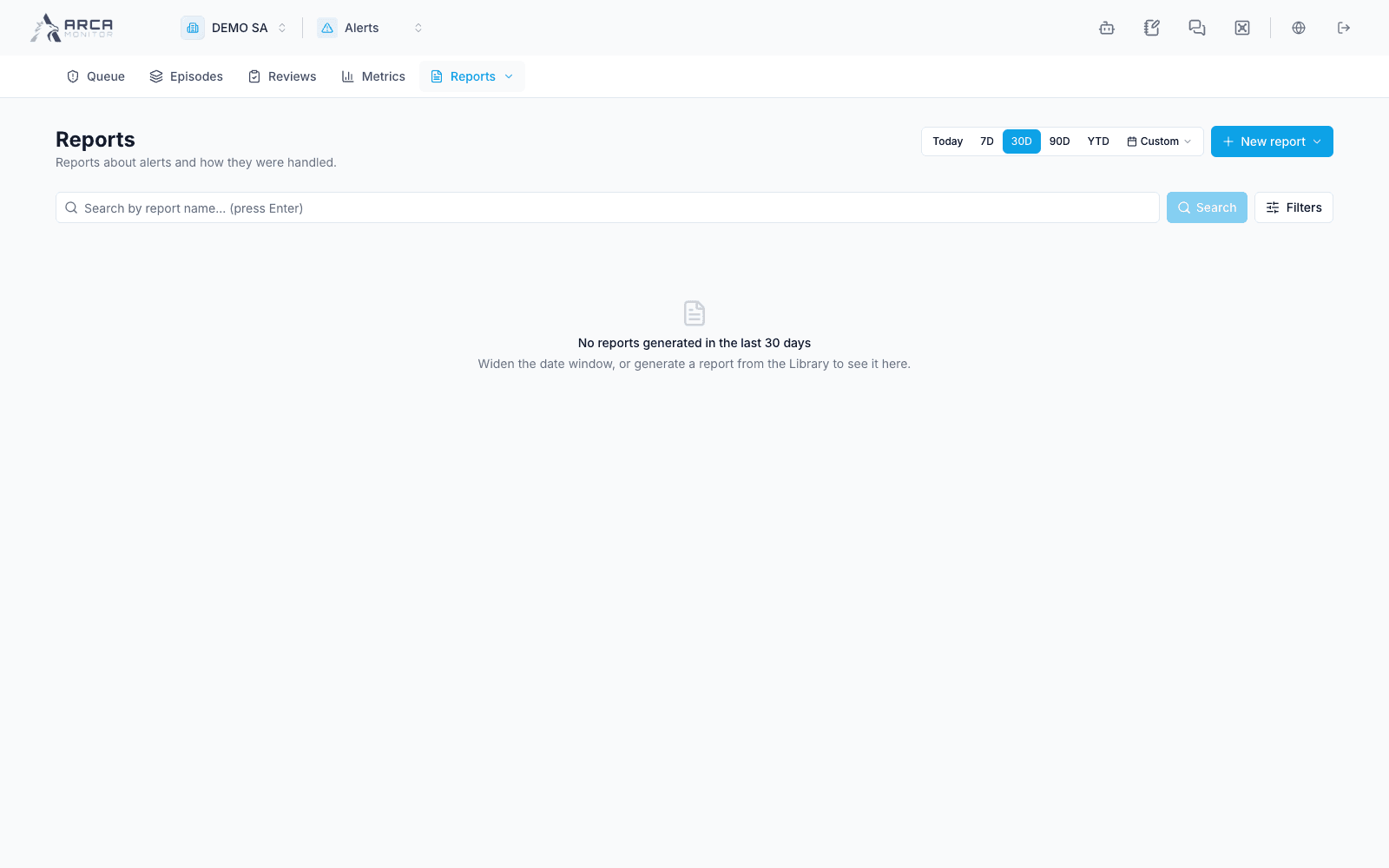
Open Reports
The Reports menu lists available Alerts report types and access to the app’s report history. Open the required type, review its parameters and output formats, then generate it if permitted. Track progress and errors; download the completed output and verify its period and scope.
For workspace-wide templates, previous outputs, and recurring generation, see Reports. Report generation does not approve alert decisions, and downloading a file does not submit a regulatory filing.