Metrics and reports
Interpret review workload, readiness, source freshness, and generated report outputs.
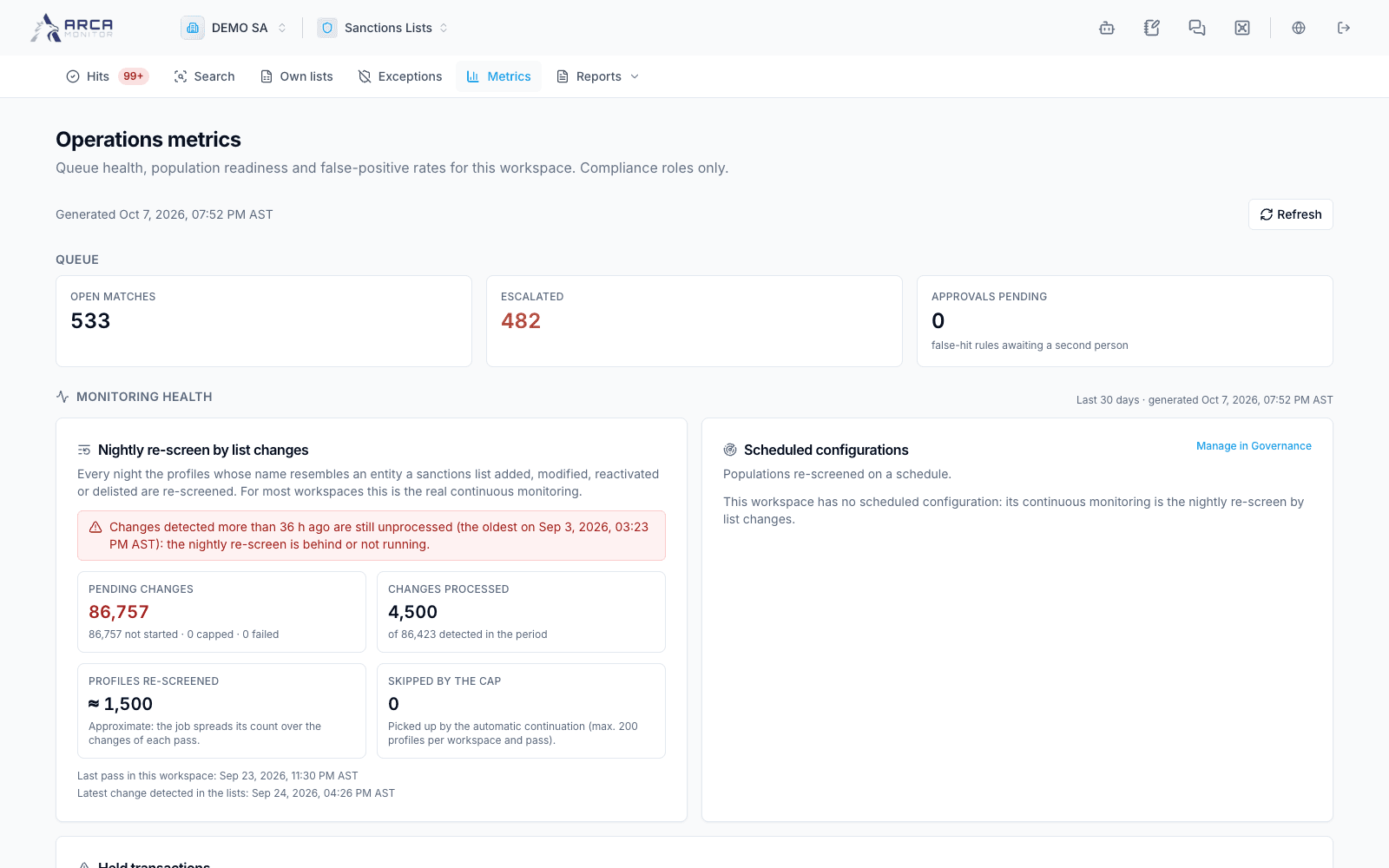
Open Metrics for operational measures. Access can be restricted to the relevant compliance capabilities. An access message or failed load is not a zero-workload report.
Read the measures in context
Start with the generated timestamp. Review queue counts, escalated work, and pending approvals, then monitoring health and source freshness. Read the definition or displayed denominator next to each rate.
| Measure | Interpretation |
|---|---|
| Open matches and age | Outstanding work and how long it has waited, not a count of unique customers. |
| False-positive rate | The displayed false-positive share of decided records; it is not measured model accuracy across every customer. |
| Resolution time and SLA | The stated measurement window, decided population, and applicable deadline compliance. |
| Readiness | Active profiles with a current assessment relative to the displayed population. |
| Monitoring health | Evidence of runs, progress, gaps, and holds. |
| Freshness | Currency and availability of the underlying sources, separate from profile assessment age. |
Use Refresh when confirming that recent work is reflected. If a rate is unavailable or has no denominator, preserve that distinction instead of reporting it as zero. Queue requests, match records, and profiles are different units; do not compare their totals as if they were the same population.
Generate an application report
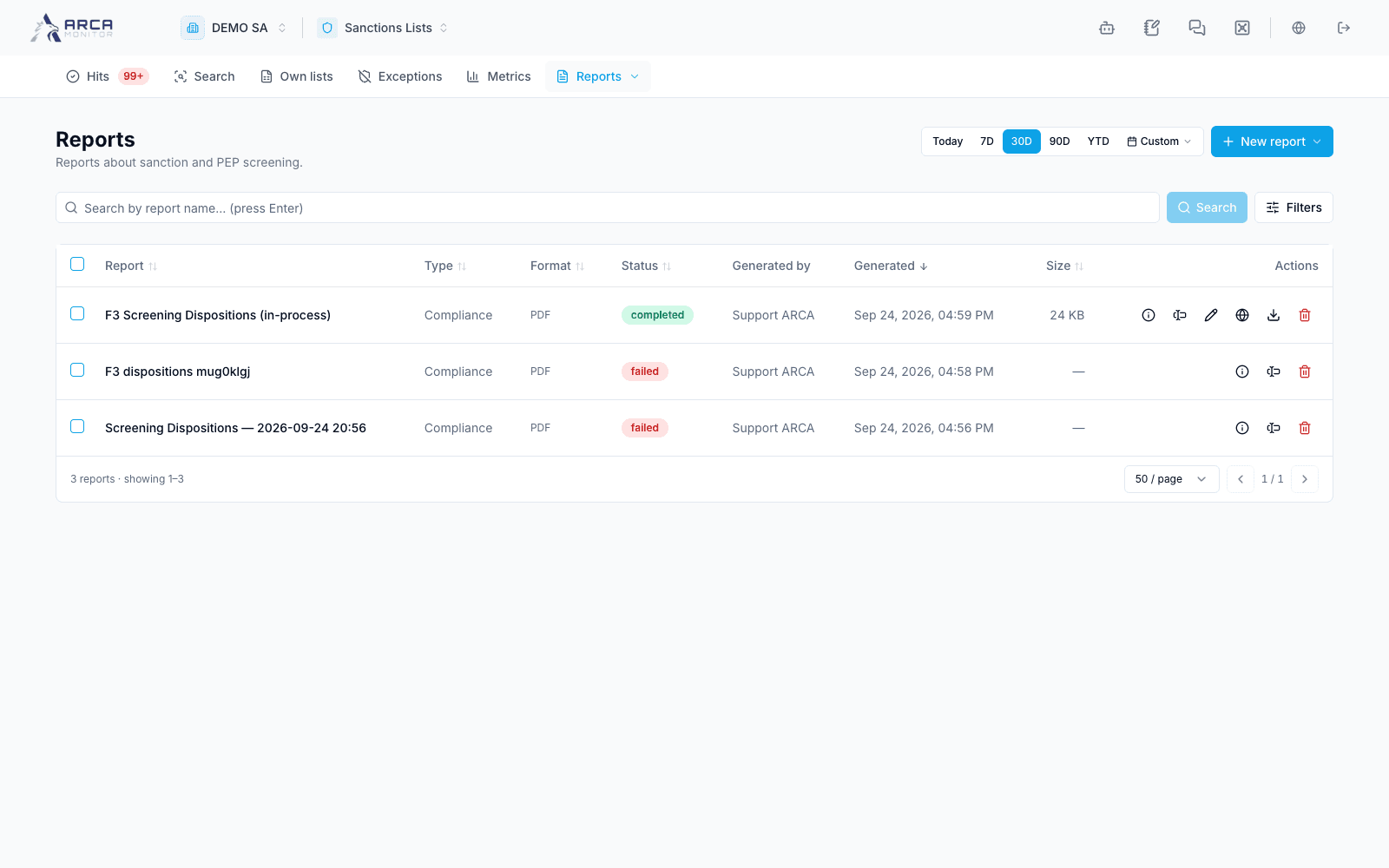
Open Reports and choose an available report or its history. Review the report’s parameters and scope, then use its generation action when authorized. Follow the generated output through its status and download the available format when ready.
If generation is queued, wait for its recorded result rather than repeatedly requesting the same report. Check an error or failed state before retrying. Confirm workspace, report type, parameters, and generation time on the downloaded output.
Choose a report, export, or certificate
Use a queue export for the current filtered review workload, a batch export for row outcomes, and a certificate for the identified stored assessment. An application report serves the configured reporting scope. These outputs are related but do not establish the same facts.
For a bounded or incomplete assessment, retain its coverage qualification in the review and any communication based on the output. Continue with History and certificates for integrity and completeness checks.
Screens and controls
Screening metrics and scope
Screening report history