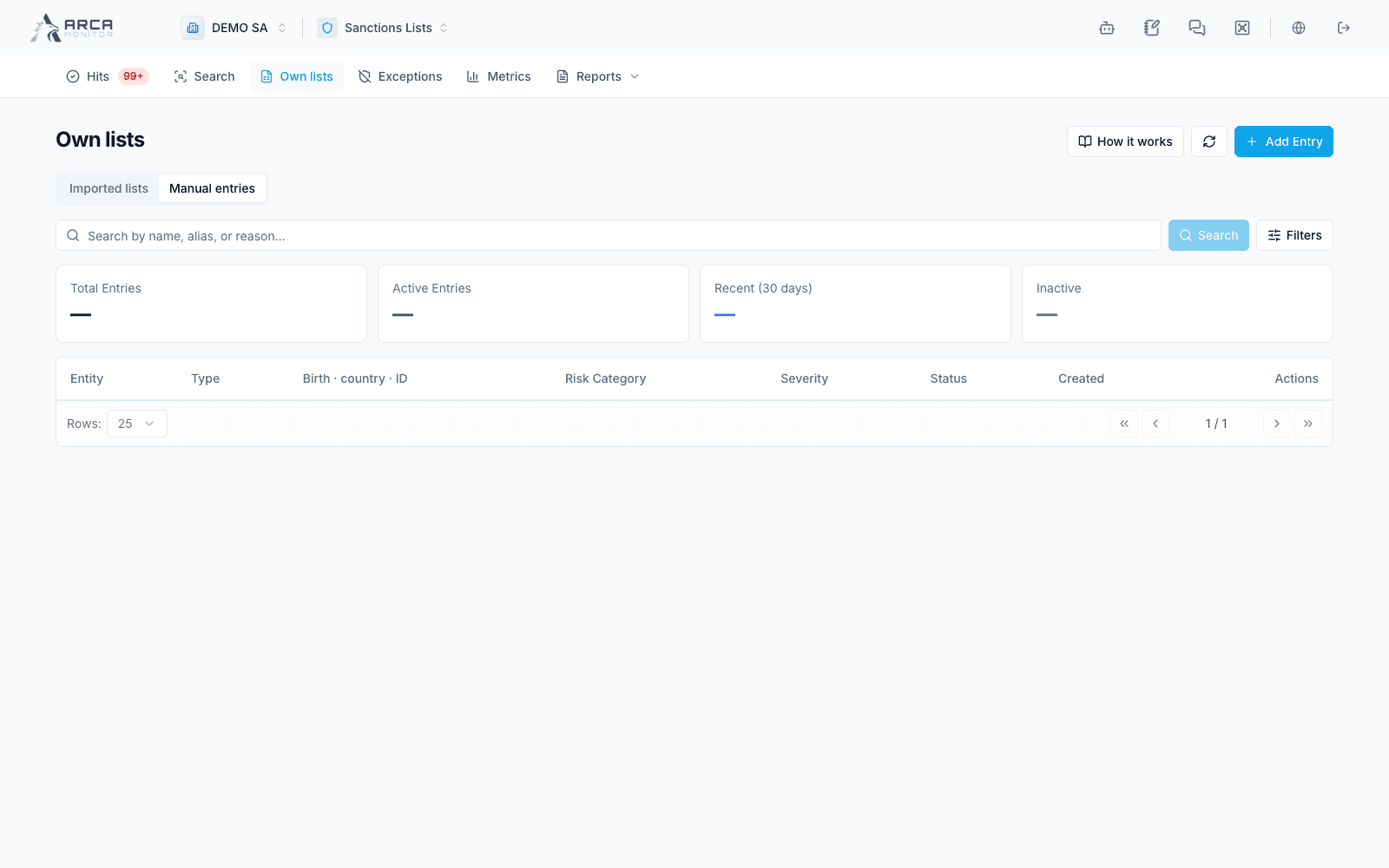
Manual entries
Maintain individual internal-list records with traceable reasons and validity dates.
Open Own lists → Manual entries. The default origin scope shows manual records. The Origin filter can include imported-list entries; check it before deciding what you are editing.
Add an entry
- Confirm the workspace and the reason this identity belongs in the internal list. Check for an existing record first.
- Choose Add Entry and enter the name and reason required by the form.
- Select the entity type and provide the relevant aliases, identification or registration numbers, birth information, and nationality or registration country.
- Review severity, risk category, status, effective date, expiration date, and notes.
- Select or add a source reference where appropriate. Existing references and investigation cases can help make the reason traceable.
- Save, then reopen the entry and verify the stored fields and status.
The type determines which identity fields are relevant. Preserve exact identifiers and distinguish a missing value from a value known to differ. The entered severity is a workspace classification; it is not proof of an externally listed identity.
Edit or deactivate
Use the row menu’s Edit action to correct the entry. Recheck its origin, dates, and reason before saving. Editing its descriptive fields should not be treated as an implicit reactivation.
Use Deactivate and review its confirmation when the entry should stop contributing. The record remains available for history. Check the resulting state; deactivation does not undo earlier matches or review decisions.
Understand its screening effect
Ordinary internal-list screening checks eligible active entries from active lists and manual records. Names and aliases can match approximately, while document identifiers provide exact matching. Do not assume that birth date and country corroboration work identically to sanctions/PEP evidence.
A sanctions-confirmation workflow can create an internal entry automatically. Inspect its origin and the action’s returned list-effect message before adding another manually. An own PEP register uses the PEP path and must not be treated as the same kind of blocklist record.
False-positive exceptions do not suppress ordinary own-list hits. Correct the source entry or follow the appropriate review workflow when an internal-list result is wrong. Changes affect future checks; verify the outcome of any necessary re-screening separately.
Screens and controls
Manual entries and workspace PEP records