TAG
Coordinate through workspace channels, shared files, and tasks.
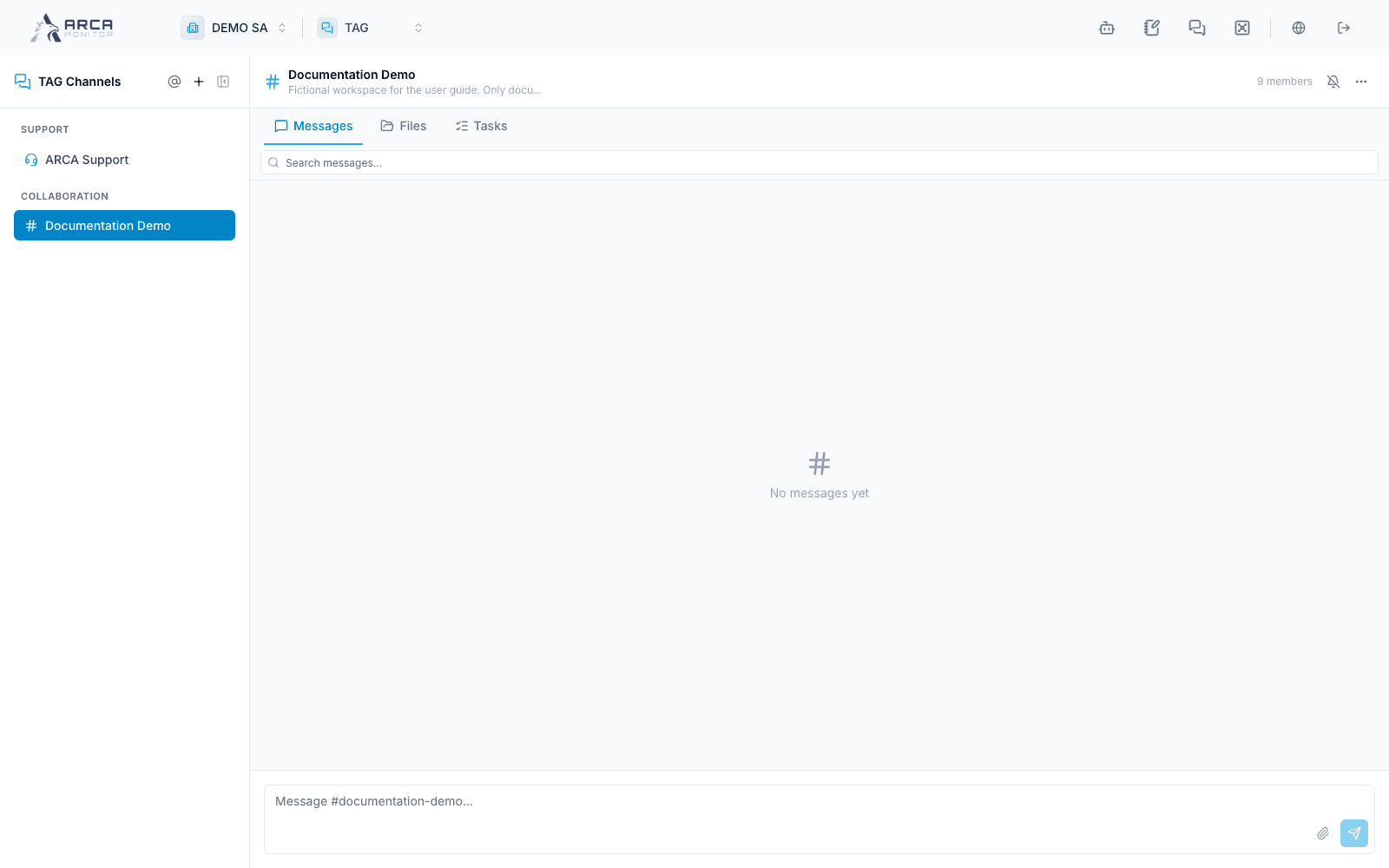
TAG is the workspace’s channel-based communication area. Select TAG in the app selector. The sidebar separates support, collaboration channels, and notification feeds when those channels exist.
Choose the right surface
| Surface | Purpose |
|---|---|
| Collaboration channel → Messages | Discuss work, reply, mention, and follow context. |
| Collaboration channel → Files | Find attachments and linked document references. |
| Collaboration channel → Tasks | Assign and follow channel work. |
| Notification feed | Read system events and open their source records. |
| ARCA Support | Contact the support team through the dedicated conversation. |
The current collaboration menu exposes Messages, Files, and Tasks. A separate Linked tab is currently disabled; old links requesting it return to Messages. Follow record links in messages and tasks instead of looking for an unavailable menu option.
Keep coordination connected to decisions
A message can ask someone to investigate; a task can track that follow-up. Neither replaces the decision, approval, or evidence record required in the relevant app. Open the linked alert, case, transaction, or report and perform the controlled action there.
Channel membership and role affect access and actions. Guests can be restricted to TAG, and observers may only read. Confirm channel and audience before sharing work. If a channel is absent, check membership and workspace with its administrator.
In this guide
- Channels, members, and support
- Messages and source context
- Find and share channel files
- Assign and follow channel tasks
Screens and controls
Documentation Demo collaboration channel