Transaction monitoring
Follow the available sections, controls and saved results.
General and thresholds
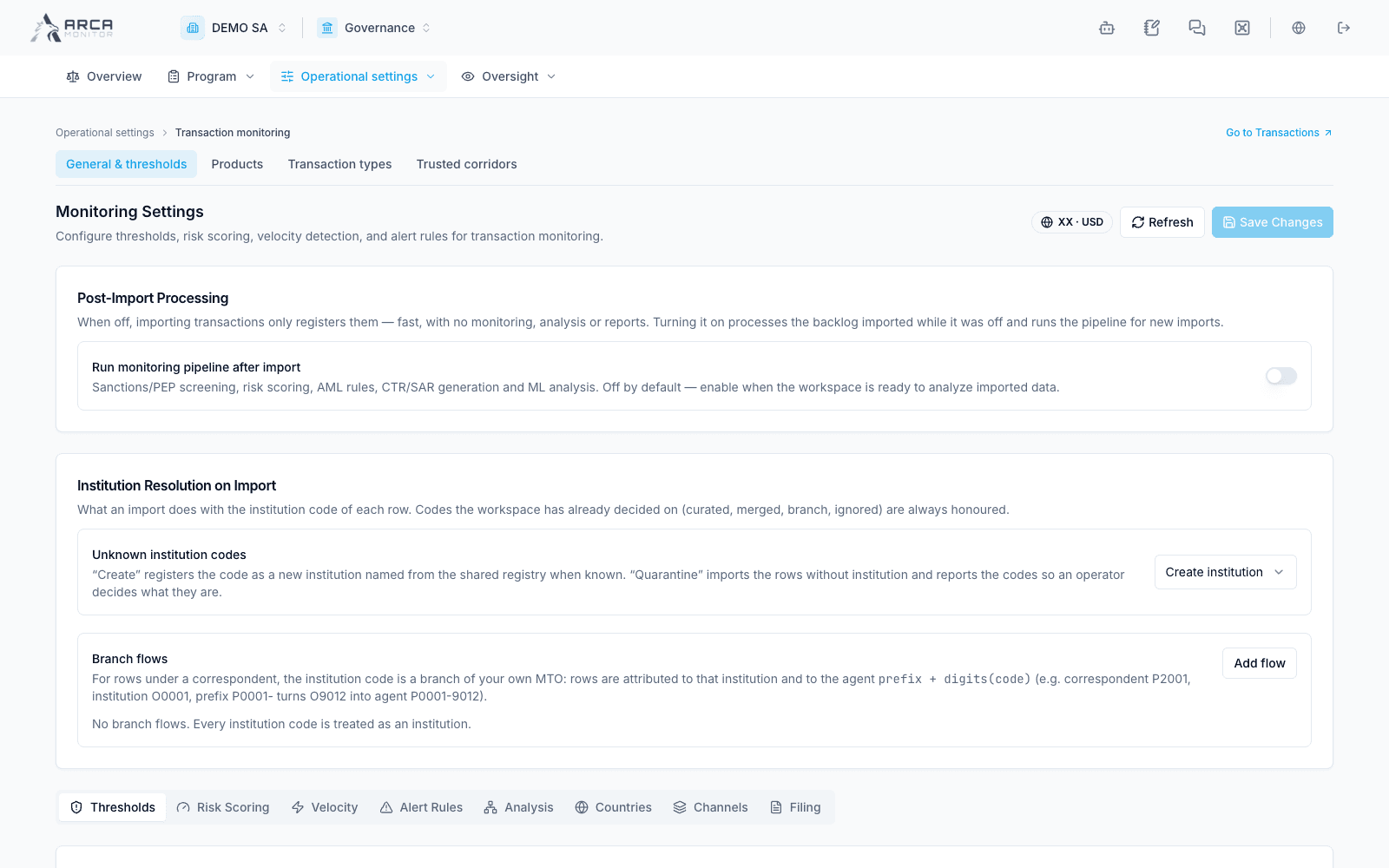
Start with Operational settings → Transaction monitoring → General & thresholds. Review the jurisdiction/currency and each relevant tab: Thresholds, Risk Scoring, Velocity, Alert Rules, Analysis, Countries, Channels and Filing. Save Changes persists configuration; Refresh reloads it. The post-import switch has a material effect: enabling it processes the pending backlog as well as new imports. Review that scope before changing it. Unknown-institution resolution and branch flows affect attribution of imported records.
Products
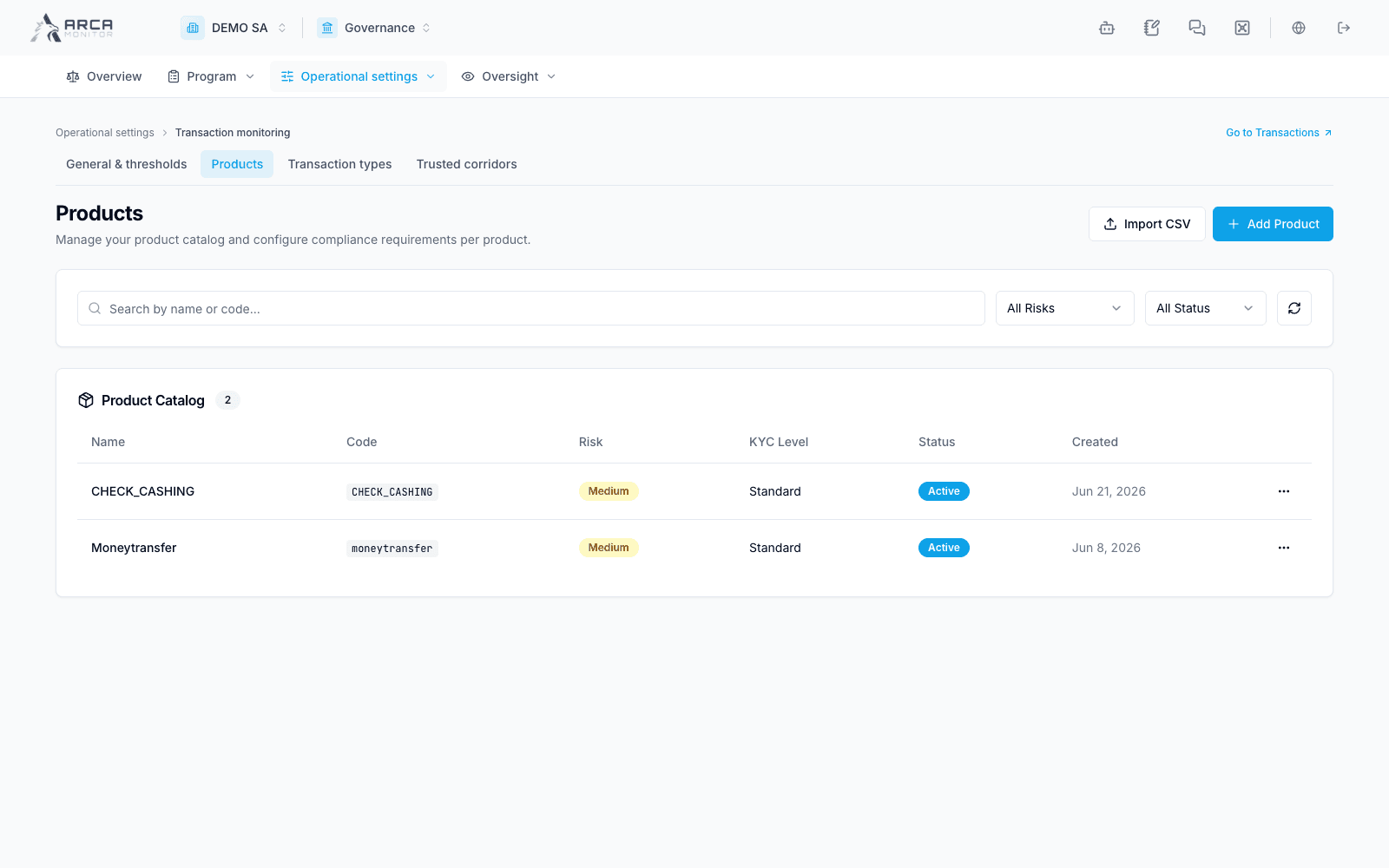
Open Products to inspect code, risk, KYC level and active state. Add Product opens a new definition; Import CSV brings a catalog from a file. Review a product’s party and field requirements before using it in manual registration or imports. Keep stable product codes when matching source data; a display name and a source code serve different purposes.
Transaction types
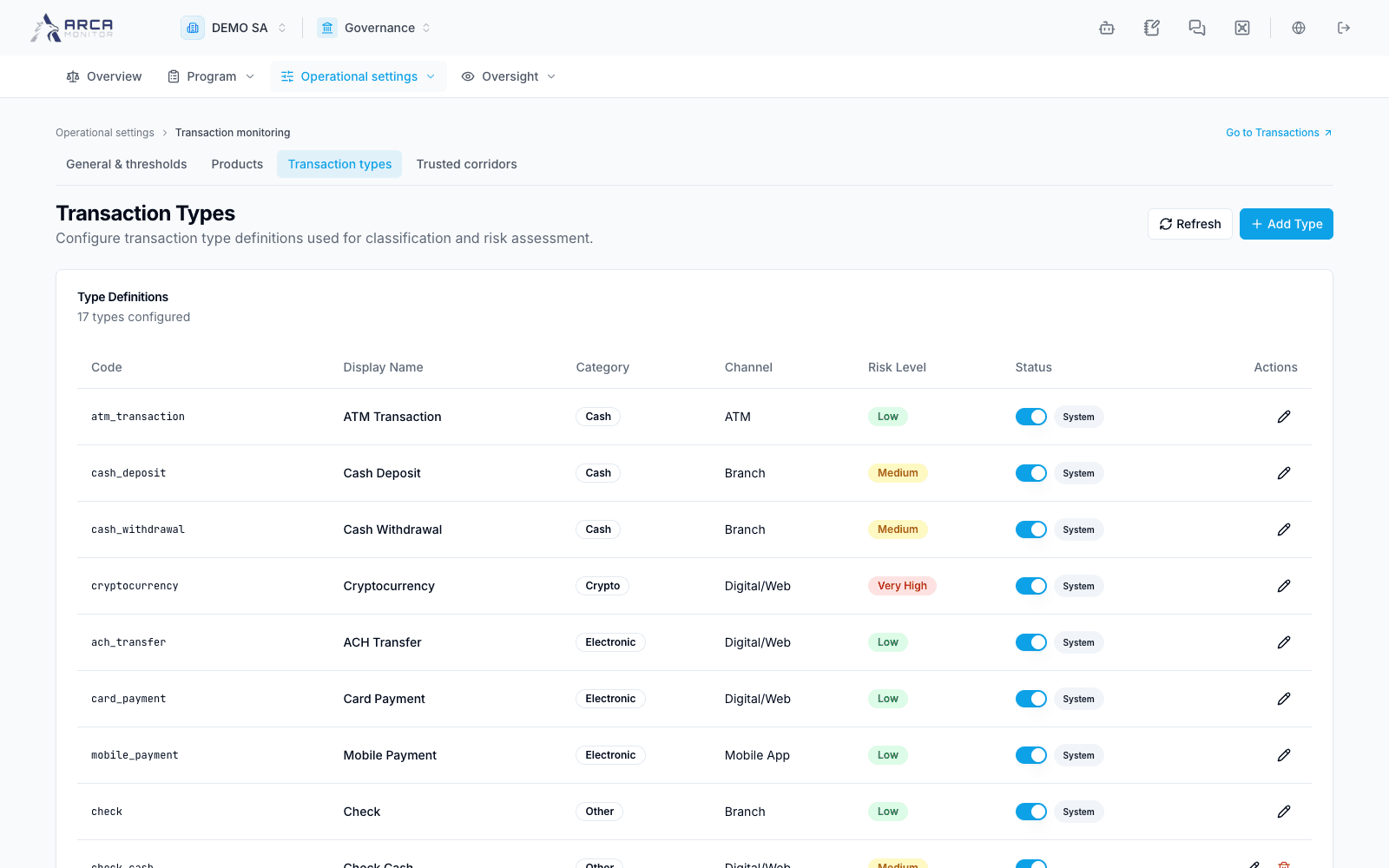
Open Transaction types to review code, display name, category, channel, risk level and status. System labels identify built-in definitions. Add Type opens the creation form. Check the classification used by source files and downstream analysis before adding an overlapping type.
Trusted corridors
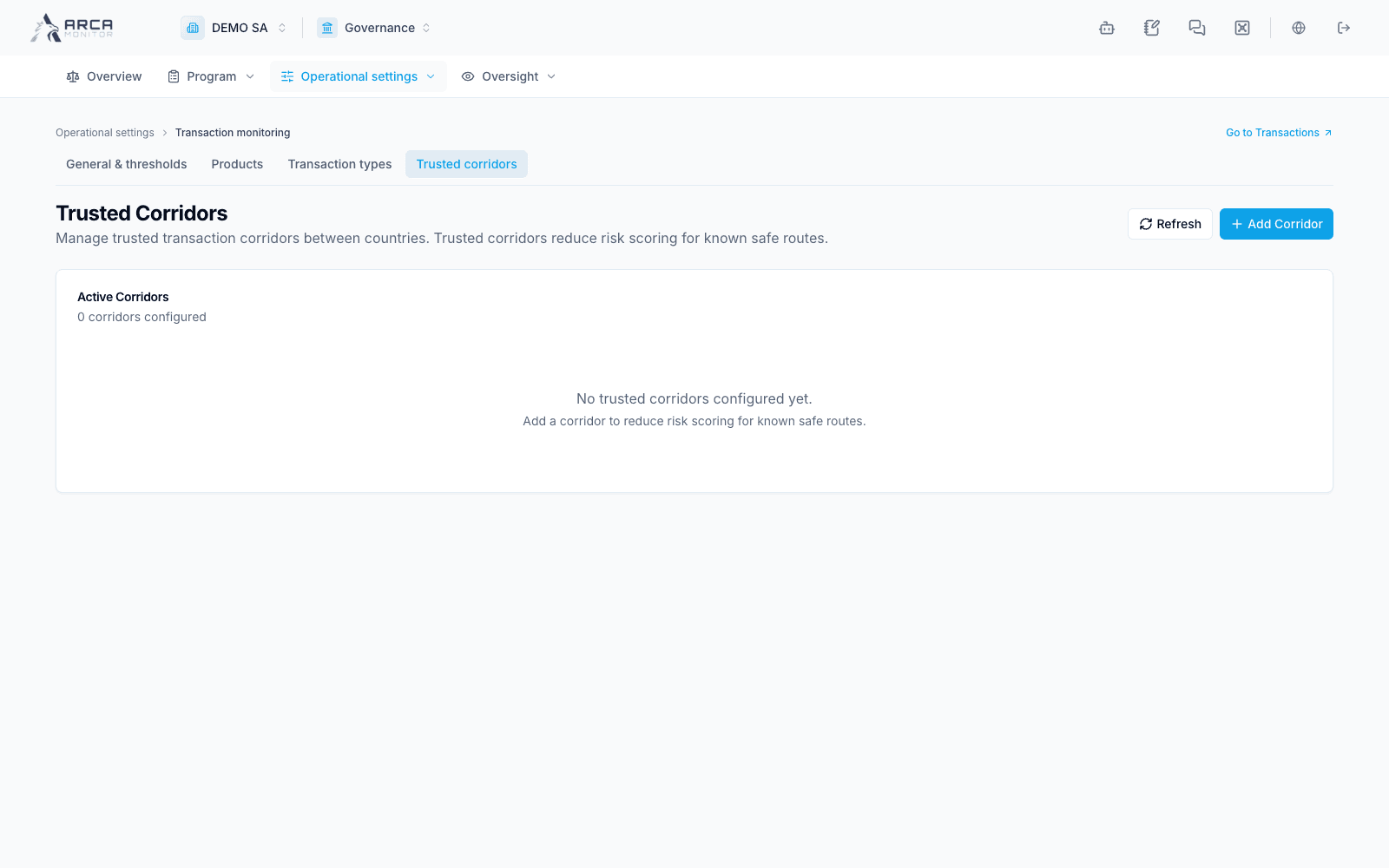
Open Trusted corridors and use Add Corridor only for a country route supported by your organization’s policy. These entries affect risk scoring. An empty catalog means no trusted corridor was configured here; it does not mean that every route is prohibited. Confirm the origin, destination and active state after saving.
Monitoring rules
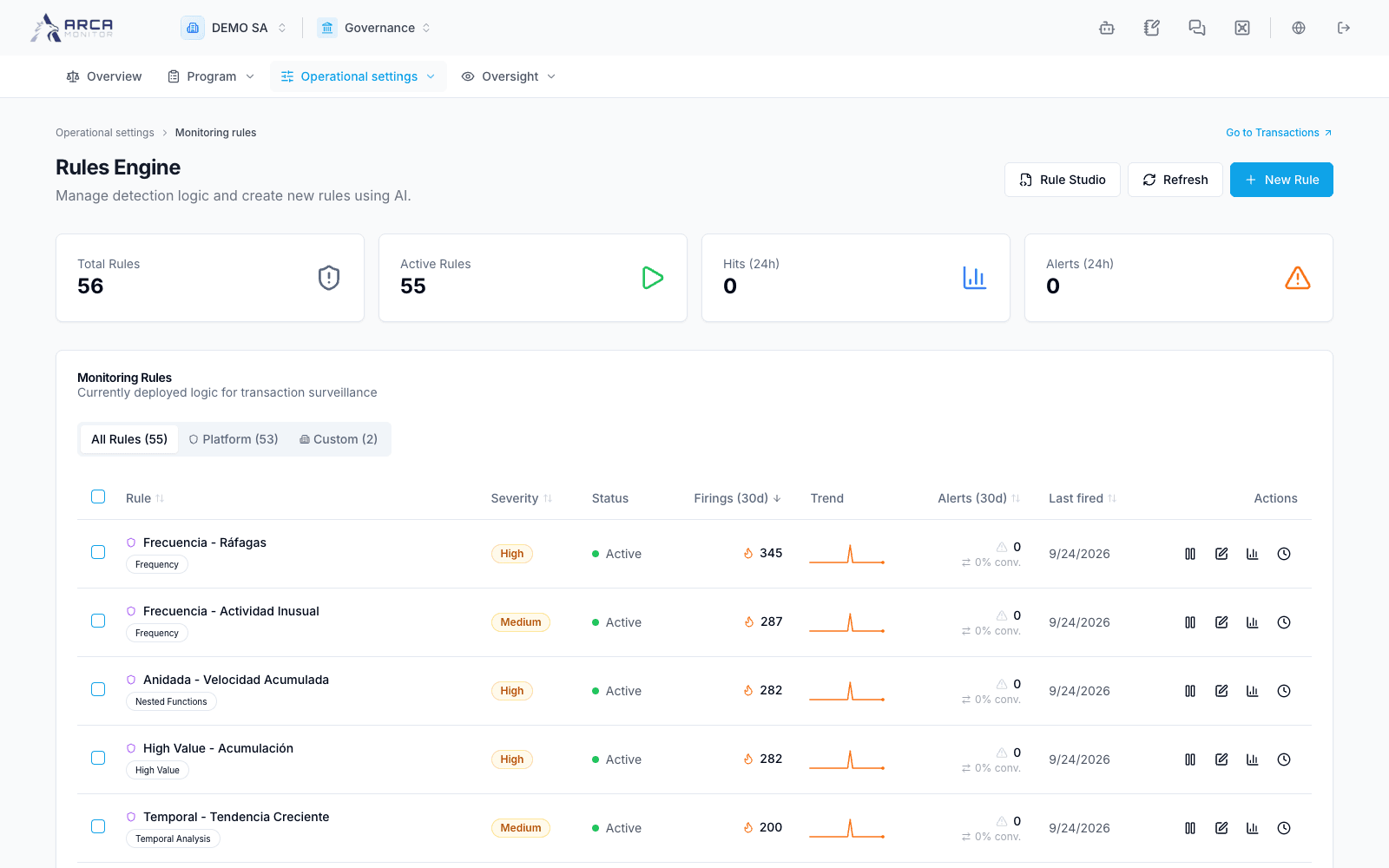
Open Operational settings → Monitoring rules. Compare Platform and Custom rules, severity, status, firings, alerts and recent backtests. New Rule and Rule Studio are creation/editing entry points. Review detection logic and a relevant backtest before activation. A firing count differs from an alert count; neither proves that a transaction was suspicious. Do not toggle a rule merely to inspect its details.