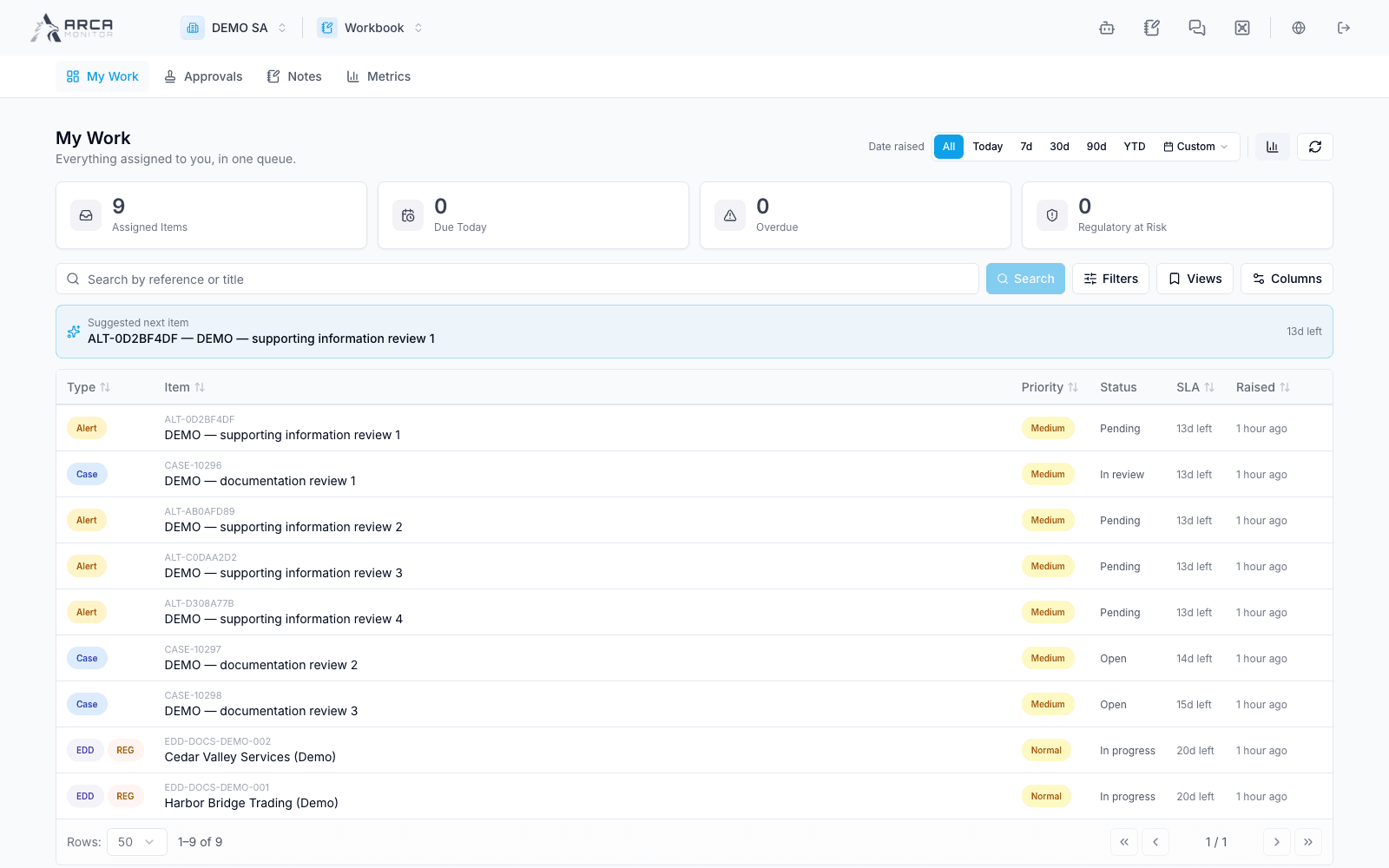
Manage My work
Prioritize your queue and keep personal waiting states distinct from business status.
Find your next item
Open My work. Review assigned-item, due-today, overdue, and at-risk indicators. Set Date raised, search text, and the available type/priority/status filters. Apply staged criteria with Search. Check active filters before concluding that you have no work.
Use Views to save or restore a personal filter set and Columns to organize the table. Sort and page through the actual result set. Open the item link to work with its full evidence in the owning app.
Organize attention
From a row menu, use Snooze with an offered period or Waiting on with the relevant follow-up information. Use Resume to bring it back into active attention. Confirm the personal-state indicator after saving.
These are Workbook states. They do not close an alert, approve a case, or guarantee that the source record’s SLA is paused. Use Alerts’ hold workflow for a governed alert hold and check its SLA policy there.
For cases that offer Hand off case, review the recipient and handoff details before submitting. Confirm the recorded handoff and current case ownership; merely opening the dialog does not transfer work.
Finish a task
Perform the required action in the source app, verify the saved result, then return and refresh Workbook. A completed source action can remove the item from your open queue. If it remains, inspect whether another step or assignment still exists rather than deleting or hiding the item to imply completion.